224
Chapter 13: Upgrading Your Computer
www.gateway.com
Closing the case
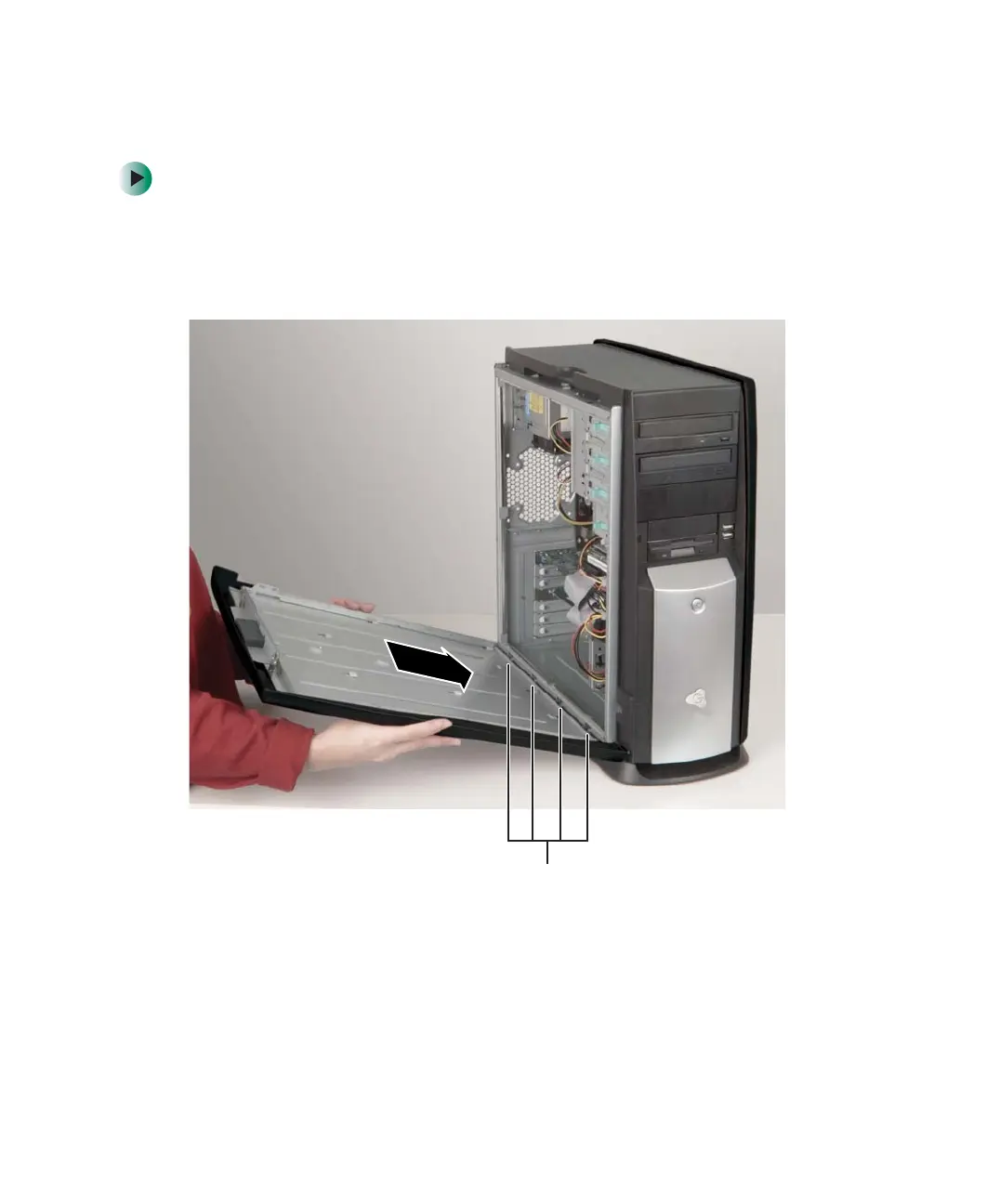
To close the computer case:
1 Make sure that all of the internal cables are arranged inside the case so
they will not be pinched when you close the case.
2 Align the door tabs into the case notches.
Case notches
8509203.book Page 224 Tuesday, July 1, 2003 7:54 PM



 To Next Page