225
Upgrading the Gateway Tower and Mid Tower Cases
www.gateway.com
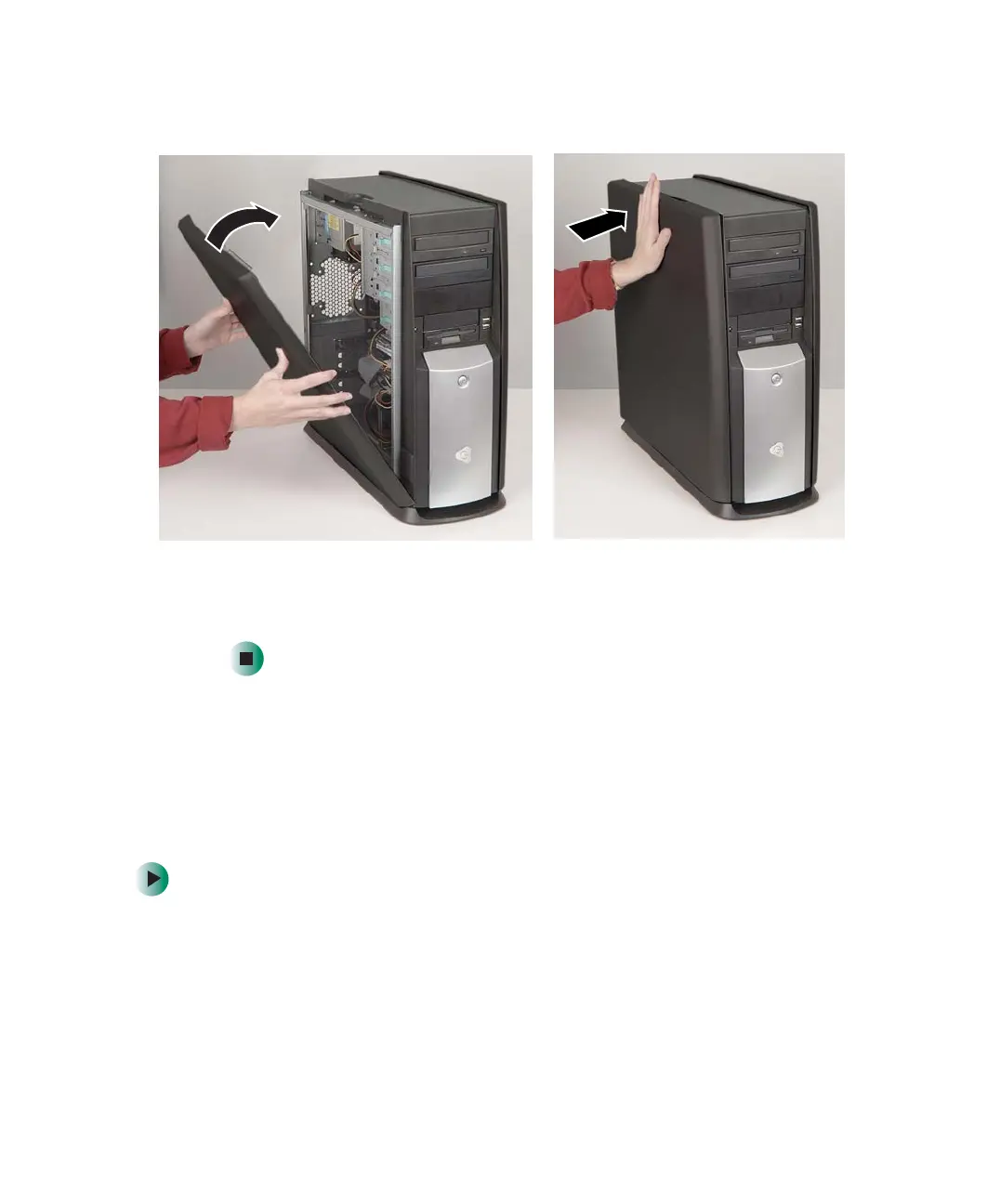
3 Swing the side panel toward the case until the release handle locks.
4 If you removed a case cover shipping screw, replace the screw.
5 Reconnect the cables and power cord.
Adding or replacing a CD, DVD, or diskette
drive
Use these instructions to add or replace 5.25-inch drives, such as CD or DVD
drives, and 3.5-inch drives, such as diskette drives.
To add or replace a CD, DVD, or diskette drive:
1 Identify your computer case style. For more information, see “Identifying
your computer case style” on page 220.
2 Open the case by following the instructions in “Opening the case” on
page 221.
8509203.book Page 225 Tuesday, July 1, 2003 7:54 PM



 To Next Page