140
Chapter 7: Using PhoneTools
www.gateway.com
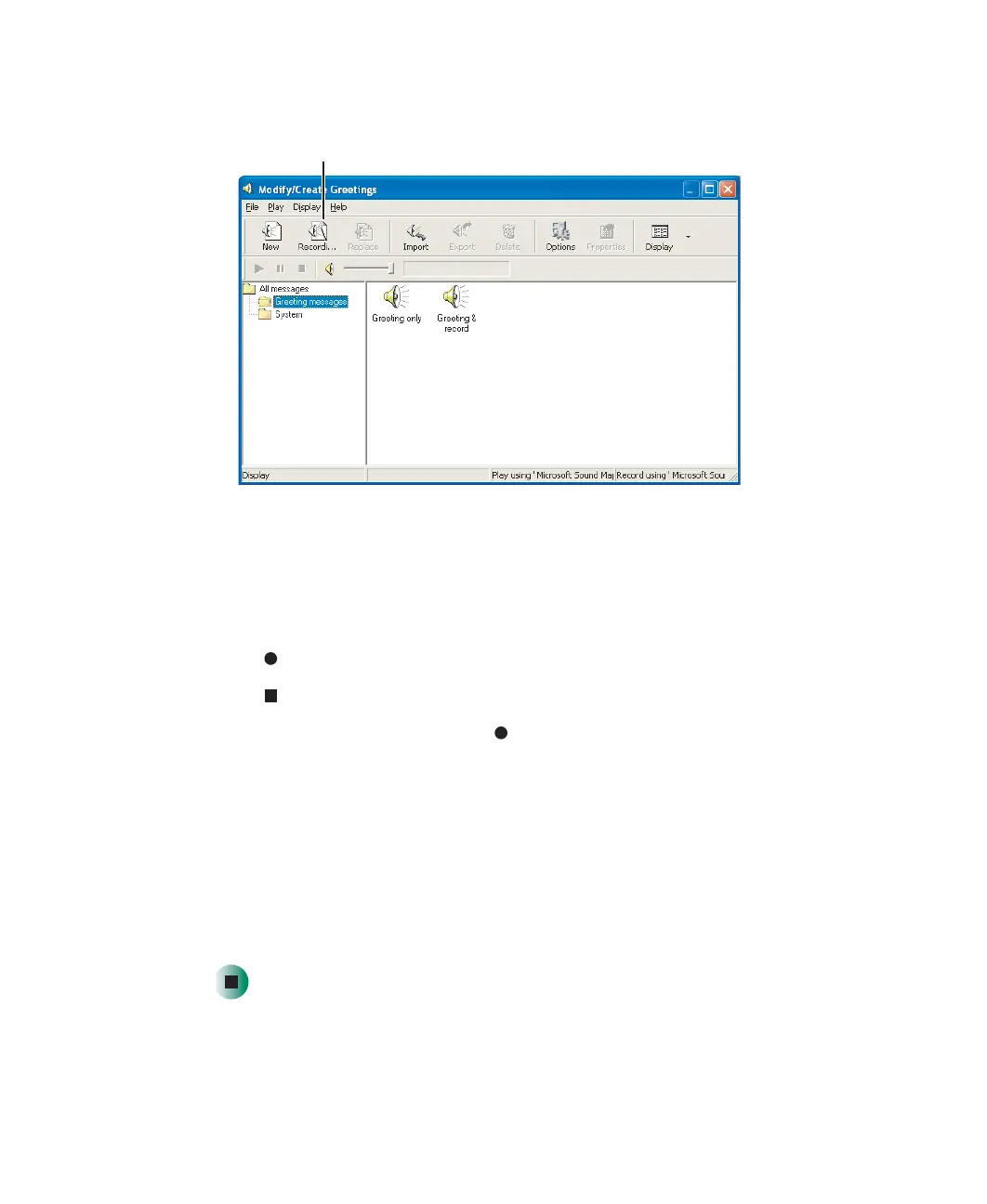
4 Click Modify/Create Greetings. The Modify/Create Greetings window opens.
5 Click the Recording Wizard button.
6 Click Next.
7 Type a name for the greeting in the Greeting message name box, then click
Next.
8 Click (start), then speak your greeting into the microphone.
9 Click (stop) when you have completed your recording, then click Next.
10 To listen to your greeting, click (start).
11 Click Next.
12 Select how you will use the greeting. Options include:
■ Greeting & Record—issues a greeting message, then records the caller’s
message
■ Greeting Only—issues a greeting message, then hangs up
13 Click Finish.
Recording Wizard button
8509203.book Page 140 Tuesday, July 1, 2003 7:54 PM



 To Next Page