143
Sending and receiving faxes
www.gateway.com
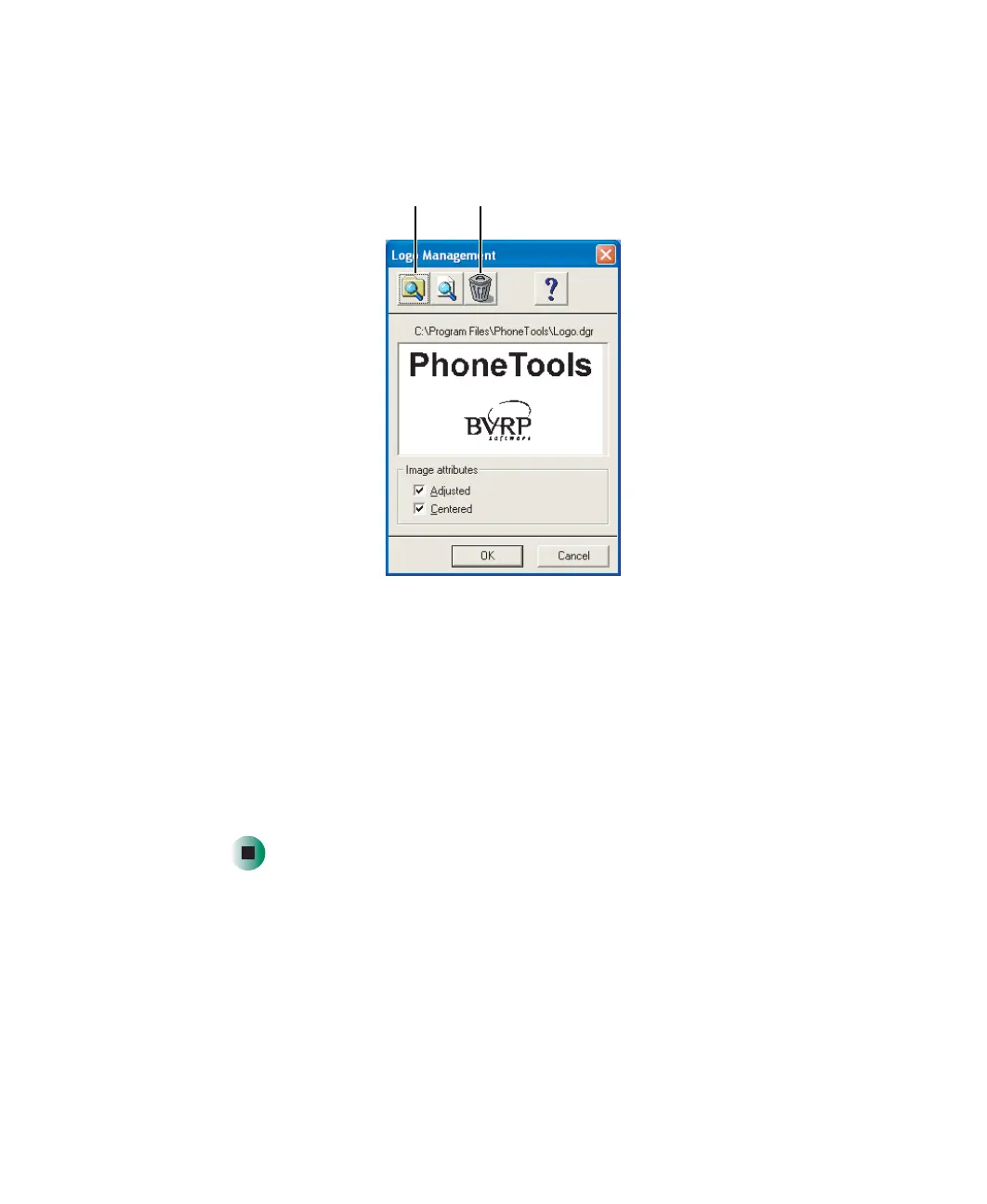
7 If you want to change the logo that appears on the cover page, click Setup,
then click
Logo Management. The Logo Management dialog box opens.
8 If you do not want the PhoneTools logo on your cover page, click the clear
button.
- OR -
If you want to replace the PhoneTools logo with one of your own, click
the import button then select a picture for the logo. The picture must be
saved in a supported format (.BMP, .DGR, .GIF, .JPG, .PCX, .T31, or .TIF)
and be small enough to fit in the logo box.
9 Click OK.
Import
button
Clear
button
8509203.book Page 143 Tuesday, July 1, 2003 7:54 PM



 To Next Page