TruVision DVR 40 User Manual 97
Select OK when completed and return to the System menu.
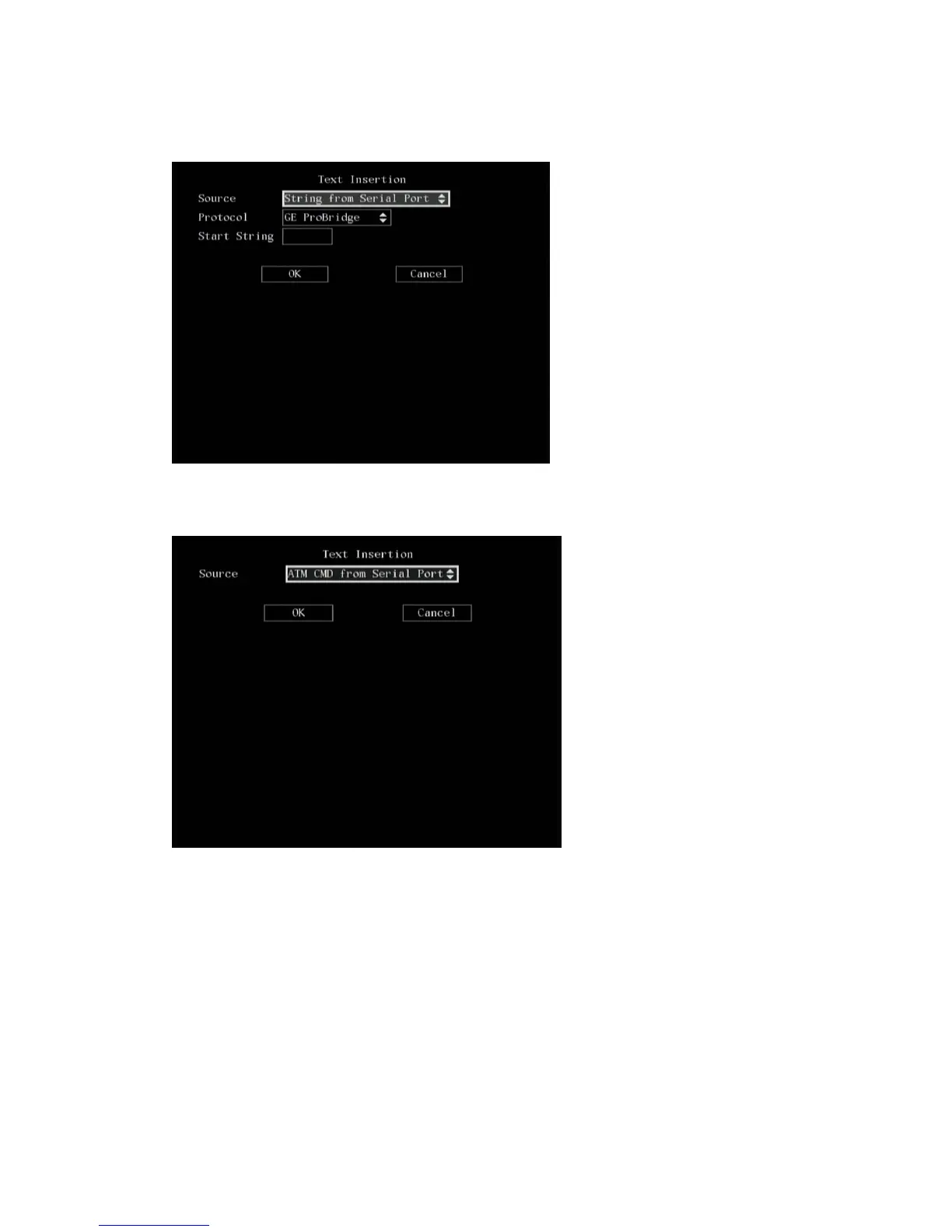
d. Receive the command sent by ATM through serial port: Select OK and return to the System
menu.
3. When you have made all the changes required in the System menu, go to OK and press Enter or
left-click the mouse to save all changes and return to the main menu.
Configuring the RS-232
The following procedure shows how to change the RS-232 settings from the RS-232 submenu. The
pre-populated default values are for GE ProBridge. The RS-232 settings can be changed in any order.
To configure the RS-232
1. In the System menu go to the RS-232 setup box and press Enter or left-click the mouse. The RS-
232 submenu appears.



 To Next Page