44 TruVision DVR 40 User Manual
6. Camera settings
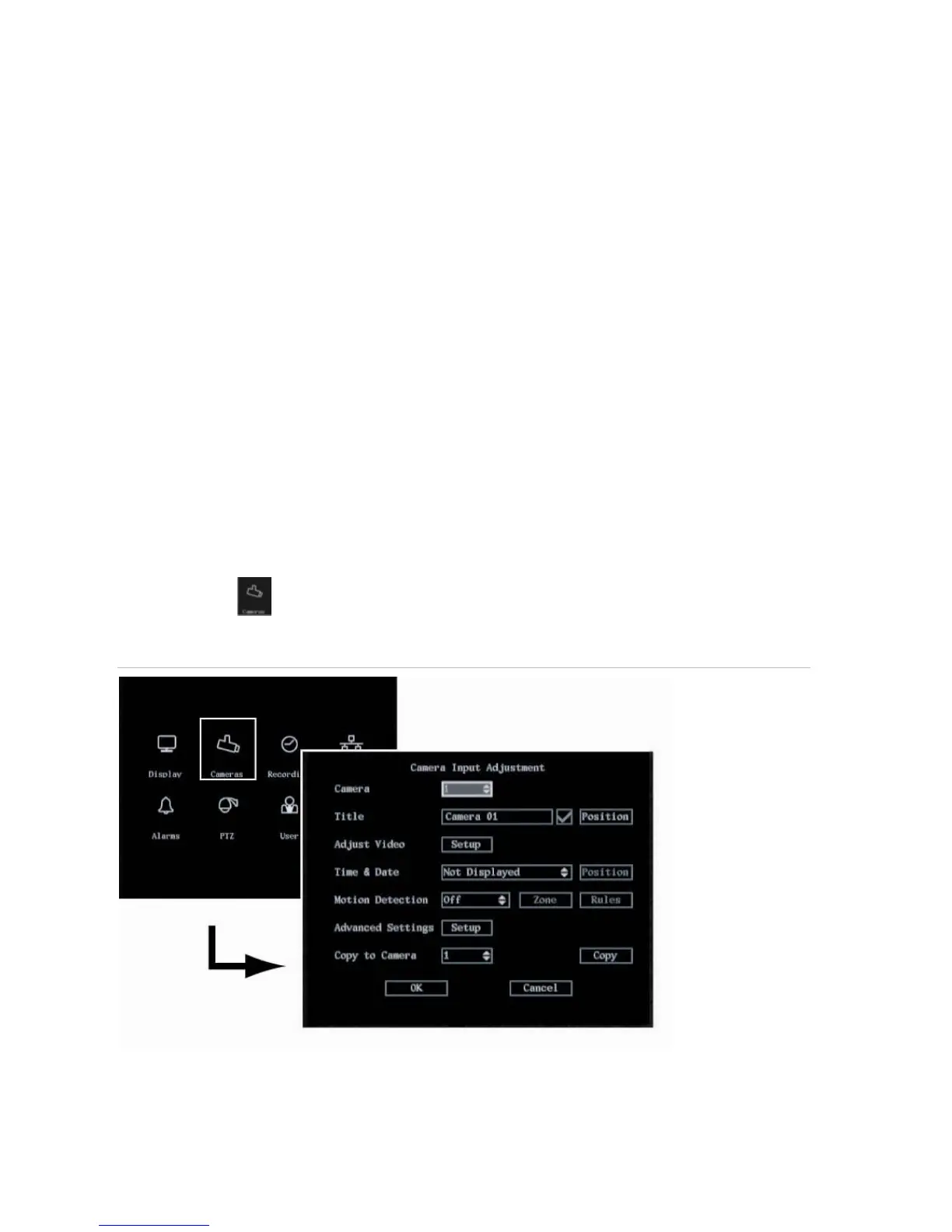
Use the Camera menu to configure the cameras. The following options can be configured:
The name of each camera
The position of the camera name on screen
The camera brightness, contrast, saturation and hue
The display properties of each camera (OSD)
The area on screen to be masked
When to view a tamper alarm
The video loss alarm
The motion detection alarm
The Camera icon
is located in the main menu. The following menu appears when you select the
Camera icon:
Figure 17: The Camera menu



 To Next Page