TruVision DVR 40 User Manual 103
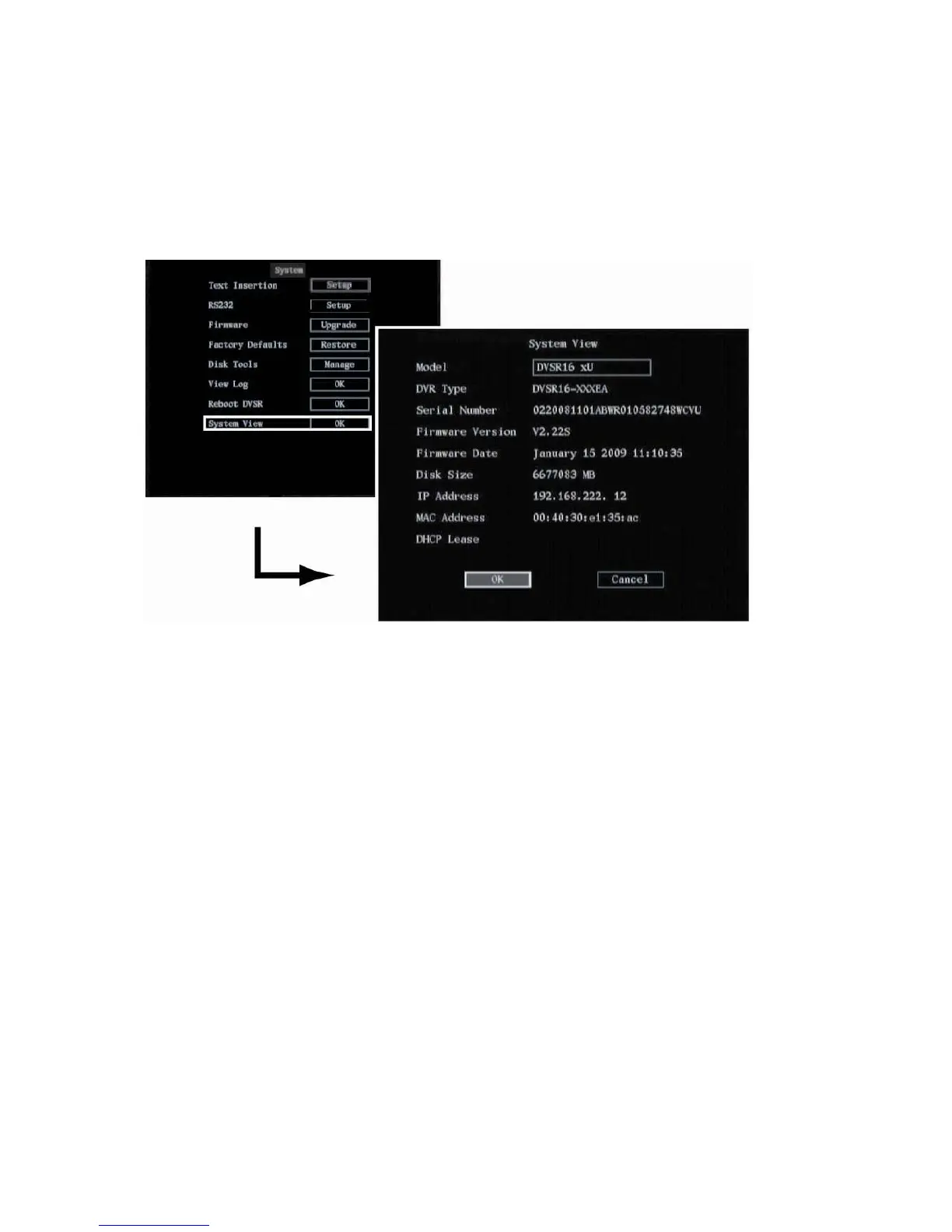
Viewing system information
To view TVR 40 system information
1. In the System menu go to the System View edit box and press Enter or left-click the mouse. The
System View menu appears.
2. Go to OK and press Enter or left-click the mouse to return to the System menu.
3. Press Menu or right-click the mouse to return to the main menu.



 To Next Page