TruVision DVR 40 User Manual 75
9. Alarm settings
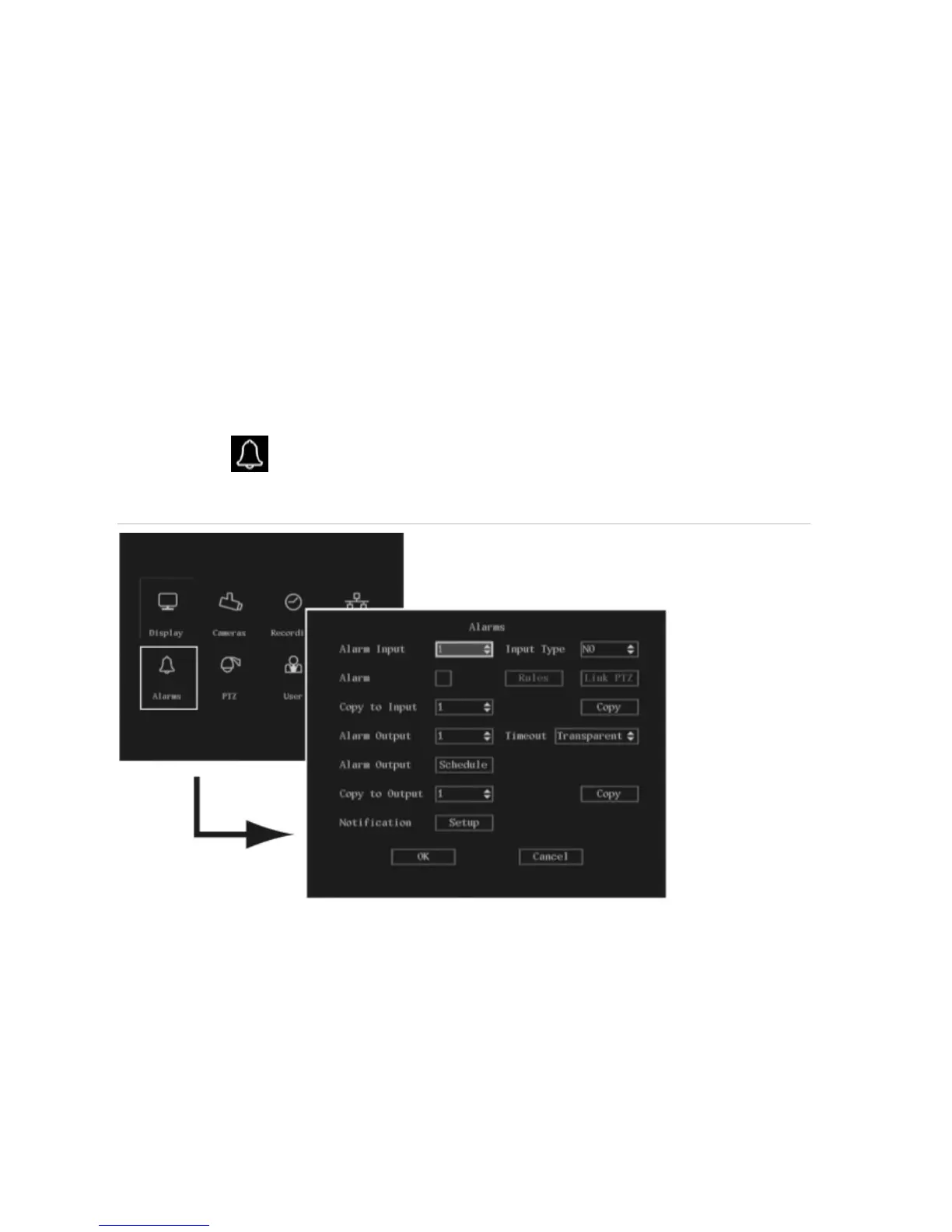
Use the Alarms menu to setup how the TVR 40 responds when an alarm is triggered. You can select
how the alarm settings should be handled such as:
An external alarm input
An internal alarm input
Notification settings
The Alarms icon
is located in the main menu. The following screen appears when you select the
Alarms icon:
Figure 21: The Alarms menu
Alarm relay outputs
The 4-channel TVR 40 has 4 external alarm inputs and 4 alarm relay outputs
The 8-channel TVR 40 has 8 external alarm inputs and 4 alarm relay outputs
The 16-channel TVR 40 has 16 external alarm inputs and 4 alarm relay outputs



 To Next Page