92 TruVision DVR 40 User Manual
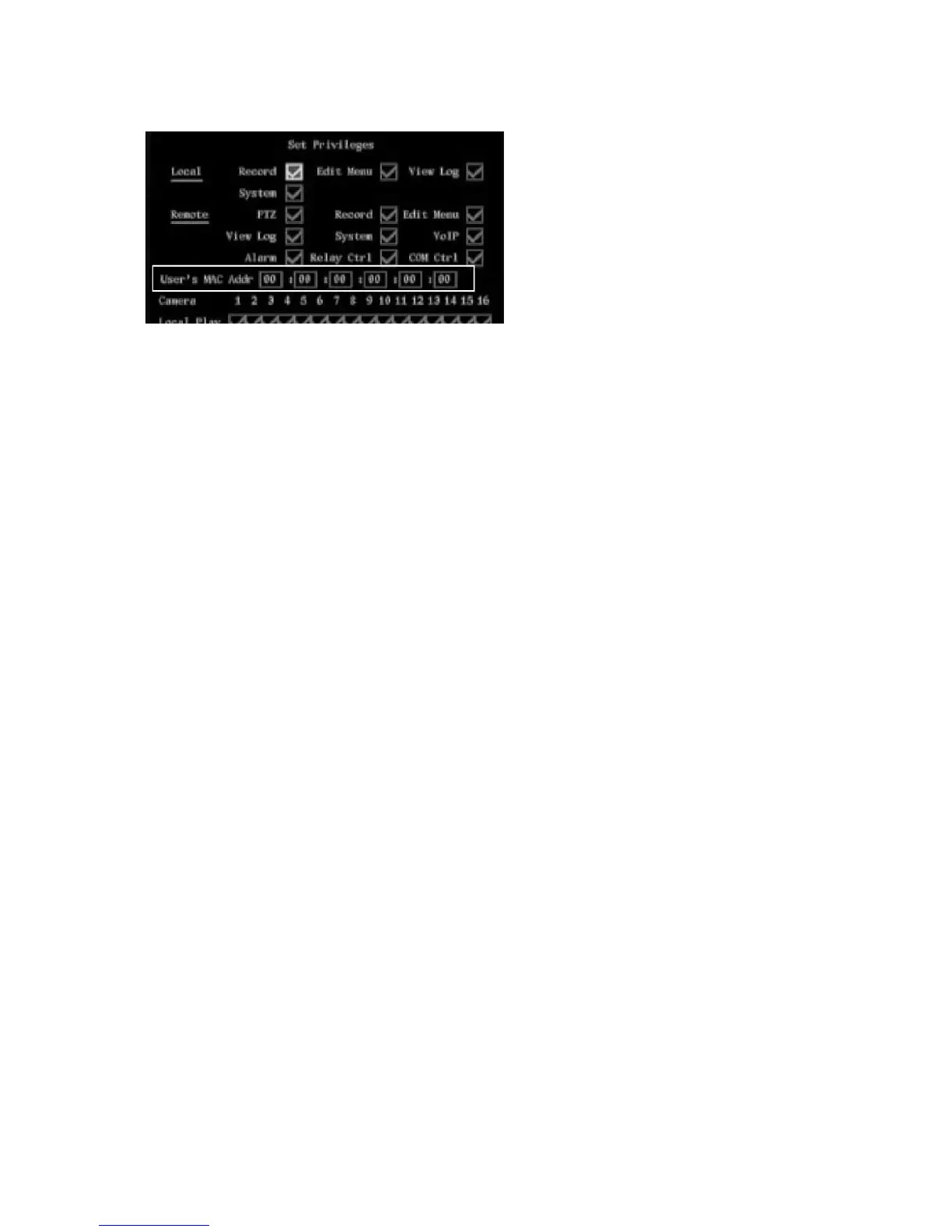
3. Go to the User’s MAC Addr. and press Enter or left-click the mouse. Use the on-screen alpha
numeric keyboard to enter t the MAC address.
4. Go to OK and press Enter or left-click the mouse to return to the User menu. Select OK and press
Enter or left-click the mouse to save the changes and return to the main menu.
Deleting a user
Only the system administrator can add or delete users.
To delete a user
1. In the User menu select the user you want to delete.
2. Go to Delete User and press Enter or left-click the mouse. The Delete pop-up dialog box appears.
3. Go to OK and press Enter or left-click the mouse to delete the user, or select Cancel and press
Enter to abort. You will return to the User menu.
4. Select OK to save the changes and return to the main menu.



 To Next Page