86 TruVision DVR 40 User Manual
Using shadow tours
A shadow tour allows a preprogrammed motion of the camera.
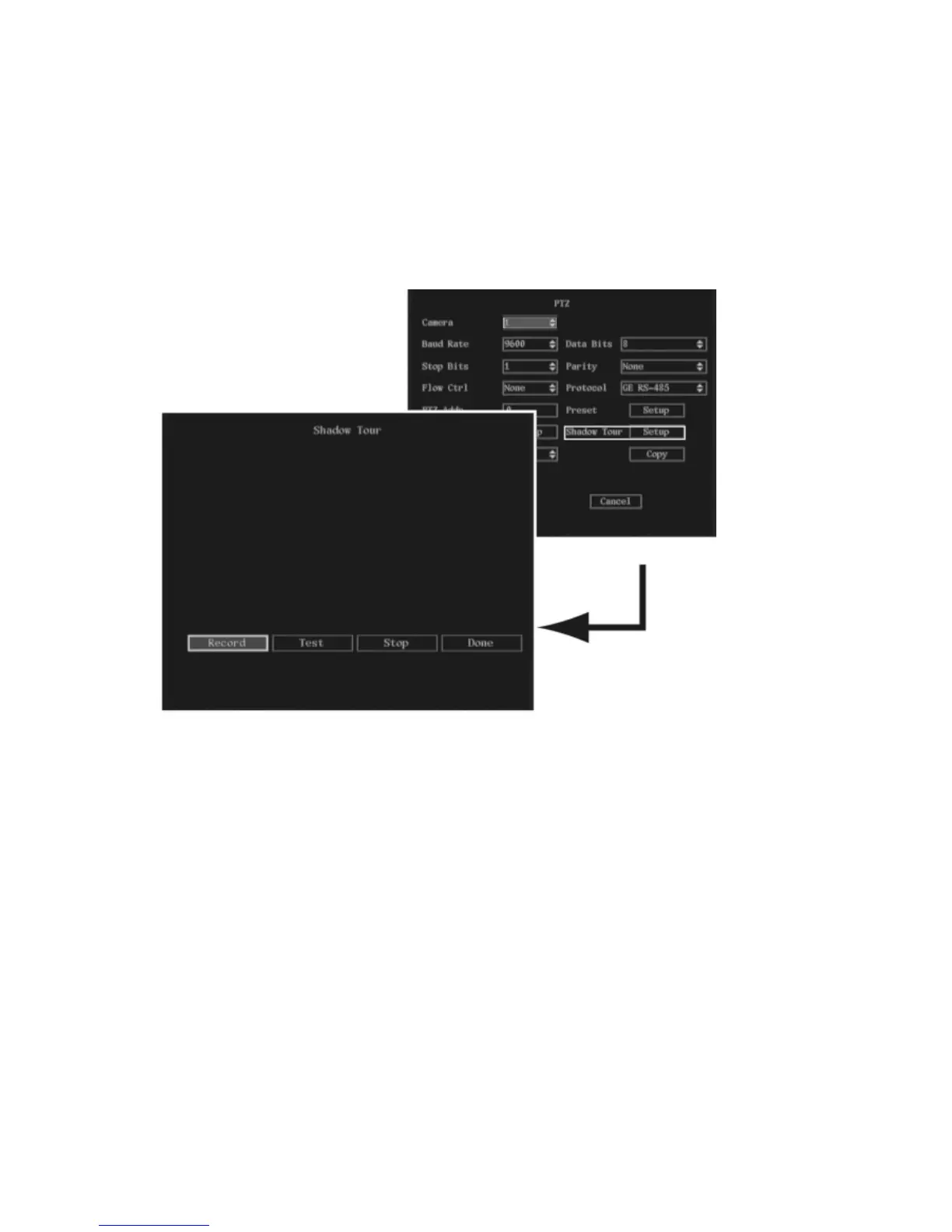
To setup a shadow tour
1. In the PTZ menu go to the Shadow Tour setup button and press the joystick for Enter, or left-click
the mouse. The Shadow Tour submenu appears.
2. Select the Record button and press Enter or left-click the mouse. The PTZ control appears on
screen.
Note: The PTZ camera used must be able to support a Shadow Tour function.
3. When you are satisfied with the PTZ track, press Enter or left-click the mouse to save it and to
return to the Set Shadow Tour submenu.
4. Go to Test and press Enter or left-click the mouse. The PTZ track will be repeated until you select
Stop.
5. Go to Done and press Enter or left-click the mouse to return to the PTZ menu.
6. To copy settings to another external alarm input:
a. In the PTZ menu go to Copy to Camera. Select one of the outputs listed.
b. Go to Copy and press Enter or left-click the mouse.
7. When you have made all the changes required in the PTZ menu, go to OK and press Enter or left-
click the mouse to save all changes and return to the main menu.



 To Next Page