90 TruVision DVR 40 User Manual
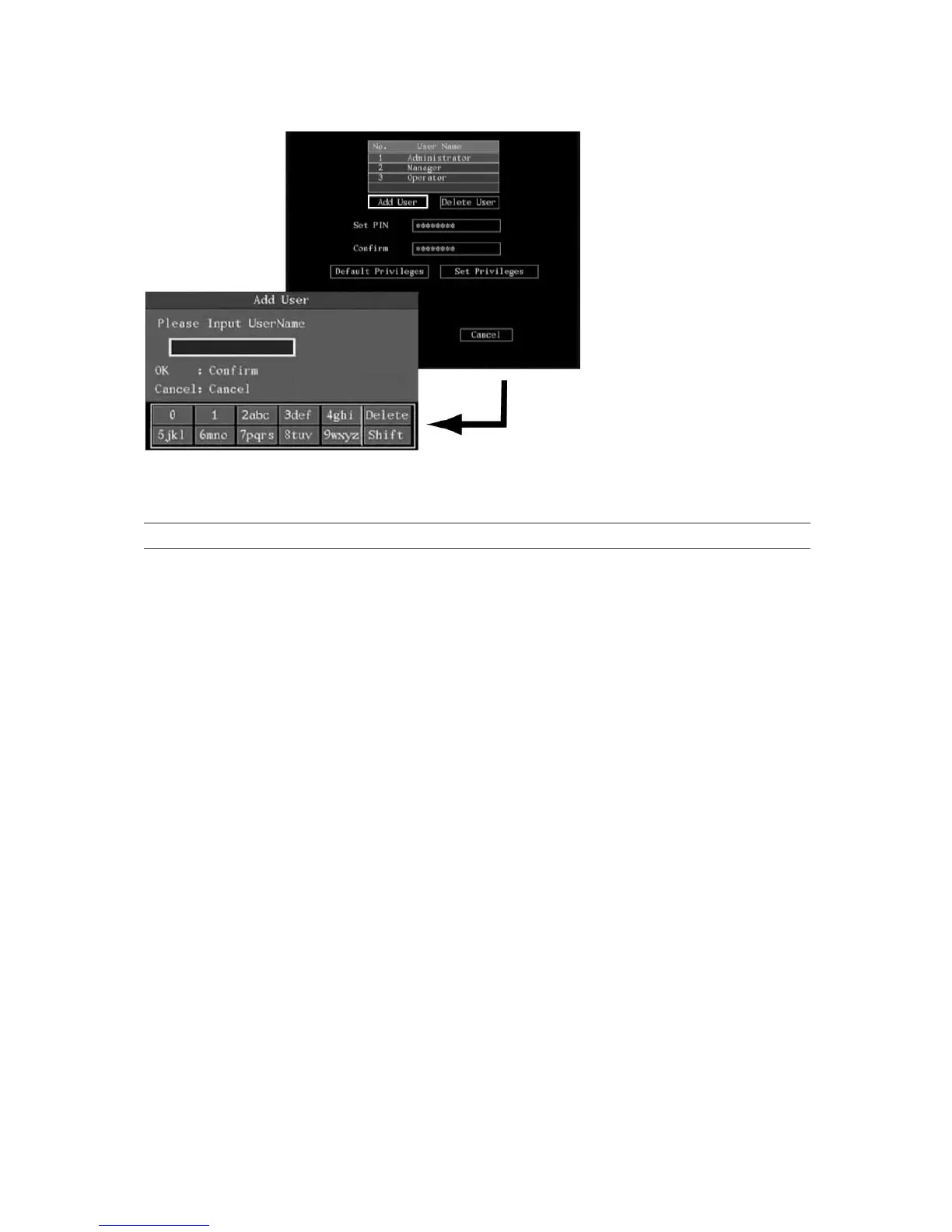
Using the on-screen alphanumeric keyboard, enter the new user name and press Enter to
confirm. The user menu appears with the new name listed.
Caution: A new user has no operational rights. They must be allocated.
2. In the User menu go to OK. Press Enter or left-click the mouse to save the changes and return to
the main menu.
Modifying operational rights
To add or modify user operational rights
1. In the User menu select the user you want to delete from the list.
2. Select the Default Privileges button and press Enter or left-click the mouse. The user is then
allocated default rights. Default rights allow local playback, remote playback, and viewing logs.
3. To allocate more detailed user rights, select the Set Privileges button and press Enter or left-click
the mouse. The Set Privileges submenu appears.



 To Next Page