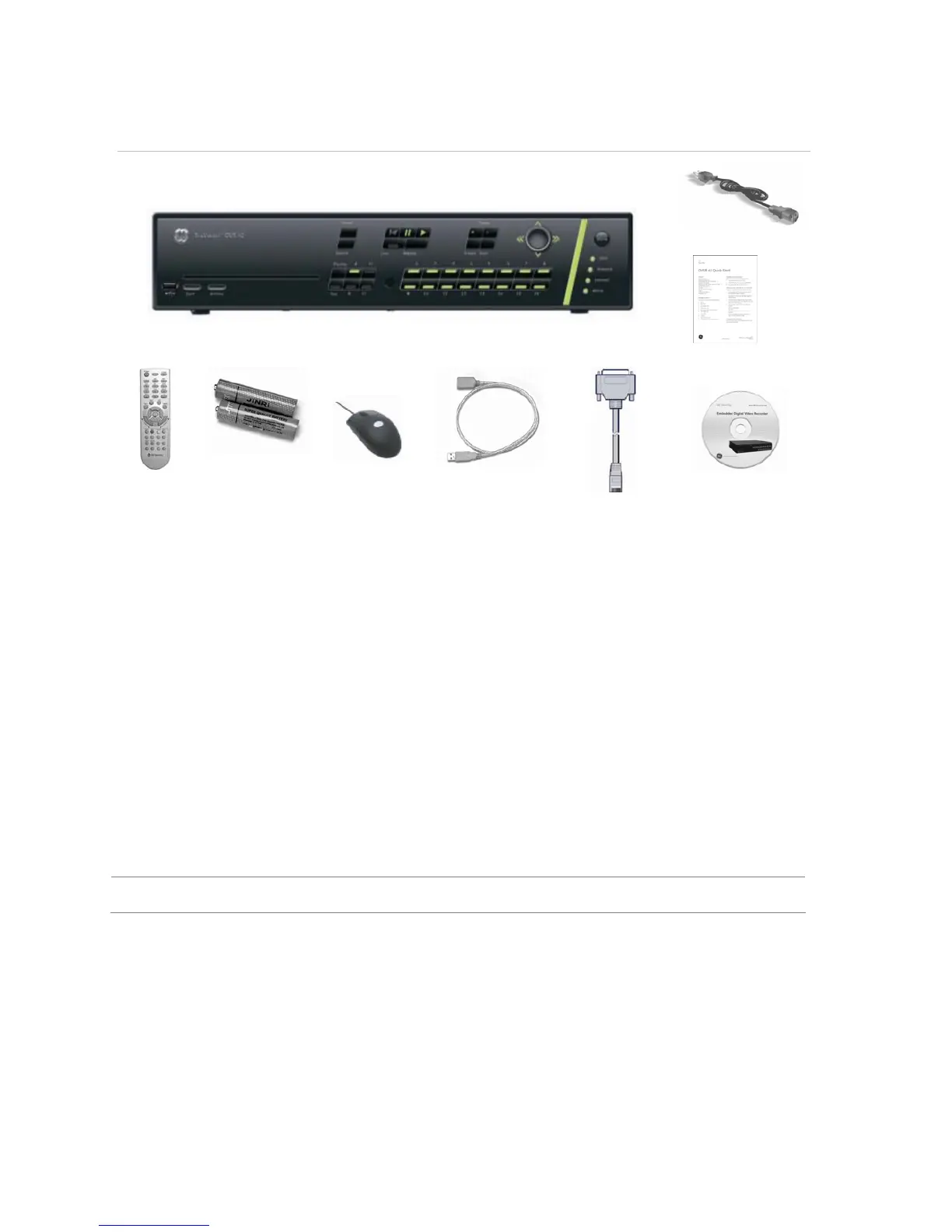
IR remote
control
AAA batteries USB mouse USB extension cable RS-232 cable CD with
documentation &
utilities
Installation environment
Ventilation: Do not block any ventilation openings. Install in accordance with the manufacturer’s
instructions. Ensure that the location planned for the installation of the unit is well ventilated.
Regularly clean the unit by gently brushing it.
Temperature: Consider the TruVision DVR 40’s operating temperature (-10 to 50°C) and non-
condensing humidity specifications (10 to 90%) before choosing an installation location. Extremes of
heat or cold beyond the specified operating temperature limits may cause the TruVision DVR 40 to
fail. Do not install the unit on top of other hot equipment. Leave space between rack mounted units.
Moisture: Do not use the unit near water. Moisture can damage the internal components. To reduce
the risk of fire or electric shock, do not expose this unit near to rain or moisture.
Chassis: Other equipment may be placed on top of the unit if it weighs less than 16 kg.
WARNING: Before installing the unit, please ensure that the power to the unit is switched off.



 To Next Page