100 TruVision DVR 40 User Manual
Managing the hard drive
To manage the HDD
1. In the System menu go to the Disk Tools manage button and press Enter or left-click the mouse.
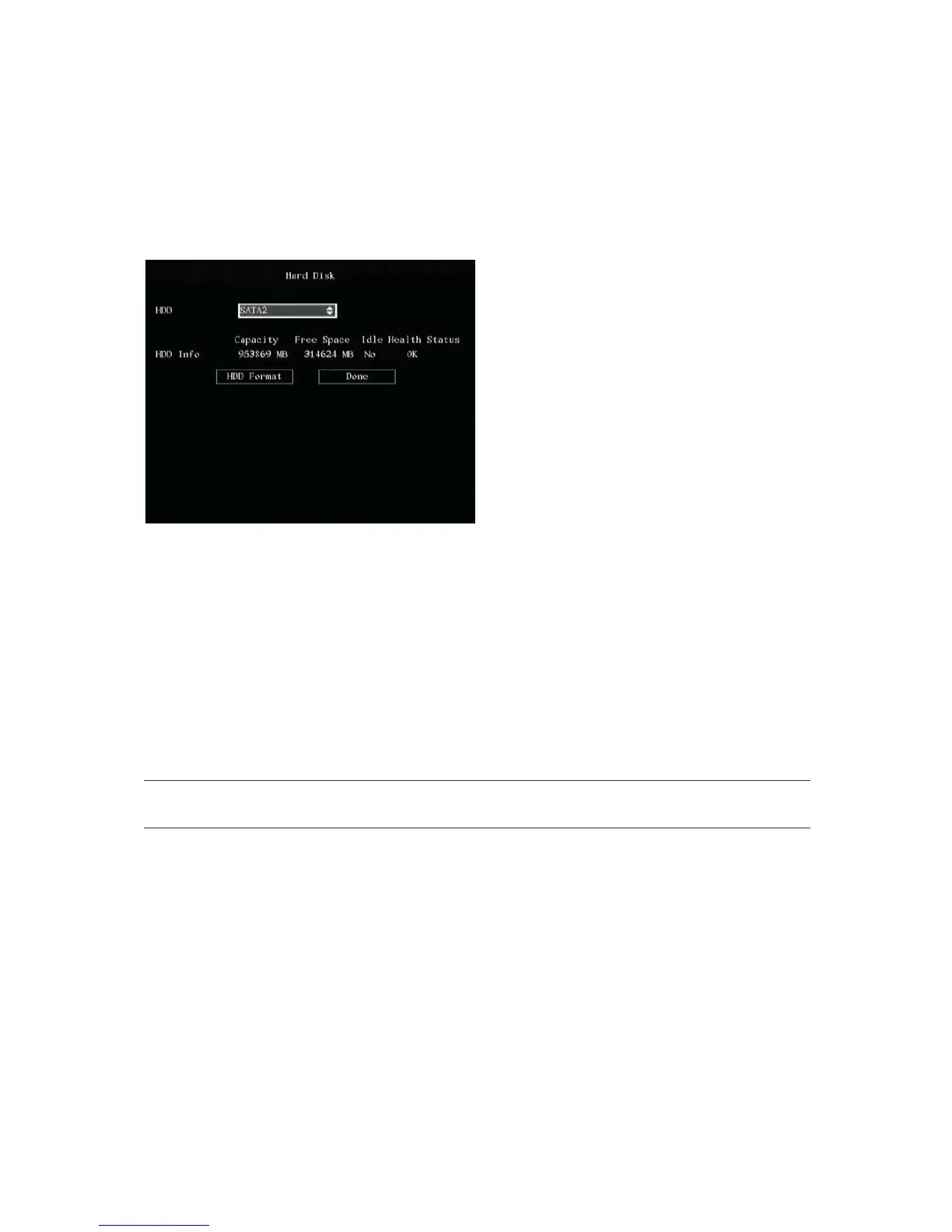
The Hard Disk menu appears.
2. To check the HDD status
a. Go to the HDD list box and select the HDD required. The following information on the HDD
appears underneath:
The capacity
The free space available
Idle
Health status
b. When completed select Done to return to the System menu.
3. To format the HDD
Caution: Before formatting the HDD, stop all recording. Once formatting is completed, you must
reboot TVR 40 as otherwise the unit will not function correctly.
a. Go to the HDD list box and select the HDD required.
b. Go to HDD Format button and press Enter or left-click the mouse. A dialog box appears
showing that formatting is in progress.
c. When formatting is completed, select OK. The Hard Disk menu appears.
d. Select Done to return to the System menu.
4. Press Menu to save the changes and return to the main menu.



 To Next Page