18 TruVision DVR 40 User Manual
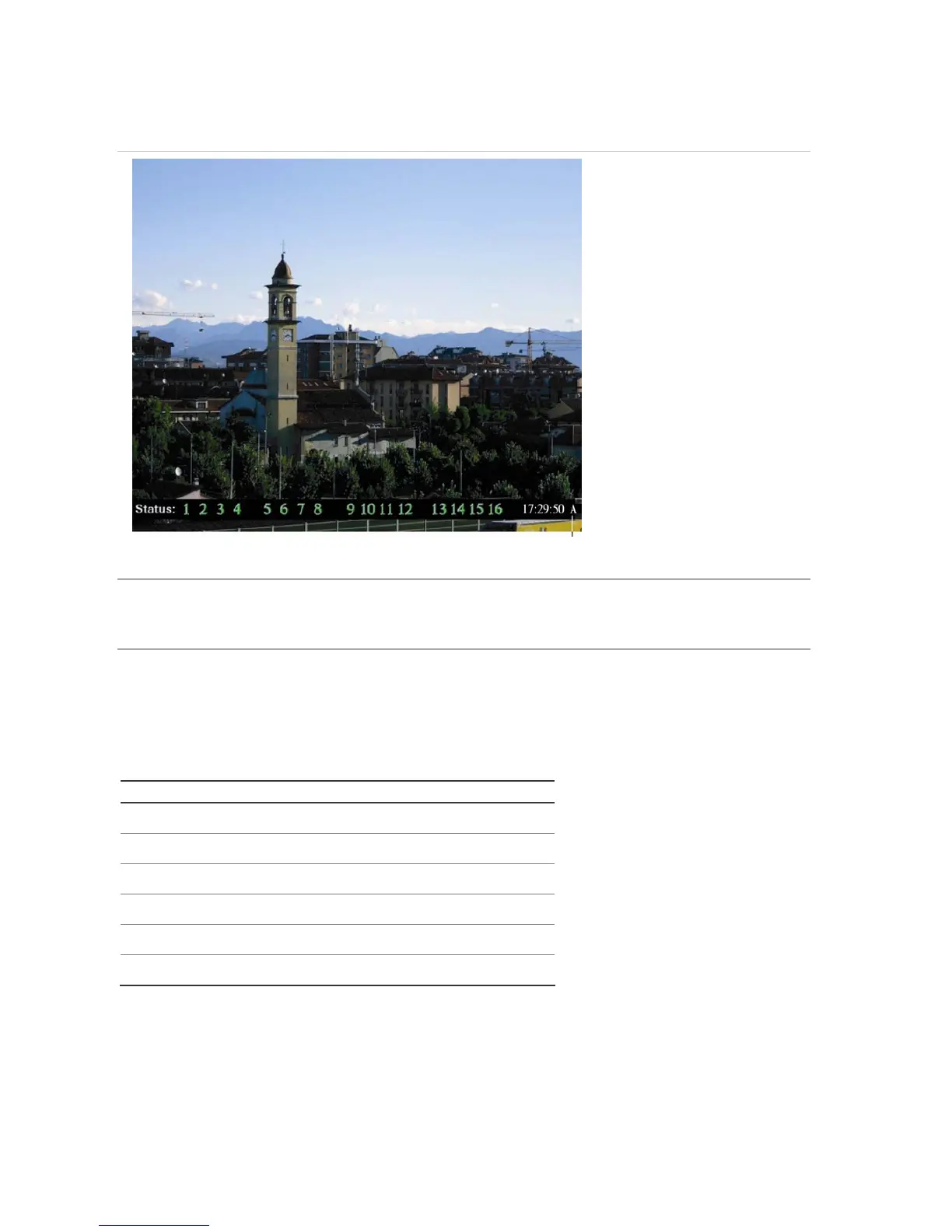
Figure 10: Example of live mode with recording status displayed (for 16 cameras)
The monitor is inactive if the letter is grey
Caution: TVR 40 has no camera autodetection mode. The unit records a channel even if no camera is
connected to it. A black picture with the message "Video Loss" is displayed when the channel is
selected in either live mode or playback mode.
The color of the camera numbers displayed in the status bar represents the channel status. It is
consequently easy to see the current status of each channel during live mode. The status color code
is described in Table 3.
Table 3 Description of the status color code
Icon Icon color Status description
1
Blue No video signal
1
Yellow Camera tampered
1
Grey Recording disabled
1
Green Real time recording
1
Orange Motion detection
1
Red External alarm
The status bar can be set to appear by default. See “Displaying the status bar” on page 38.



 To Next Page