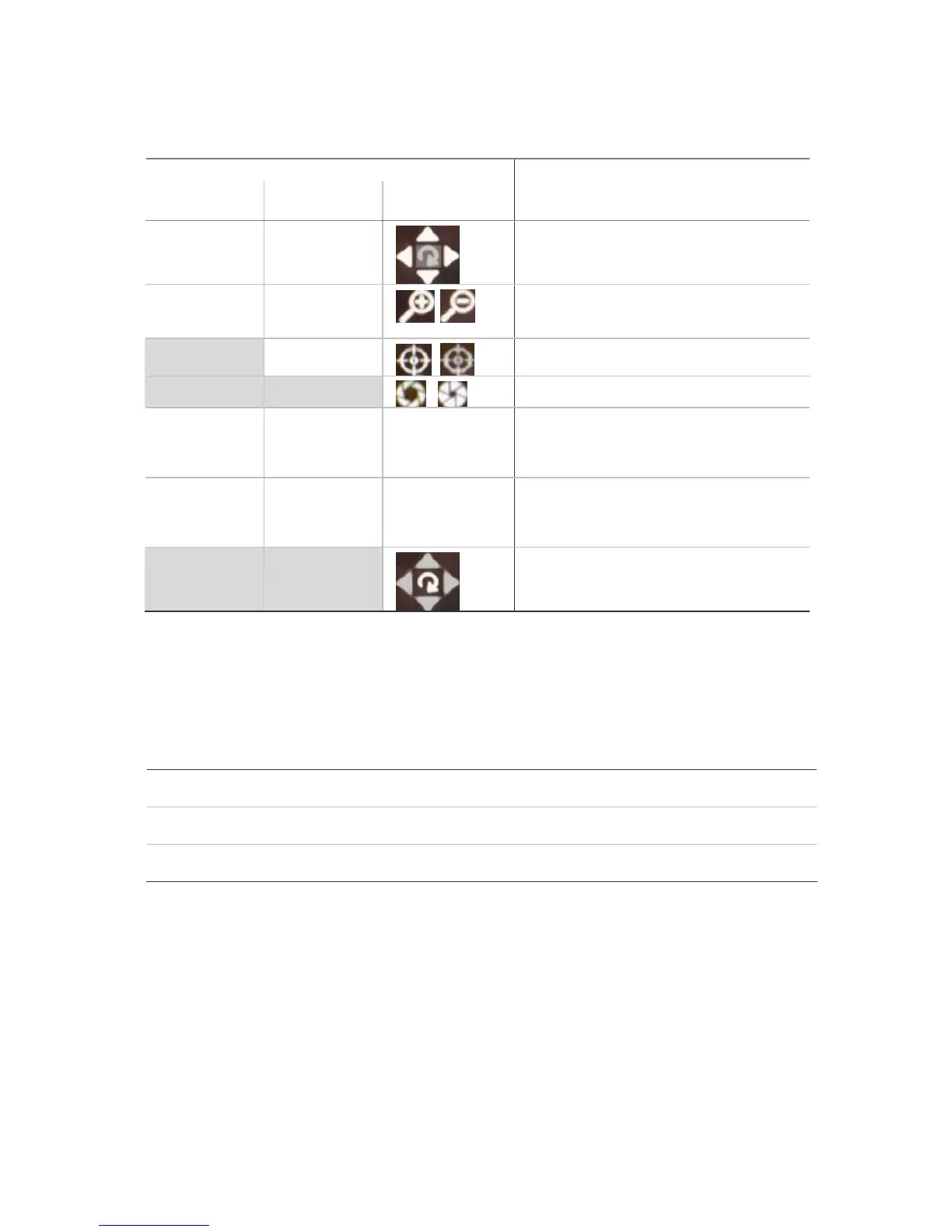
Mouse on-screen
icons
Description
Move joystick
up/down and
left/right.
Press the arrow
buttons.
Pan left/right and tilt up/down.
Press the Zoom+
and Zoom-
buttons.
Press Zoom+ and
Zoom- buttons.
Zoom in (+) and out (-).
Not available Press Focus+ and
Focus- buttons.
Focus in (+) and out (-).
Not available Not available
Open (+) and close (-) the iris control.
Press the Preset
button
Press the Preset
button.
Right-click the
mouse and select
the Preset menu
command.
Call up a pre-programmed preset. See below for
further instructions.
Press the Tour
button
Press the Tour
button.
Right-click the
mouse and select
the Tour menu
command.
Call up a pre-programmed Shadow tour. See
below for further instructions.
Not available Not available
Call up a pre-programmed autopan. See below for
further instructions.
3. To quit PTZ mode press the Menu button on the front panel or the OK button on the IR remote
control, or right-click on the mouse and select Exit.
To call up a PTZ preset number
1. In PTZ mode, do one of the following:
Front panel Press the Preset button. Enter a preprogrammed three-digit preset number. Preset
starts immediately.
Remote control Press the Preset button. Enter a preprogrammed three-digit preset number. Preset
starts immediately.
Mouse Right-click the mouse and select the menu option Preset. Select one of the preset
numbers listed.
Note: The PTZ preset number is preprogrammed. See section “PTZ settings” on page 82 for further
information.
The TVR 40 will adjust to the settings of this preset number.
2. If you want to use a different preset PTZ number, repeat step 1 when in the PTZ mode. The unit
will re-adjust to that preset number.
3. To exit PTZ mode press the Menu button on the front panel or the OK button on the IR remote
control, or right-click the mouse and select Exit. You will return to live mode and the camera will
stay in its current position.



 To Next Page