32
Fryer Operation
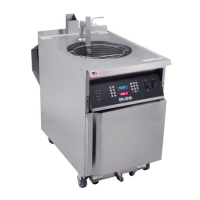
GBF-50 Fryer
4.01.2 General Controller Operation
● POWER UP:
Place Power Switch in [ON] position. Controller boots up, an alarm tone sounds, and the message “POWER
FAILURE [PRESS START TO PREHEAT]” is shown on the Upper Display. This is normal
as a precaution to prevent
heating, after a power interruption, without an operator present. Pressing the [START] key silences the alarm
and places fryer into PREHEAT mode. If the Heat Switch is in the [HEAT] position, and the temperature setpoint
is higher than current actual cooking oil temperature, heating elements will turn ON and fryer will begin to heat.
CAUTION!
DO NOT place Heat Switch in [HEAT] position unless vat is filled to the FULL level with cooking
oil (or water).
● PREHEAT:
During PREHEAT cycle, real‐time actual oil temperature is displayed on the Lower Display. When oil reaches the
programmed setpoint, an alarm sounds, upper display shows the message “ALARM ‐ STIR OIL”. With an
appropriate utensil, such as the provided stirring utensil, vigorously stir the heated oil, and press [ALARM] key.
Typically, oil temp drops when stirred. Controller holds for 10 seconds and if temperature drops below setpoint
during this time, PREHEAT continues until temp returns to setpoint. This process helps to ensure more
consistent temperature throughout the total volume of oil, leading to better cooking performance. Upon
reaching setpoint a second time, alarm sounds again and upper display shows “ALARM ‐ SETPOINT REACHED”.
Press the [ALARM] key to place fryer into READY state.
● READY STATE:
Fryer is ready for cooking. The lower display changes to show current controller temp setpoint and the last used
fryer cook settings are shown on the upper display.
While in PREHEAT or READY state, user can change cook setting by selecting a different Menu Item Preset, see
Section 4.01.5.2, Selecting a Menu Preset ‐‐ OR ‐‐ can manually input different settings (time and/or temp), see
Section 4.01.3, Setting the Cooking Temperature & Section 4.01.4, Manually Setting the Cook Time.
NOTE: If PASSCODE ENABLE parameter is set to ON, user cannot
manually set cook time without first entering
the proper password. This lockout feature provides a measure of control over cooking procedures.
‐
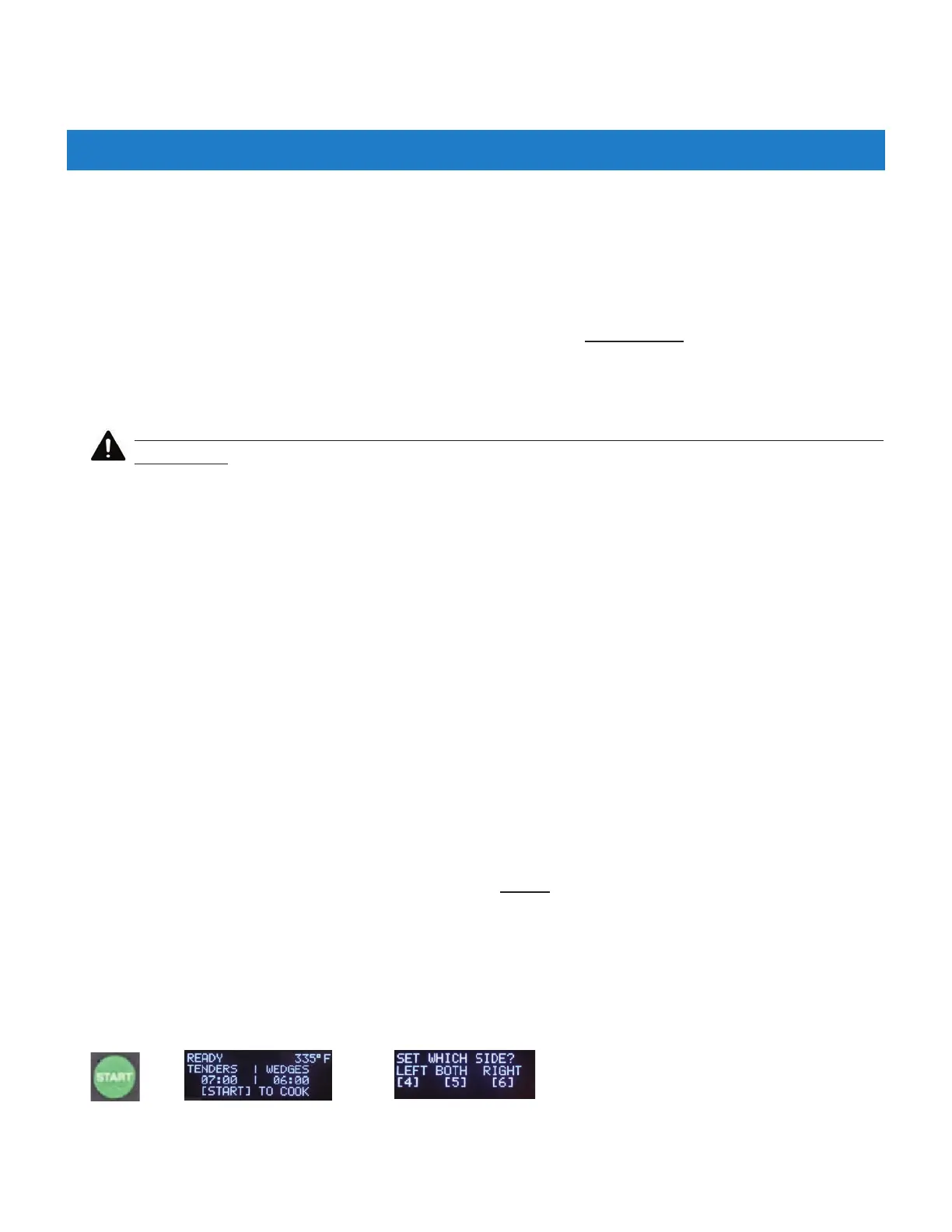
● START:
Current cook times (preset or manually set), are shown on the upper display for each basket. To start a cooking
cycle press the [START} key + select side: [4] = Left, [6] = Right, [5] = Both ... cook time begins to countdown.
+
+
The following is only general operational information; detailed procedures and instructions are covered in later
sections. During fryer operation, instructions and prompts are shown on the Upper Display to help guide user
through processes. Additionally, some controller keys and indicator lights will illuminate as a further aid.


 To Next Page