51
Fryer Operation
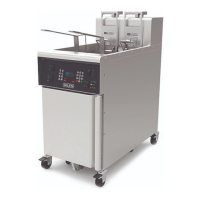
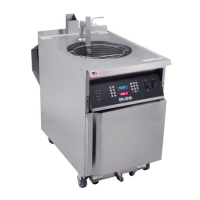
GBF-50 Fryer
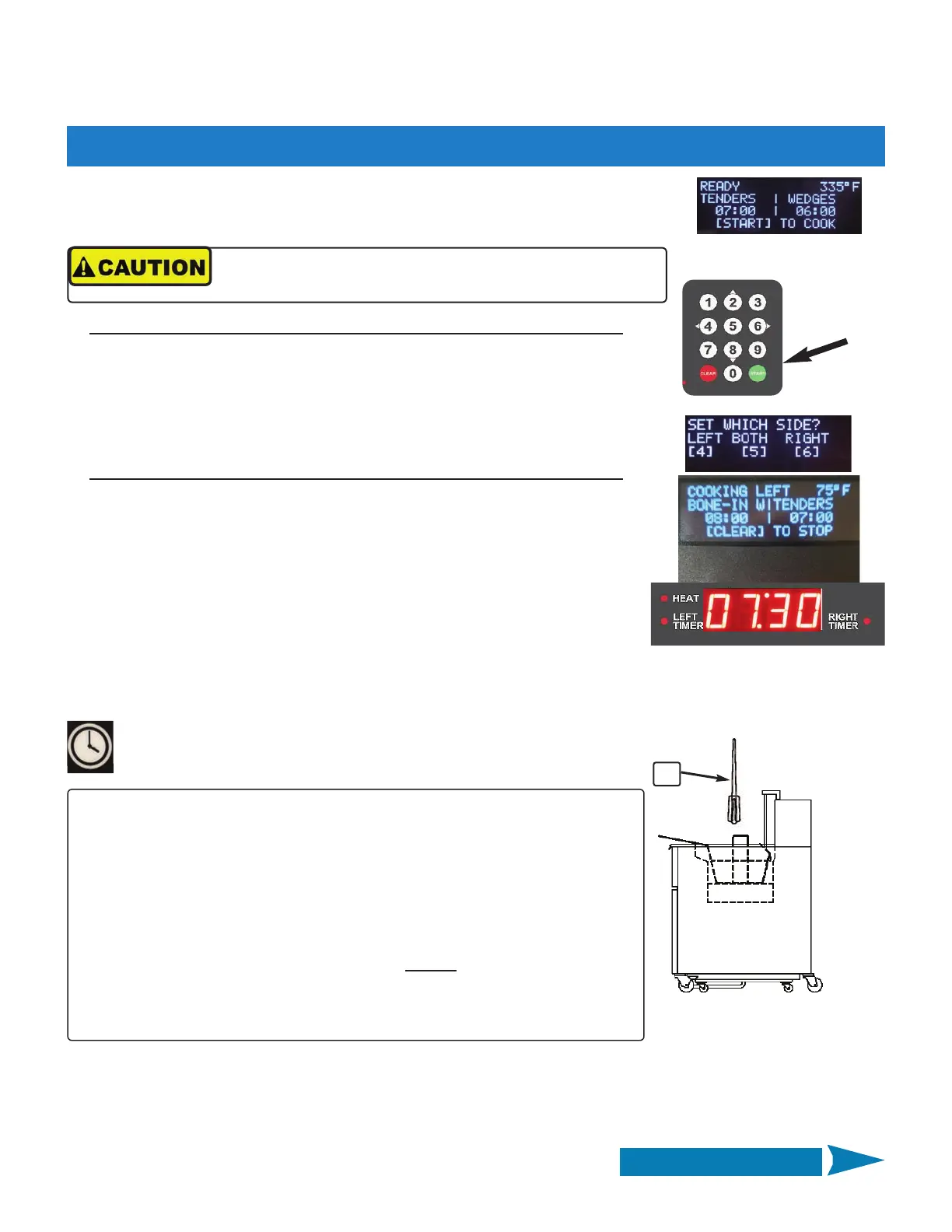
With product loaded in basket on carrier arm, press [START] key on keypad.
You are prompted to select which side to start ... press keypad [4] ‐ [5] ‐ [6]
to select. The selected basket automatically lowers into the vat as the
programmed cook time begins to count down in the lower display.
3. The upper display shows a message “COOKING (LEFT) (RIGHT) or (BOTH]”.
Lower display shows the cook time remaining as countdown proceeds.
4.02.3 Cooking Cycle Process
Continued on Next Page
When timers are running different cycles, pressing the [TIME] key
twice will swap lower display between timers. Timer indicator
changes to show which side is displayed.
x 2
With product loaded in basket, press [START] key on keypad. You are
prompted to select which side to start ... press keypad [4] ‐ [5] ‐ [6] to
select ... Immediately, place the selected basket into vat, sitting it on the
crumb/support screen in vat bottom, as the programmed cook time begins
to count down in the lower display..
1. Controller cook settings that were set up as described in the previous section are
shown on the upper display ... item name/cook time for each side, cook temp
setpoint & READY indication.
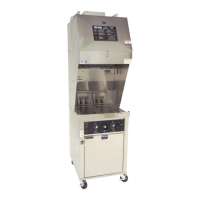
2A. Standard Fryer w/ Basket Hanging Rack:
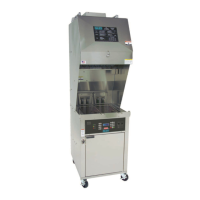
2B. Fryer w/ Optional Basket Lifts:
7
STIR ALARM:
Step #4 applies only if these user settings are set as shown (see Section 4.01.8):
STIR ALARM ENABLE = [ON]
STIR OVERRIDE = [NORMAL] for the particular menu preset in use.
•• OR ••
STIR ALARM ENABLE = [OFF]
STIR OVERRIDE = [FORCE] for the particular menu preset in use.
If these settings are not as shown, STIR ALARM will not
sound, however
Best Practice recommendation is that product be stirred, during the latter portion
of a cooking cycle, to help promote even cooking and to keep pieces separated
while cooking.
4. If enabled, the STIR ALARM sounds after a preset amount of the programmed cook time has elapsed; upper
display reads ALARM ‐ STIR (LEFT) (RIGHT) or (BOTH) SIDE. Press [ALARM] reset key and use the provided tool
⑦ to stir the cooking product. If basket lift is in use, be sure that basket does not become dislodged from the
carrier arm while stirring.
Always wear thermal protective gear, such as gloves or oven
mitts, when handling hot baskets.
NOTE: If cooking a different item in each basket, a second basket cook cycle is
started same as described above, except the prompted choice to select side will
only be the remaining available basket.


 To Next Page