GENERAL INFORMATION CU800 Service Manual
31
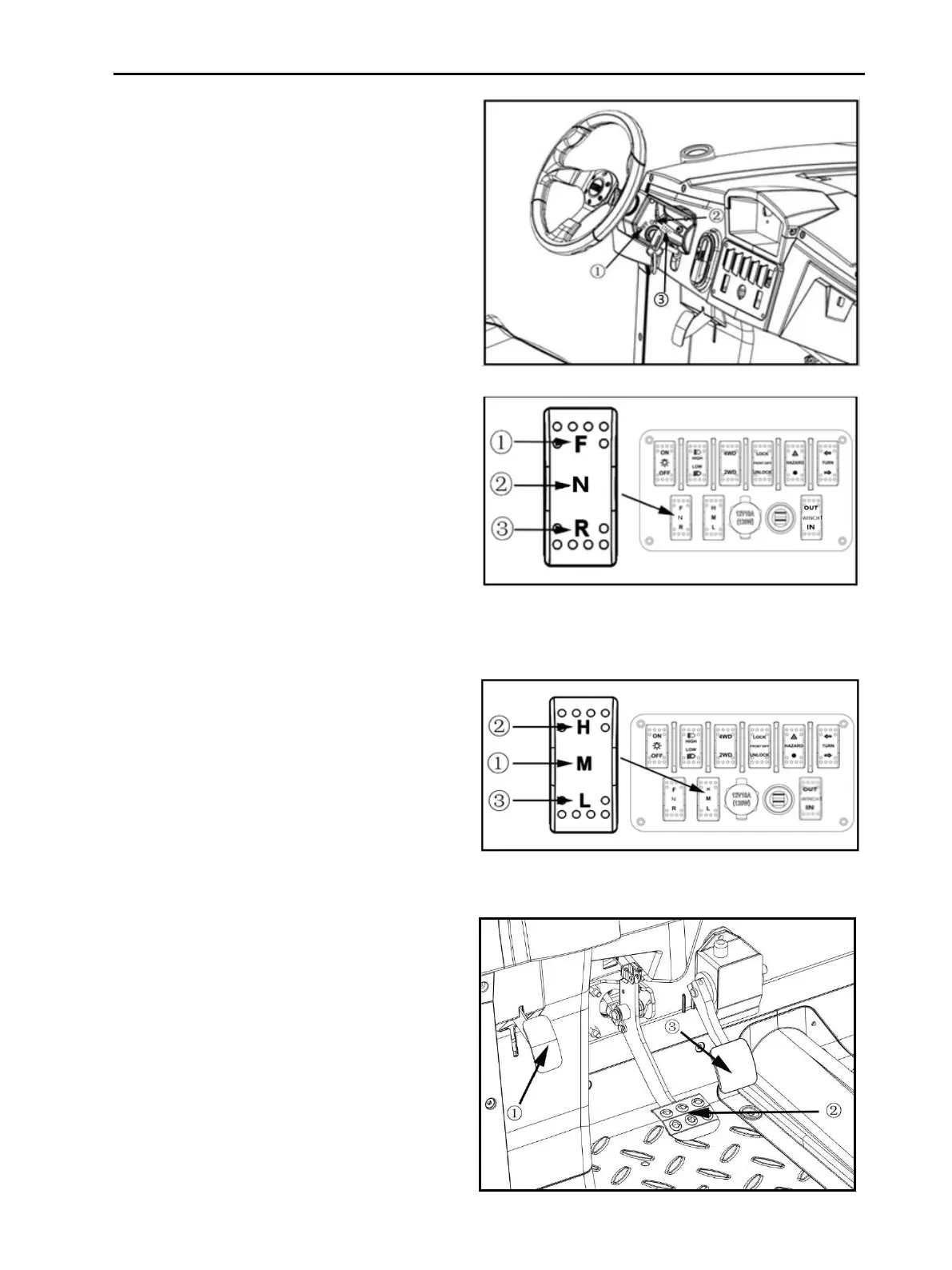
3. Turn the key switch to "ON" position.
Dashboard will be lit, indicating whether the
battery is fully charged.
5. Turn the forward / reverse switch
to the desired position.
F: Forward
Center position:Neutral
R: Reverse (At this moment, the buzzer will
make sound signal)
① Forward
② Neutral
③ Reverse
6. Switch mode switch H/M/L
H:High Speed Mod
M:Economical Mod
L:Climbing Mod
① Economical Mod
② High Speed Mod
③ Climbing Mod
7. Press down the brake pedal, parking
pedal will automatically open, then press
down the accelerator pedal, EVs will start
moving.
① Parking Pedal
② Brake Pedal
③ Accelerate Pedal



 To Next Page