GSI Audera Pro User Manual
D-0129360 Rev A Page 108 of 231
VEMP ANALYSIS TOOLBAR
Icon Description
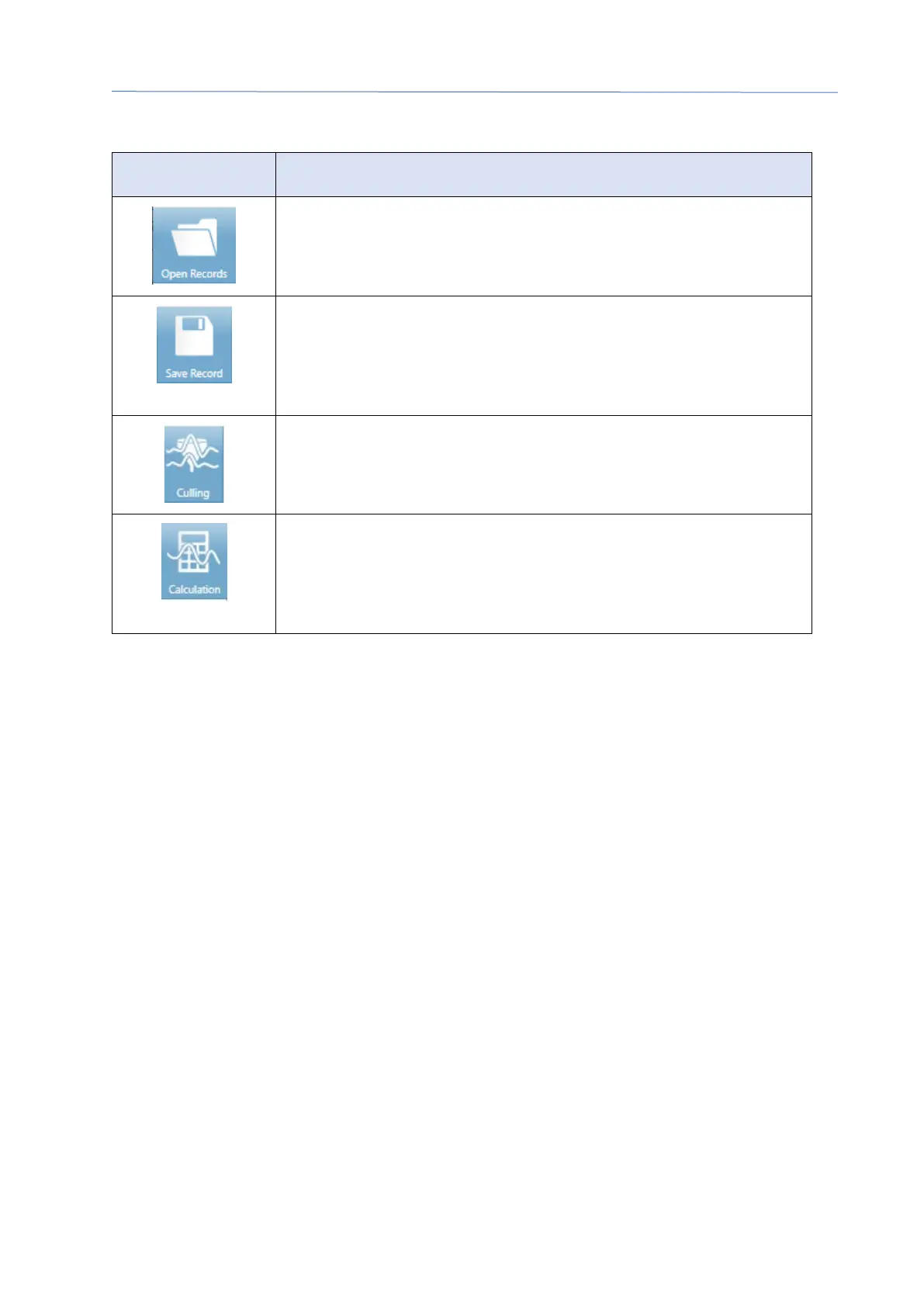
Open Records - displays the patient Open Records dialog where
the VEMP records may be selected. This option is only available
when in the Culling mode.
Save Record – saves the VEMP averages and a report file from
the Calculation mode display. This data can then be opened in
the EP module. This option is only available when in the
Calculation mode and both right and left data is present.
Culling Mode– displays all the VEMP sweeps available in the
VEMP record. Multiple waveforms are only available when the
data is collected in block mode in the EP module.
Calculation Mode – displays the average calculation for the
selected VEMP sweeps as specified in the Settings. Displays the
amplitude Asymmetry Ratio for the calculated waveform as
specified in the Settings.
VEMP CULLING MODE VIEW
Culling allows the choice of which sweeps of the VEMP data are included in the average
VEMP waveform. In order to use culling, you should collect your VEMP data using a
block averaging protocol in the EP module. The ‘cVEMP wBlock Av’ settings file provided
in the EP module can be used to obtain the block VEMP data. The size of the block and
the total number of blocks determine the number of sweeps that are displayed for
culling. For the same total number of sweeps, the smaller the block size the more
sweeps available for culling but the overall test may take slightly longer as each set of
blocks is saved to the disk in the EP module. If the data is not saved in blocks, only the
final average is saved and there is no data to cull.
The culling may be performed automatically or manually. The module provides an
option to select data based on the EMG activity before the stimulus. This automatic
selection is based on the standard deviation of the amplitude of the sweep. You may
also select the sweeps to include/exclude manually.



 To Next Page