GSI Audera Pro User Manual
D-0129360 Rev A Page 31 of 231
OPERATING AUDERA PRO
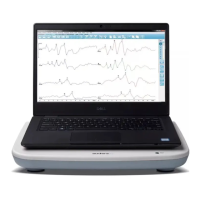
Before turning on power to the system ensure all cables are connected to
the instrument. Power on the instrument before connecting the electrodes
to the patient. Do NOT power on/off the instrument with the patient
connected. Do not touch the PC and patient simultaneously. The device
has an indicator light (top, right, front) that, when lit (green), indicates that the power is
on.
Launching Audera Pro Software
Double-click the shortcut icon on the desktop to open the GSI Audera
Pro application. It is also possible to open this application from
Start>Programs>Grason-Stadler>GSI Audera Pro>GSI Audera Pro.


 To Next Page