GSI Audera Pro User Manual
D-0129360 Rev A Page 93 of 231
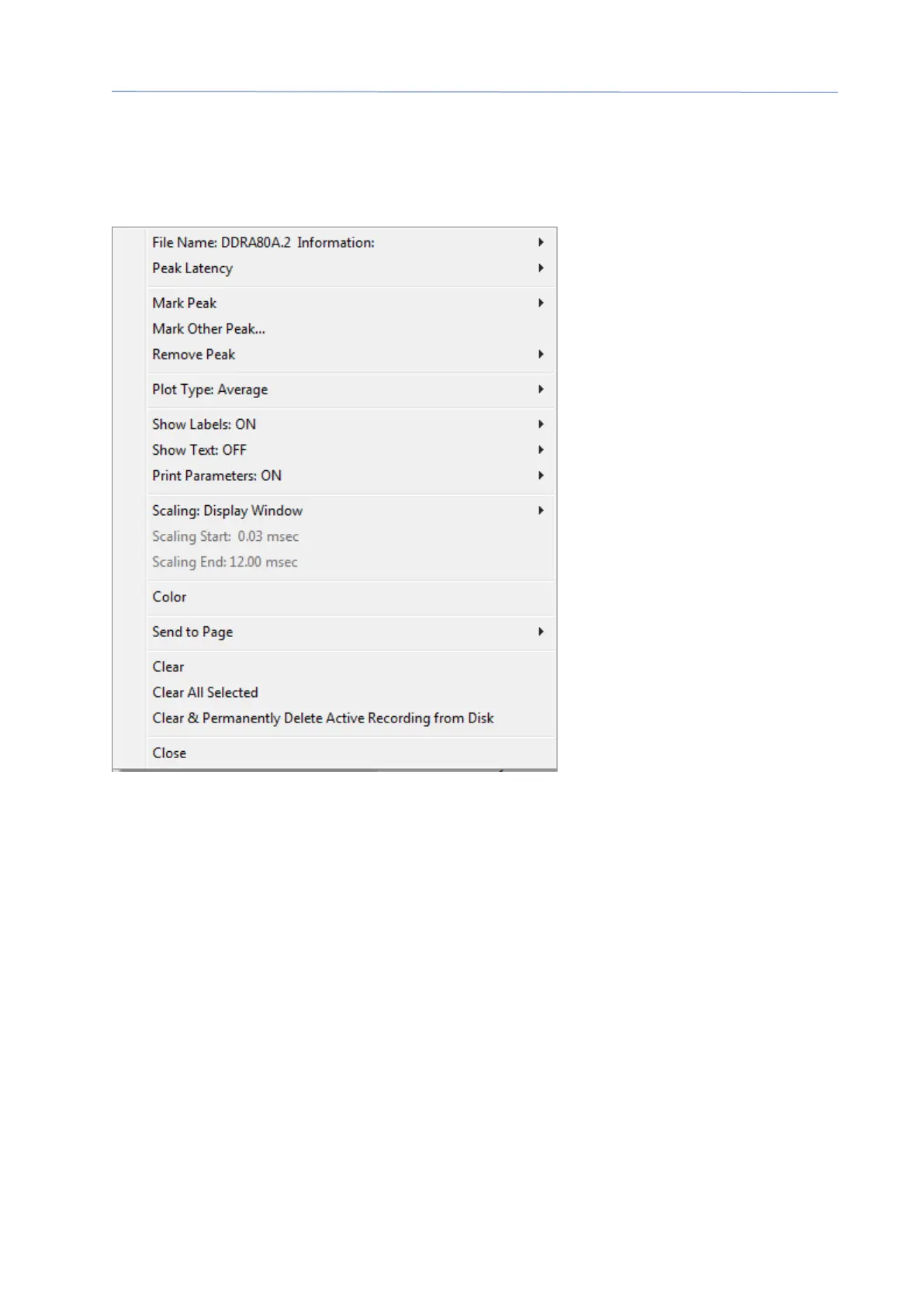
Waveform Options
Right click and the options for the current waveform are presented as a pop-up menu.
Note that the location on the time axis of where the mouse is clicked determines where
the peaks are marked.
• File Name – indicates the file name of the active recording. When the mouse is
placed over the name, a sub-menu is displayed with the stimulus, amplifier and
recording information.
• Peak Latency – displays a sub-menu with the marked peaks latency, amplitude,
interlatency and ratio information.
• Mark Peak – displays a submenu with the list of marker labels available for the
active recording. The label is placed on the waveform at the time position where
the mouse was when the menu was opened.



 To Next Page