GSI Audera Pro User Manual
D-0129360 Rev A Page 26 of 231
GETTING STARTED
Contact your GSI representative with any questions you may have regarding the setup
and installation of the system.
COMPONENTS
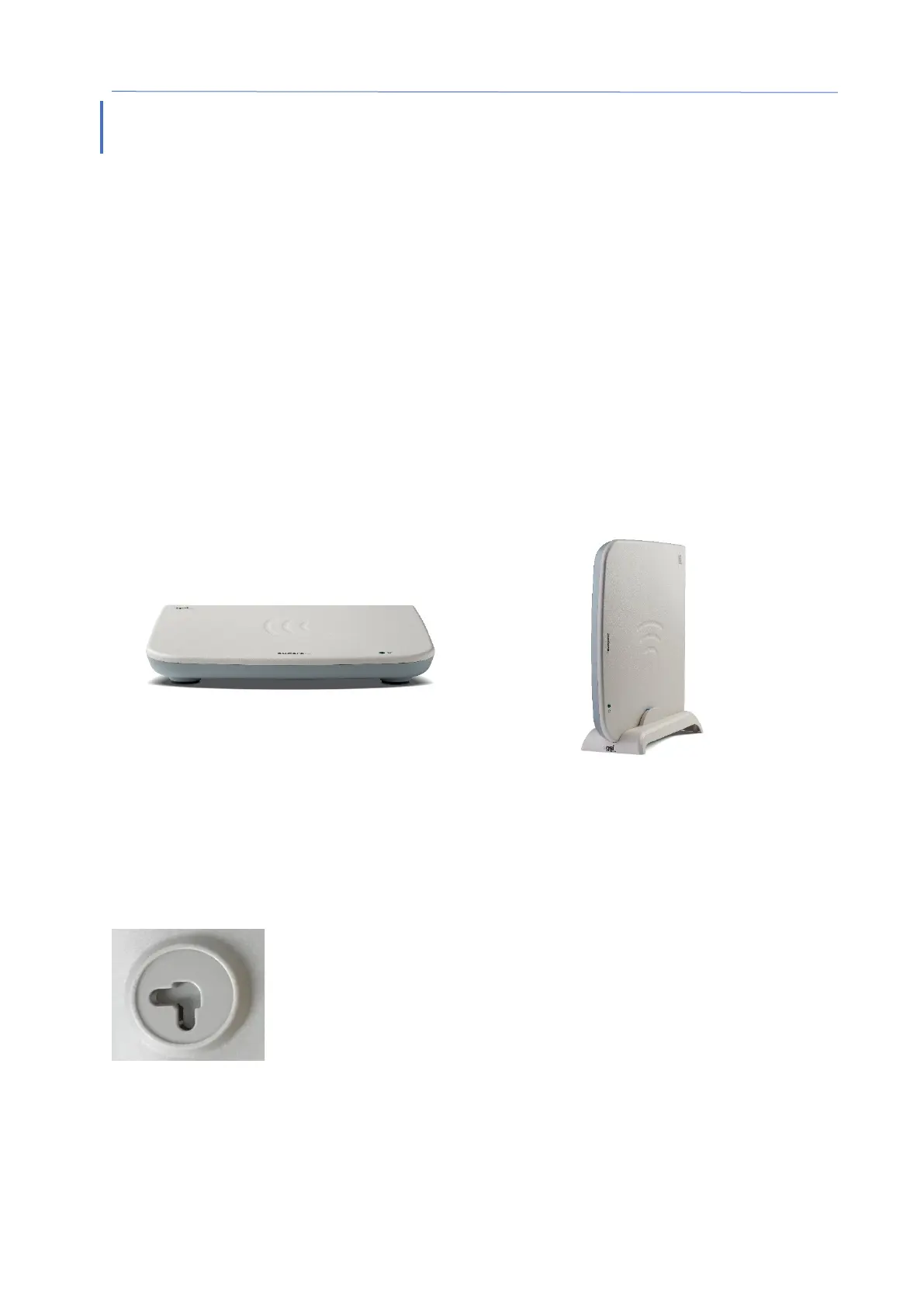
Base Unit
Base Unit Stand
Transducers
The supplied transducers depend on the ordered system configuration.
SYSTEM ASSEMBLY
Placement of the Audera Pro base unit
The Audera Pro unit may be placed horizontally on a flat surface such as a desktop, set
vertically in the provided stand or wall mounted.
With a horizontal placement you may place a notebook computer on top of the base
unit. For vertical placement, the included stand is required. The base unit only fits
properly in the stand one way with the power supply on the base unit to the back of the
stand. To wall mount the base unit, remove the rubber feet from the bottom of the
unit. The removal of the rubber feet exposes the keyhole cut outs that may be used for
wall mounting.
The keyhole cut outs are 27 mm apart for horizontal placement
and 16 mm apart for vertical placement (center to center).



 To Next Page