GSI Audera Pro User Manual
D-0129360 Rev A Page 62 of 231
COLLECTION TOOLBAR
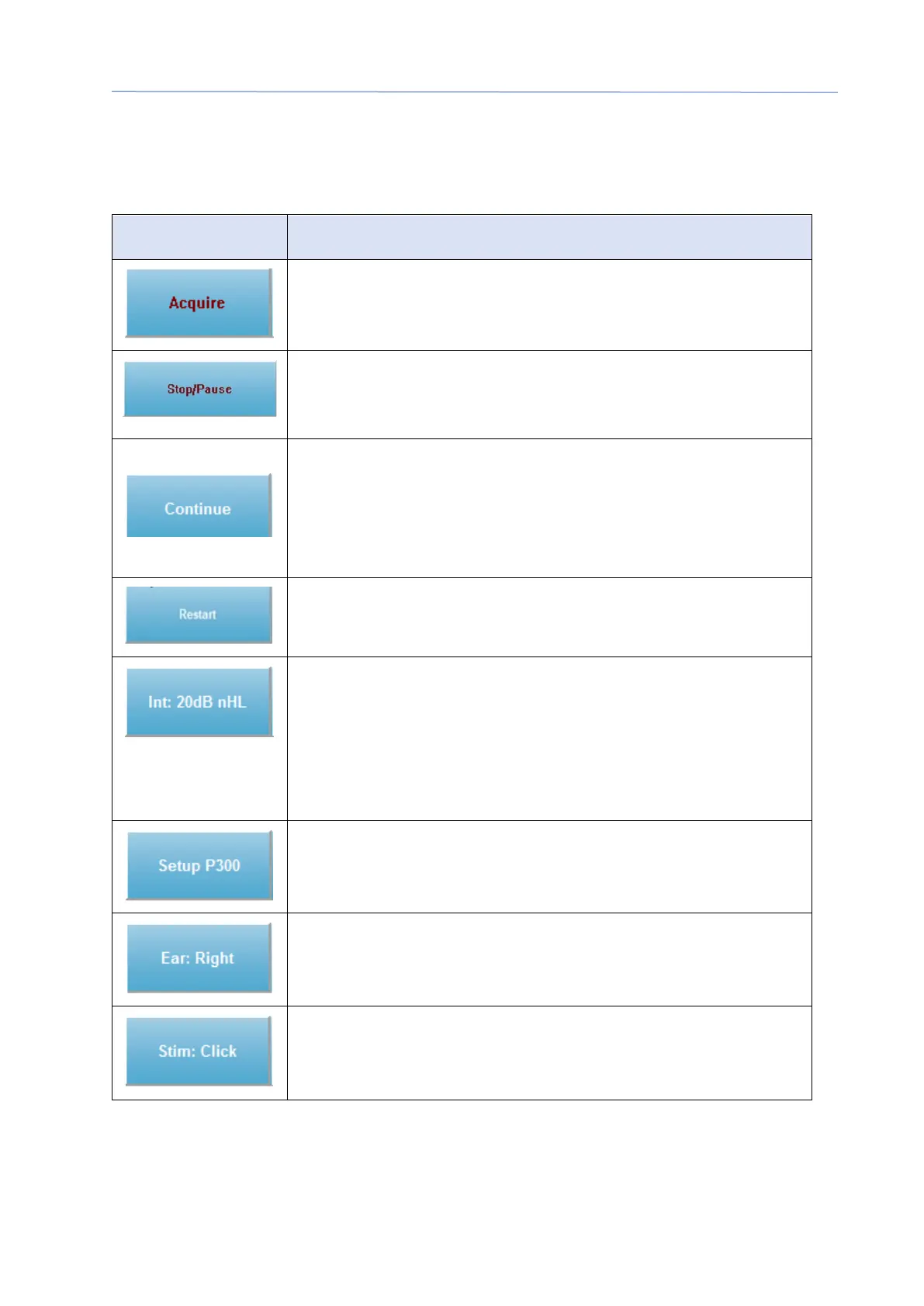
The Collection toolbar contains frequently used data collection controls. The Collection
Toolbar is only displayed while on the Acquisition page (Acq.).
Icon Description
Starts the data collection using the current parameters
Replaces the Acquire button after data collection has started.
When selected during collection, the recording is paused. The
user may continue acquiring or stop acquiring.
Allows you to add averages to the current recording after
acquisition has completed. In order to continue a recording,
you must increase the number of sweeps but keep all other
parameters the same. A new recording will be created with the
additional sweeps. The original will remain unchanged.
Replaces the Continue button during collection. Selecting will
discard sweeps (zero the average) and restart data collection.
Indicates the current auditory stimulus level. A Right Click
increases the level by the step size defined in the stimulus
menu. A Left Click decreases the level and a Double Click
presents a dialog where the user may enter a value. As the
level is increased, the color of the text will change from white to
yellow to red as a warning for high stimulus levels.
Replaces the Intensity button when the auditory modality is
P300. When the button is selected a P300/MMN Setup Dialog is
presented.
Indicates the transducer ear to be stimulated. Right or Left
Click toggles through the options of Right, Left or Both.
Indicates the current stimulus to be used with the collection. A
Left Click displays the Auditory Stimulus Dialog.



 To Next Page