GSI Audera Pro User Manual
D-0129360 Rev A Page 63 of 231
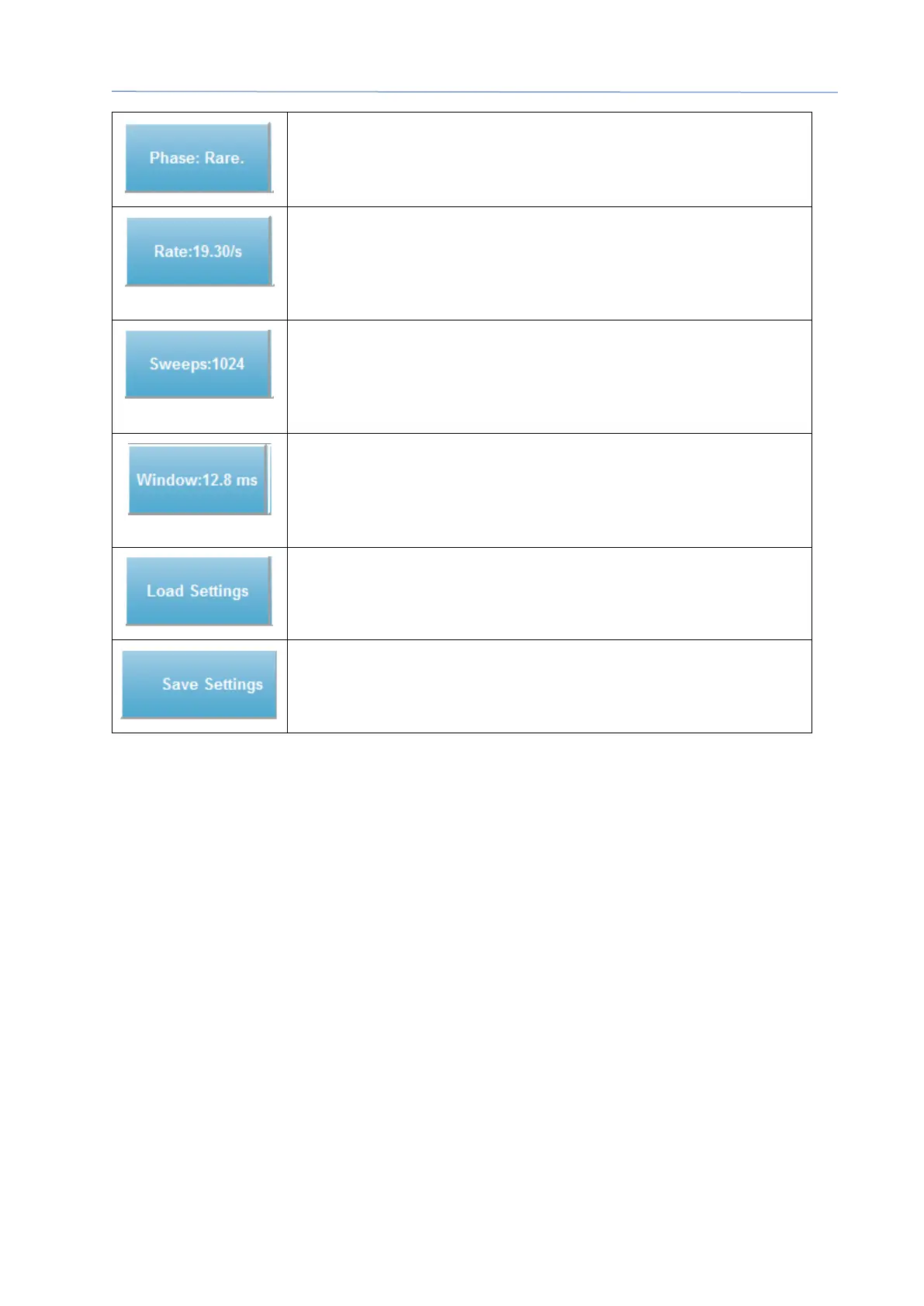
Indicates the polarity of the stimulus. Right or Left Click toggles
through the options of Rarefaction, Condensation or
Alternating.
Indicates the current auditory stimulus rate. A Right Click
increases the level by 10/s. A Left Click decreases the level by
10/s and a Double Click presents a dialog where the user may
enter a value.
Indicates the current number of sweeps to be collected. A Right
Click increases the number by 2 times. A Left Click decreases
the number by half and a Double Click presents a dialog where
the user may enter a value.
Indicates the post-stimulus recording time. A Right Click
doubles the window by 2 times. A Left Click decreases the
window by half and a Double Click presents a dialog where the
user may enter a value (see below on window and sample rate).
Opens a dialog where the user may select a settings file and
loads the parameters to the program.
Opens a dialog where the user may save the current settings in
the program to a settings file



 To Next Page