GSI Audera Pro User Manual
D-0129360 Rev A Page 38 of 231
NORMATIVE DATA
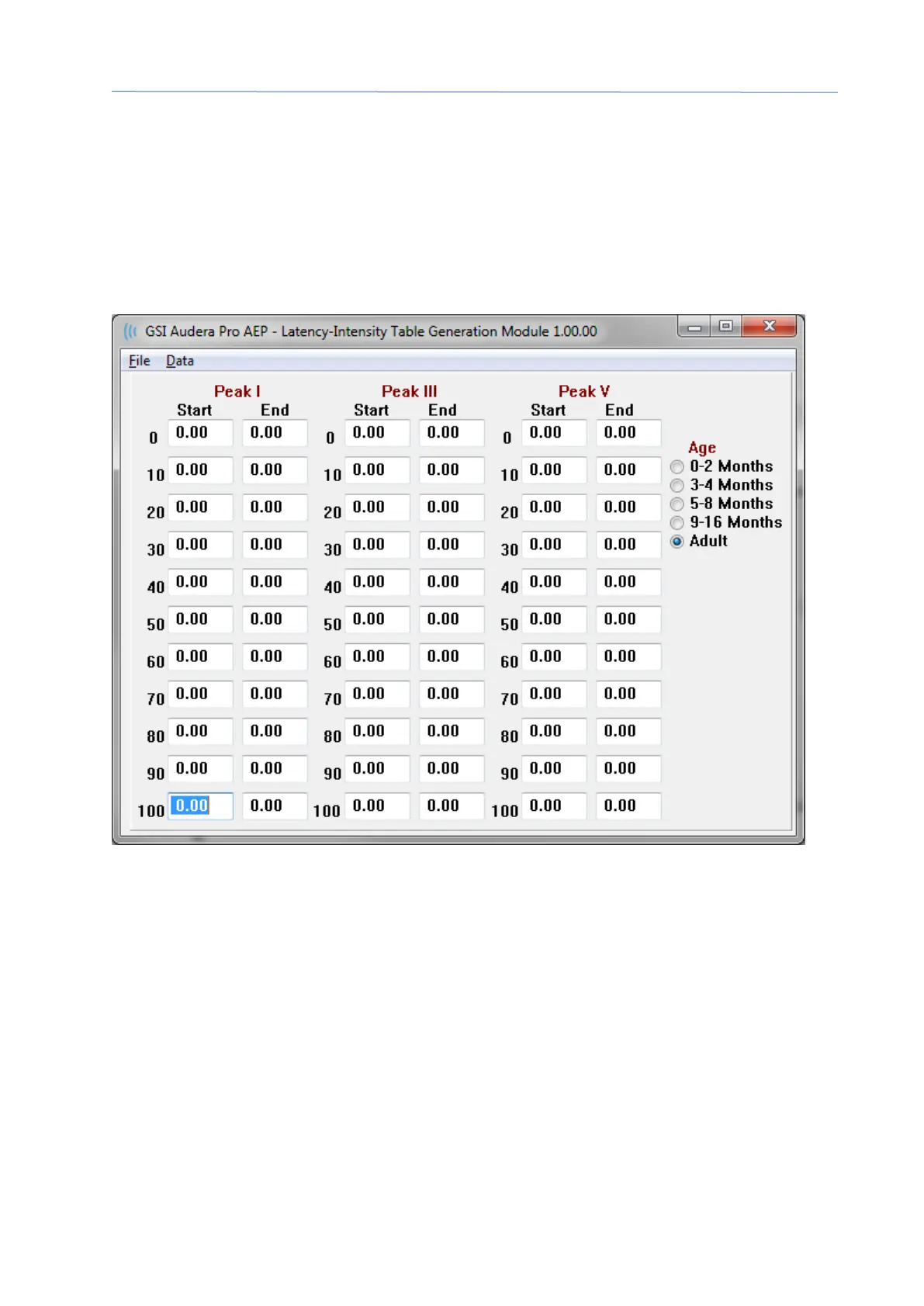
After entry of the administrative password, the Normative Data option displays the
Latency-Intensity table dialog. This dialog is used to define the shaded areas that are
displayed on the Latency-Intensity Graph in the EP module. Multiple sets of normative
data may be defined. The dialog has a menu at the top. There are 3 peaks (I, III, V) that
allow for a Start and End latency value to be entered. Each row has the stimulus level to
the left (dB HL). On the right, the option for the age range for the data set is selected.
Menu Options
File
• Current – displays the name of the currently loaded Latency-Intensity data file.
• Mode – displays either Standard or Special to indicate the type of Latency-
Intensity data file. The Standard data file has multiple tables that correspond to
the age options. The Standard data file is used to set the default normative data
set used in the EP module. The Special data file contain a single table and these
file types are loaded directly from the Latency-Intensity Graph window in the EP
module.
• Load Norms – this option presents a file open dialog where you select the file to
review/edit.
• Save Norms - this option stores the current data in the table to the current file.



 To Next Page