GSI Audera Pro User Manual
D-0129360 Rev A Page 90 of 231
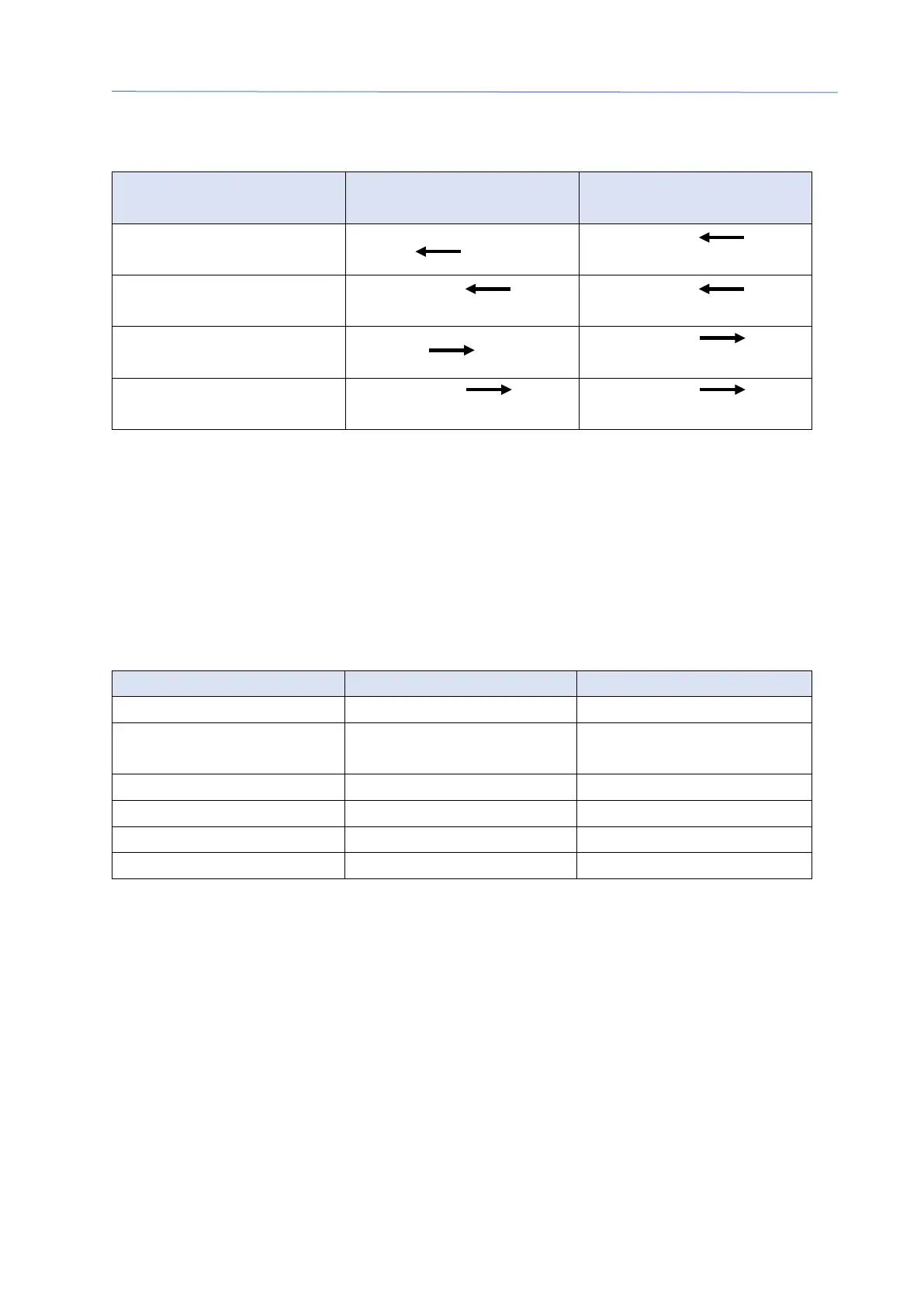
Peak Marker Movements using the Keyboard
Movement
Move marker to left
(earlier)
Move marker to left
Shift + Alt + Shift +
Move marker to right
(later)
Move marker to right
(later) large steps
Marked points are automatically saved to the waveform. A table of labels for the
marked waveforms is displayed and printed on the bottom half of the page. The table
will include the marked points latency and amplitude and calculations that are defined
for the specific test modality such as interlatencies.
Default Labels
Each modality comes with a default set of labels. Some modalities also have built-in
interlatency comparisons, amplitude ratios and area under the curve measurements.
Interlatencies, Amplitude
Ratio
In addition to the default labels, custom labels may be created with the Mark Other
Peak in the Waveform Options.



 To Next Page