GSI Audera Pro User Manual
D-0129360 Rev A Page 84 of 231
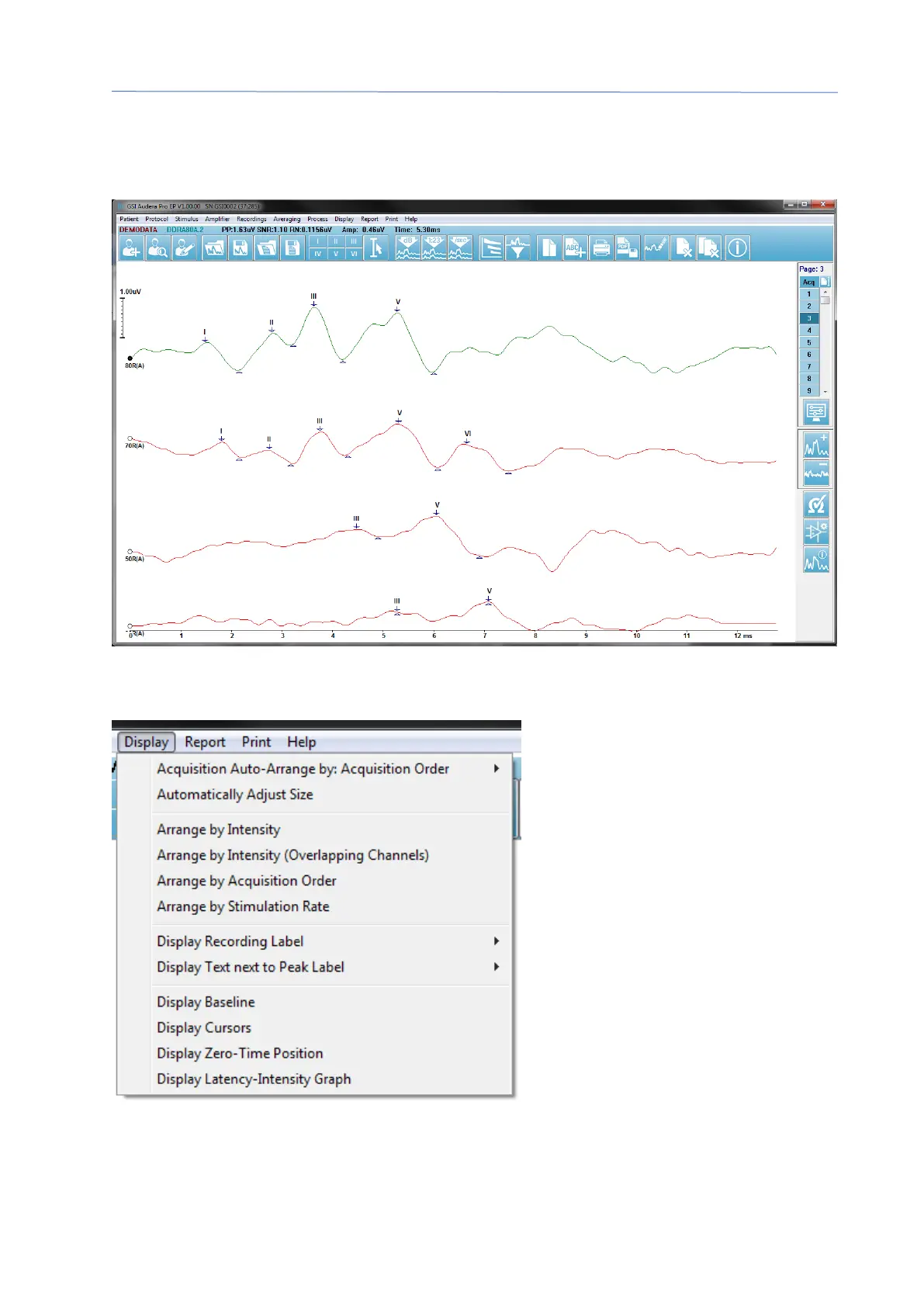
The arrangement of waveforms and presentation on a page are controlled by several
icons on the Toolbar, options from the Display menu, and the Display icon on the Side
Toolbar. Individual waveforms may be moved manually as well.
Display Options
Display Menu
The Display menu options are described in the EP Main Menu section.



 To Next Page