GSI Audera Pro User Manual
D-0129360 Rev A Page 85 of 231
Toolbar icons
The Toolbar has options that impact the display of waveforms and are described in the
Toolbar section.
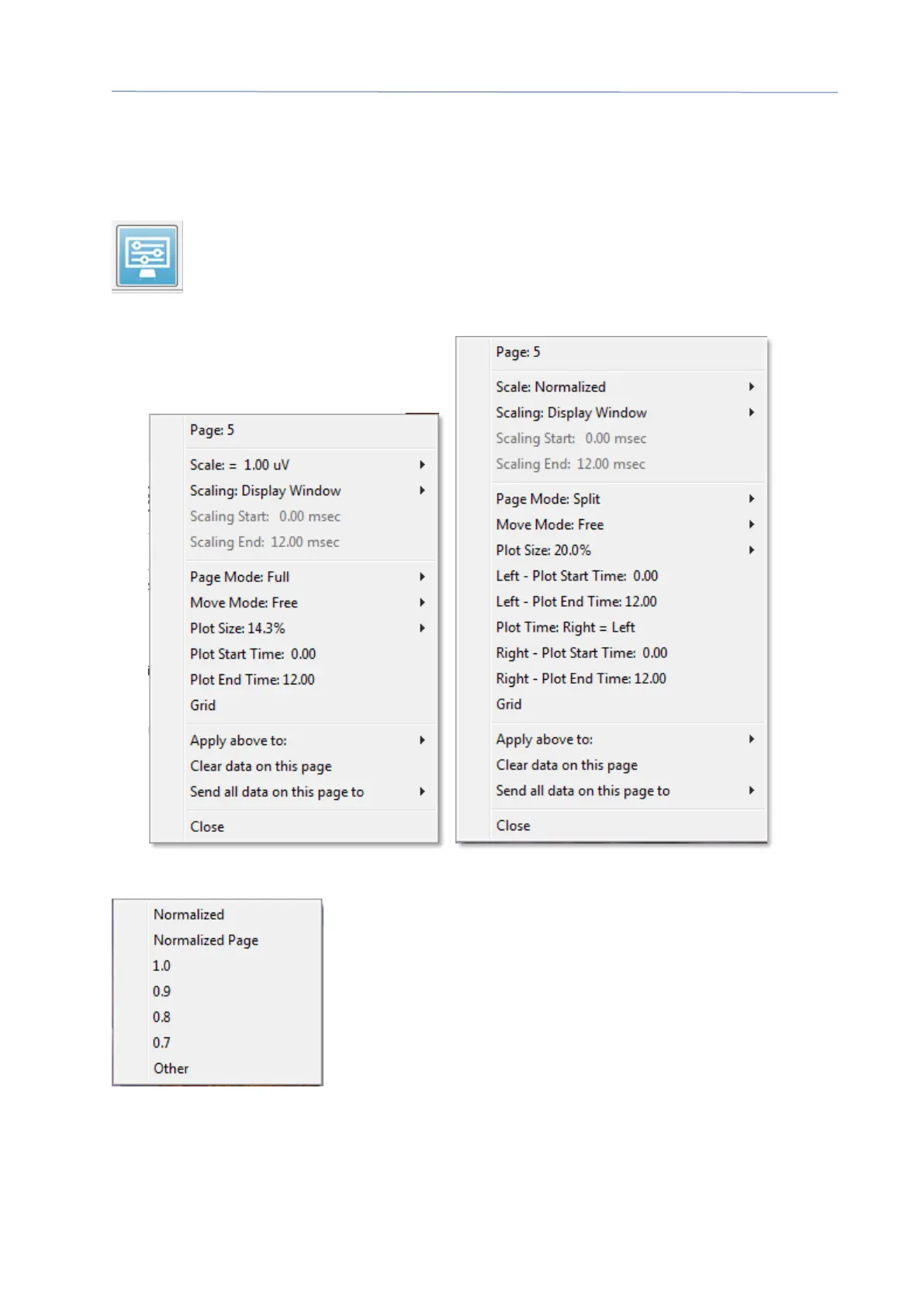
Side Toolbar Display icon
The Display icon on the Side Toolbar provides a pop-up menu with options
for controlling the page layout and waveform display. The options are page
specific and the current page is indicated at the top of the menu. Depending
on the Page Mode (Full vs Split) different options are presented.
• Scale – defines the size of the waveforms on the page, the vertical axis. The sub-
menu provides the options. Normalized adjusts the size of
the waveforms based on the minimum and maximum
values within the window or specified scaling start and stop
time (determined by Scaling option). Each waveform is
scaled independently from the others with Normalized while
Normalized Page scales all the waveforms based on the
largest individual waveform to the same scale. The scale
may also be defined at a specific microvolt value selected
from the choices provided (1.0, 0.9, 0.8, 0.7) or user defined by selecting Other.
Other will prompt for the microvolt value.



 To Next Page