GSI Audera Pro User Manual
D-0129360 Rev A Page 140 of 231
TOOLBAR
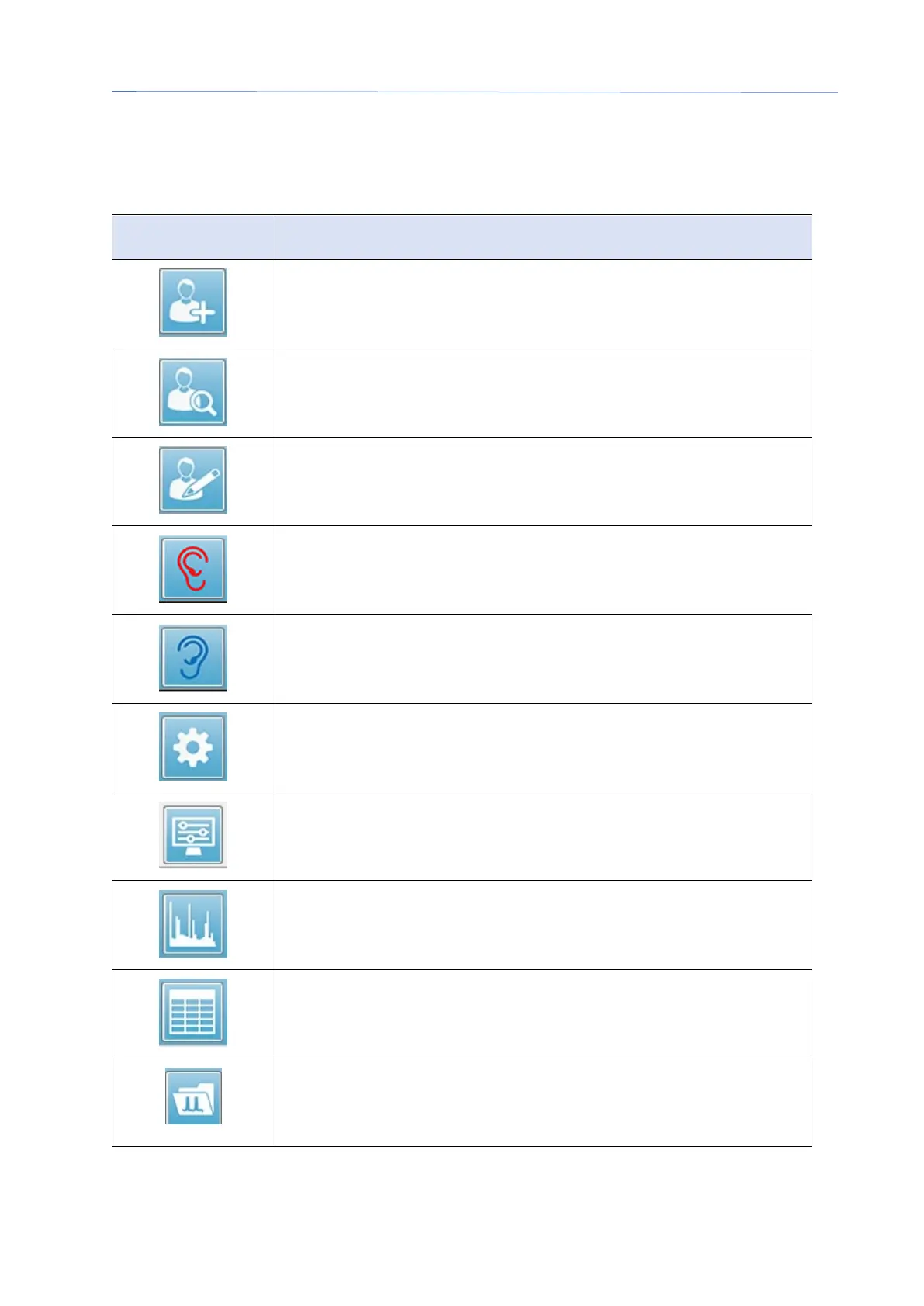
Below the Menu, there is a Toolbar with icons that are equivalent to the most used
menu items.
Icon Description
Add Patient – displays the patient information screen where the
patient information may be added
Search Patient – displays the patient listing dialog and allows the
user to search and select a patient
Edit Patient – displays the patient information screen where the
patient information may be edited
Starts the data collection stimulating the right ear
Starts the data collection stimulating the Left ear
Settings – displays a pop-up dialog with the parameters used for
the data collection
Page Settings – displays a pop-up dialog with the display
parameters for the axis and other DPGram options
Frequency Spectrum – displays a pop-up dialog with the
frequency spectrum data
Data Table – displays a pop-up dialog with the data displayed in a
tabular format
Load DP I/O data file – displays a pop-up dialog with where the
user may select the DP I/O data file to display. Only shown in the
DP I/O mode.



 To Next Page