GSI Audera Pro User Manual
D-0129360 Rev A Page 46 of 231
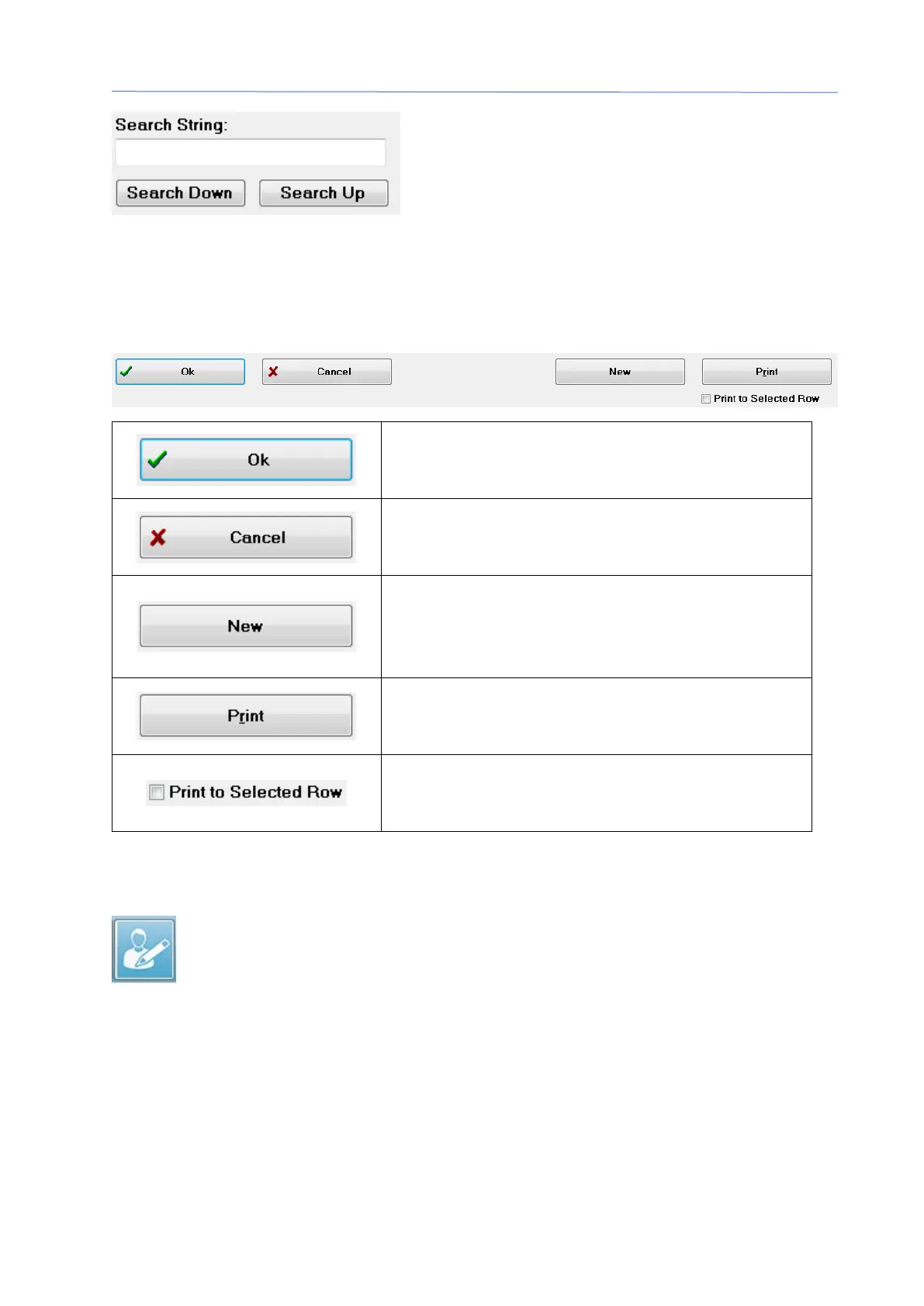
Enter the search string then select either the Search Down or Search Up button to
perform the search. If the search string is found within the four search columns, the
record will be highlighted and become the current selected patient.
At the bottom of the Patient list dialog are four function buttons and a check box.
Closes the Patient List and opens the Patient
Information dialog with the information from
the currently selected patient.
Closes the Patient List. No patient is selected
but the previously loaded patient, if any,
remains as the active patient.
Closes the Patient List and opens the Patient
Information dialog with the information cleared
and ready for the entry of new patient
Sends the patient information (not collected
data) for the highlighted patient to the default
Instead of printing a single patient, the list
above and including the highlighted row may
be printed when the check box is selected.
EDIT PATIENT
The Edit patient option from the Patient menu or the Edit patient toolbar
button displays the Patient Information dialog with the information from the
currently selected patient. If no patient is currently selected, it opens the
dialog without any information filled in, like a new patient. The Patient Information
dialog is the same for both New patient and Edit patient. After any edits select the Ok
button to save your edits.



 To Next Page