GSI Audera Pro User Manual
D-0129360 Rev A Page 127 of 231
COLLECTION TOOLBAR
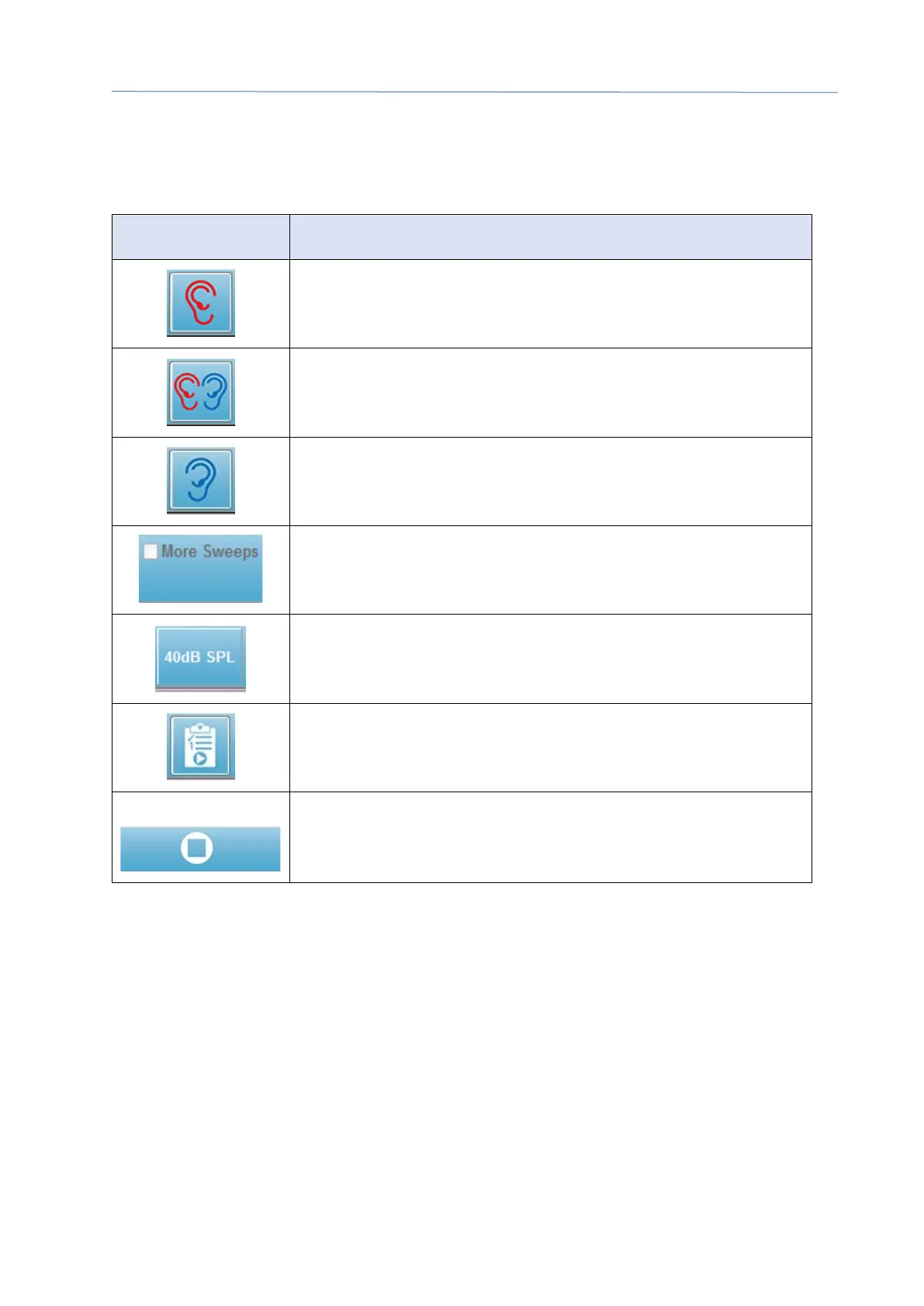
The Collection toolbar contains frequently used data collection controls. The Collection
Toolbar is only displayed while on the Acquisition page (Acq.).
Icon Description
Starts the data collection stimulating the right ear
Starts the data collection stimulating both the right and left
ears
Starts the data collection stimulating the left ear
Checking the box increases the number of sweeps by 20
Indicates the current auditory stimulus level. A Right Click
increases the level by the step size defined in the stimulus
menu. A Left Click decreases the level.
Opens a dialog where the user may select a settings file and
loads the parameters to the program
The Stop Recording button appears when data is being
collected. A confirmation dialog is presented to confirm that
you wish to stop the data collection.



 To Next Page