GSI Audera Pro User Manual
D-0129360 Rev A Page 74 of 231
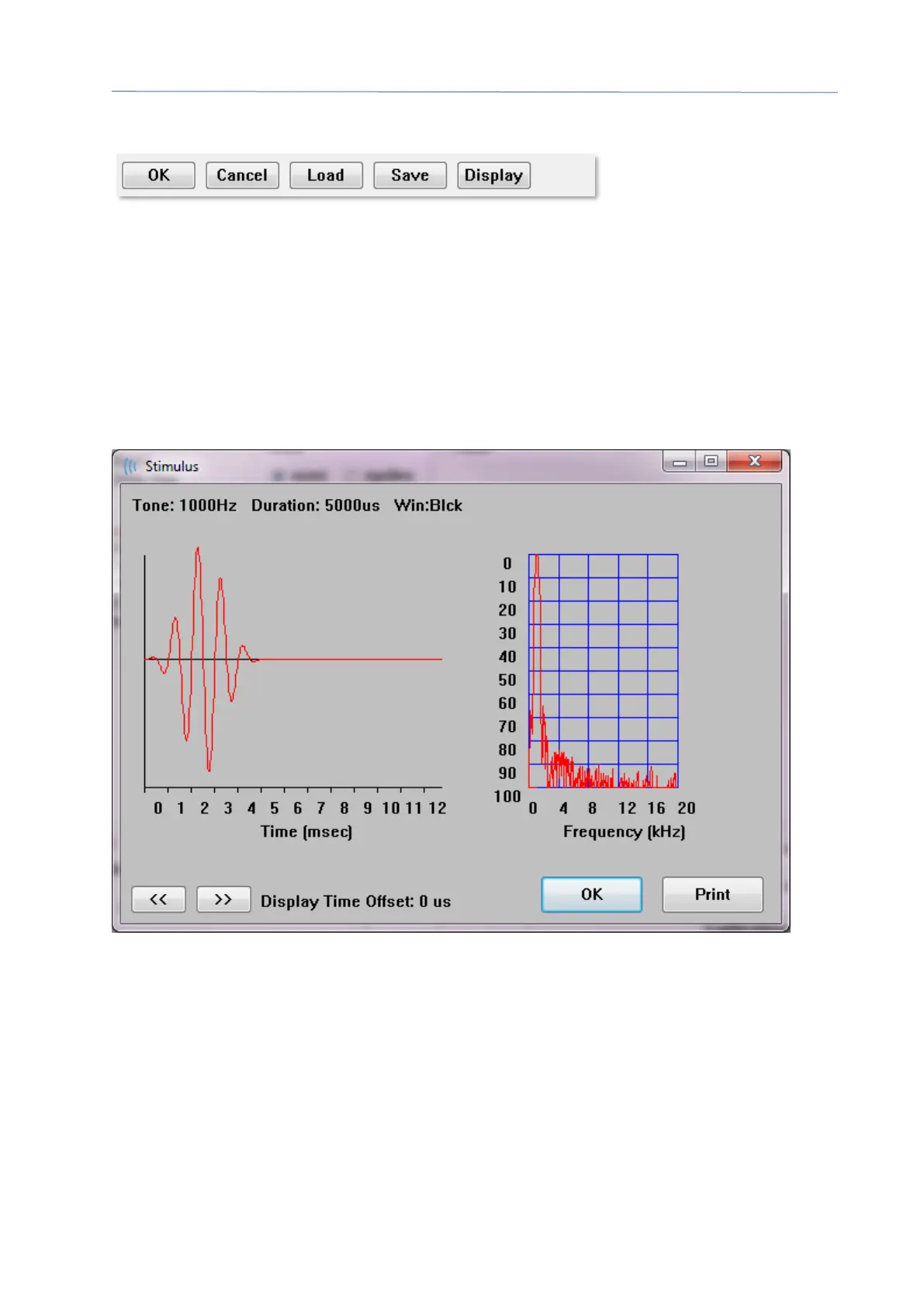
The bottom of the Stimulus Dialog section provides the file control buttons.
The OK button closes the dialog and applies the current settings. The Cancel button
closes the dialog and discards any changes that were made. The Load button displays a
file open dialog where you may choose an existing stimulus. The Load is the same as
selecting the File Stimulus Type. The Save button presents a dialog where you can
name and save the stimulus with the current settings. The Display button presents the
Stimulus Display dialog.
Stimulus Display Dialog
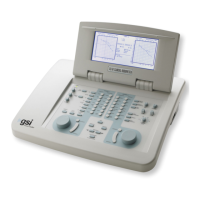
The Stimulus Display presents a time and frequency graph of the stimulus.
The << and >> buttons are used to show the stimulus whose time base extends beyond
the X axis of the graph. The Print button allows you to send a screen dump of the dialog
to the printer. The OK button closes the Stimulus display dialog.


 To Next Page