GSI Audera Pro User Manual
D-0129360 Rev A Page 69 of 231
: The Audera Pro supports both headphones and insert earphones. These
transducers plug into the same connectors on the back of the device and it is
important to make sure that the correct transducer is connected and matches the
one selected for the stimulation.
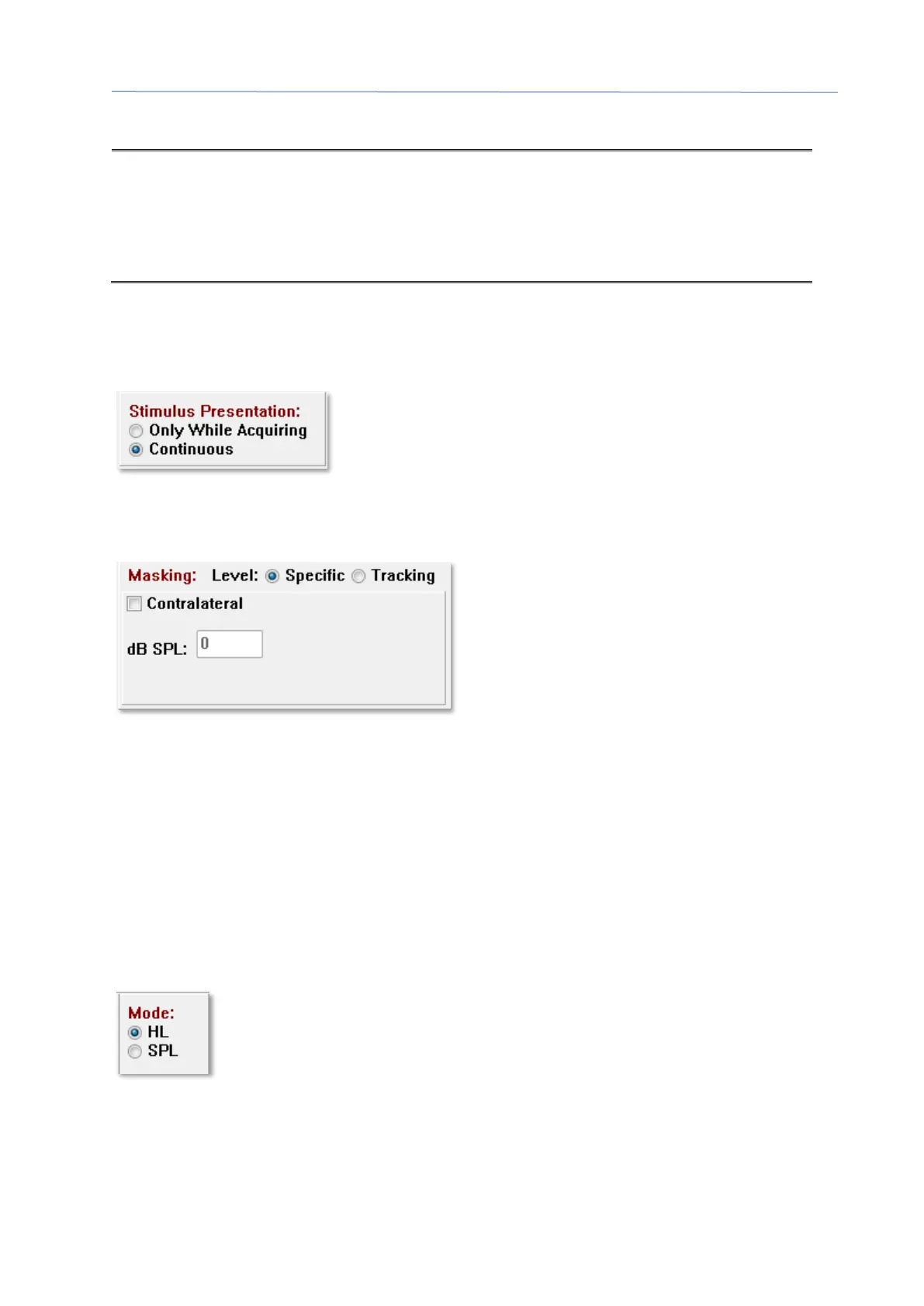
The Stimulus Presentation option allows you to specify if the stimulus always remains
on or is only presented during the collection of data.
Masking noise may be provided to the contralateral ear. The masking signal is white
noise. To enable masking, check the Contralateral check box.
The Masking Level may be specified in two different ways. The Specific level provides
the masking at the fixed level specified in the dB SPL field regardless of the stimulus
level. The Tracking level delivers the masking noise at a level relative to the stimulus
level. When the Tracking level is selected, the dB SPL field represents the offset relative
to the stimulus. For example, -20 would indicate that the masking would be presented
at 20 dB less than the stimulus and as the level of the stimulus changes so would the
masking. Any masking level above 100 dB SPL will display a warning message and
require confirmation to proceed.
The Mode option allows you to specify the reference level that is used for the stimulus.
The HL option applies the correction values from Sound Pressure Level to Hearing Level
that are defined in the SPL to HL Table. The Total Calibration section displays the
correction values that are applied to the stimulus.



 To Next Page