4.2.2.2 Control elements
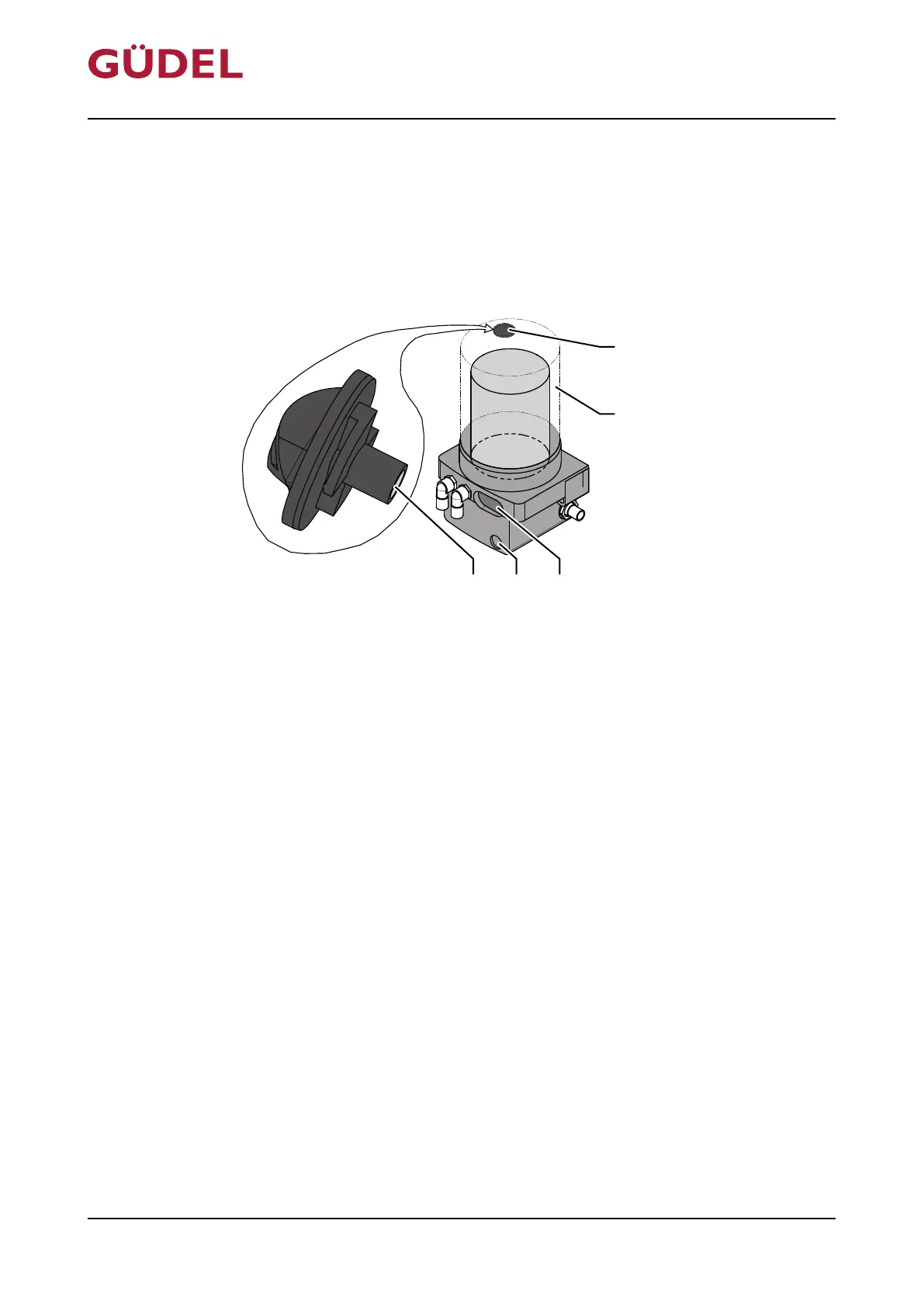
Magnetic peg
The magnetic peg is magnetic and integrated into the covering. It is stored in
the opening in the covering and is also used as a gasket for the product. The
magnetic peg can be used to select actions or make changes to the product
settings.
Fig.4-4 Magnetic peg
A Opening D Active surface
B Covering E Magnetic peg
C LCD
Set the desired menu item as follows using the magnetic peg:
1 Rotate the magnetic peg to "OPEN" position
2 Remove the magnetic peg out of the opening in the covering
3 Touch the active surface with the magnetic peg
4 Remove the magnetic peg from the active surface once the desired menu
item is displayed on the LCD
5 Insert the magnetic peg in the opening in the covering
6 Rotate the magnetic peg to "CLOSE" position
The desired menu item is set.
Design, function OPERATING MANUAL FlexxPump4N Lubrication System
3422906891_v1.0_EN-US
38



 To Next Page