6.5 Menu
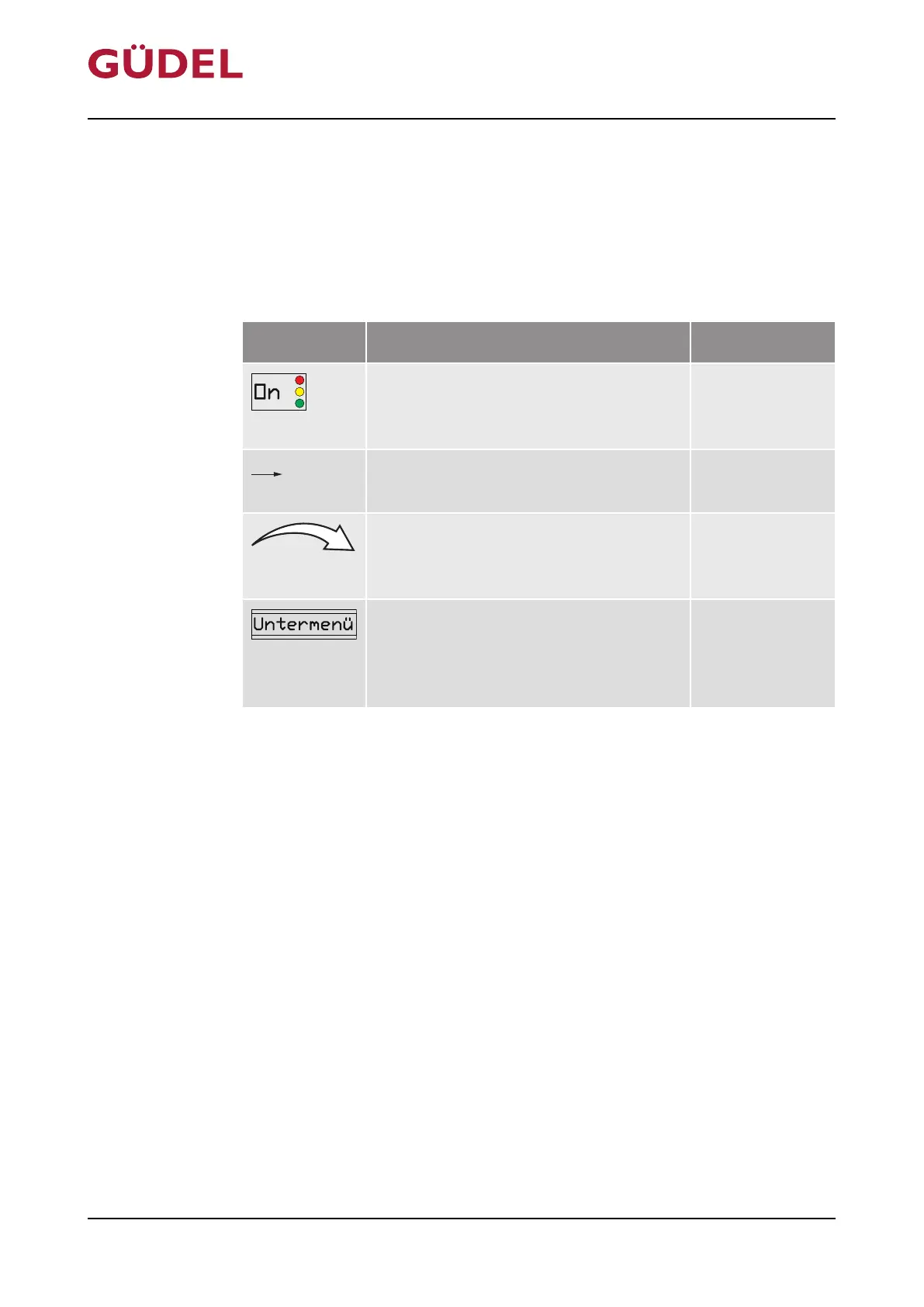
6.5.1 Explanation of symbols
The following symbols are used in the figures for the menu and the sub-
menus:
LCD Explanation Designation
Indicators and information are visibly
displayed on the LCD during operation
and also for programming.
LCD display
The control arrow displays the fixed ba-
sic structure of the menus.
Control arrow
The action arrow indicates the result af-
ter touching the active surface with the
magnetic peg.
Action arrow
In the respective sub-menus, informa-
tion can be read, dispensing processes
can be initiated and settings can be
changed.
Sub-menu
Tab.6-4 Explanation of symbols
Operation OPERATING MANUAL FlexxPump4N Lubrication System
3422906891_v1.0_EN-US
82



 To Next Page