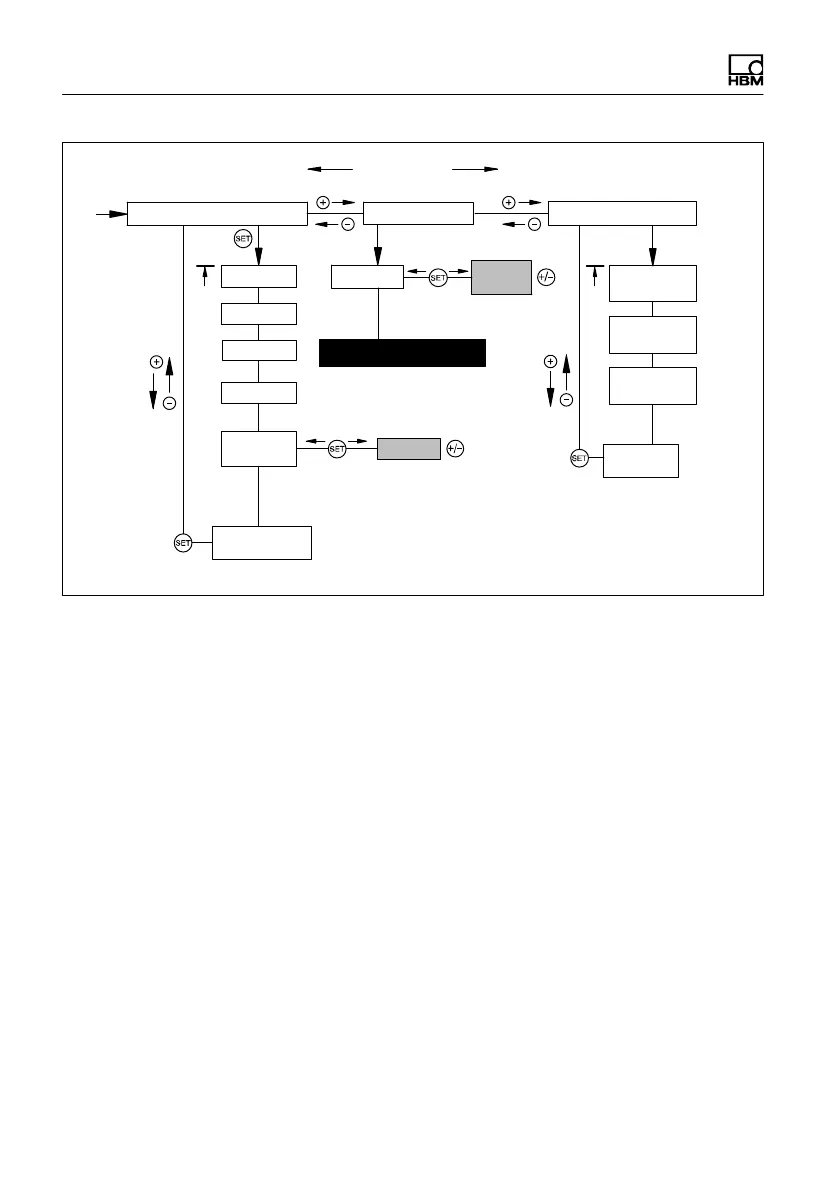
Starting up/Setup mode
62 A0293_06_E00_03 HBM: public MP85A
AmplType
PrgVers
Save?
Yes
No
±
°
HW vers
MMC/SD
Lo(ad)
0…31
±
°
S-Status
Save
S-Status
Restore
S-Status
Load-Com
Back
Main GRP
Back
Main GRP
ADDITIONAL FUNCTION MEAS. MODE
Measured value
SYSTEM STATE
Groups
SrNo
7.2 Hardware setup
7.2.1 Power supply/transducers
► Connect the power supply cable and transducers to the module as
described in section 5.
► Switch on the power supply.
► The device performs a function test (approx. 10 s) and then, if this is suc
cessful, goes into measuring mode. During the self-test, the control out
puts stay at 0V.
If ! appears on the display or the status LED glows red, an error has
occurred. Please see section 12 “Error messages”, on page 107.



 To Next Page