110
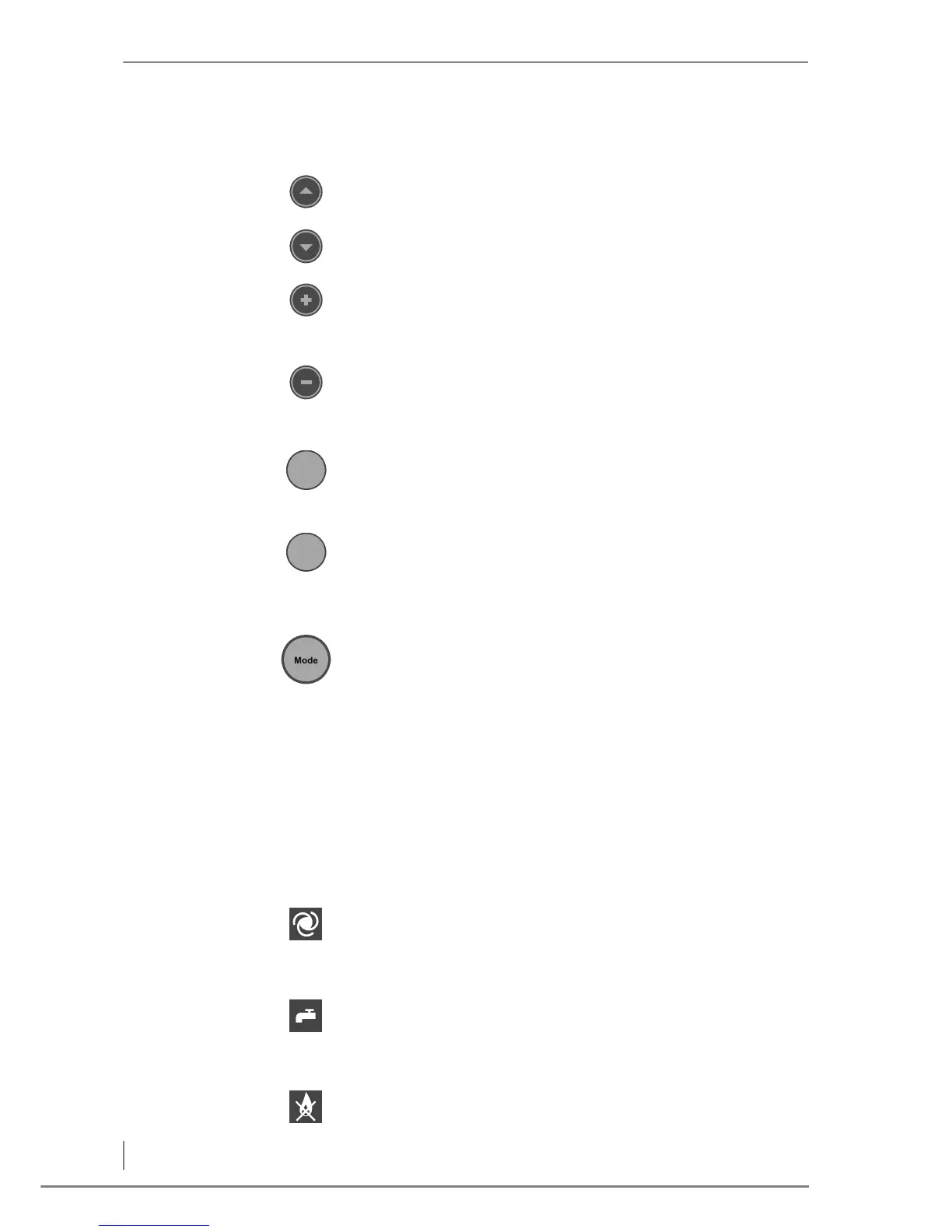
KEYPAD The heating system can be operated using the keypad.
The individual buttons have the following functions:
Up button
• Shifts the parameter selection upwards.
Down button
• Shifts the parameter selection downwards.
Plus button
• Shifts the contents of the display upwards.
• Increases the displayed value.
Minus button
• Shifts the contents of the display downwards.
• Reduces the displayed value.
Menu button
• Back to the standard display.
• One step backwards.
Enter button
• Enables the displayed value to be changed.
• Confirms the changed value.
• One step forwards.
Mode button
• Select the operating mode.
OPERATING MODE INDICATOR
The symbols show the current operating mode of the heating
system.
The selected symbol flashes if the selected operating mode has not
yet been confirmed with the Enter button.
The symbols show the following operating modes:
AUTOMATIC
This mode is selected for automatic operation. Depending on the
requirements, the heating system is put into operation and controls
itself independently.
HOT WATER
This mode is selected for summer operation. When required, the
heating system will be put into operation. Protective programmes
and frost protection are active.
OFF



 To Next Page