152
10.Pull the heating element (2) out of the plug contacts (7).
11.Check the heating element (2) for dirt.
12.Remove any dirt by blowing it off.
13.Check the photocell (1) for dirt.
14.Remove any dirt using a cotton swab.
15.Reassemble the ignition fan back into the heating system in the
reverse order.
16.Turn the mains electricity switch on.
17.Set the desired operating mode.
✓ The cleaning of the ignition fan is completed.
CHECKING AND CLEANING THE LAMBDA SENSOR
1. Set the operating mode to “Off”.
2. Allow the heating system to burn out.
3. Turn the mains electricity switch off.
Caution!
Danger of burns from hot surfaces!
During operation, the boiler surfaces under the cladding are hot.
Even when turned off, they only cool down slowly.
Switch the heating system off and only start with the cleaning and
maintenance work when the surfaces have cooled down.
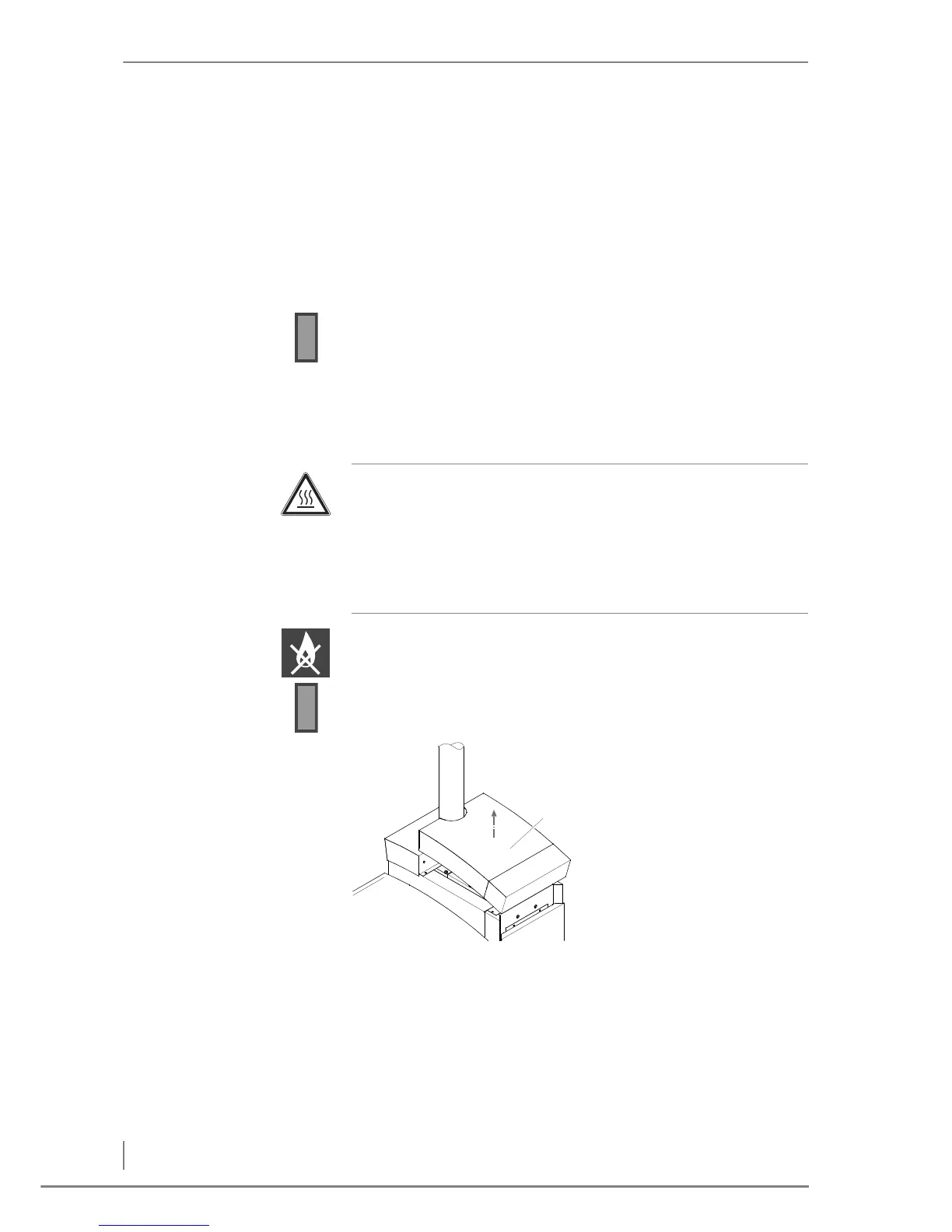
4. Remove the top right
cover (1) at the front.
Figure 7/14 - Removing the cover at the front



 To Next Page