116
8. Hide the days where no heating times are to be entered, as
described in step 4.
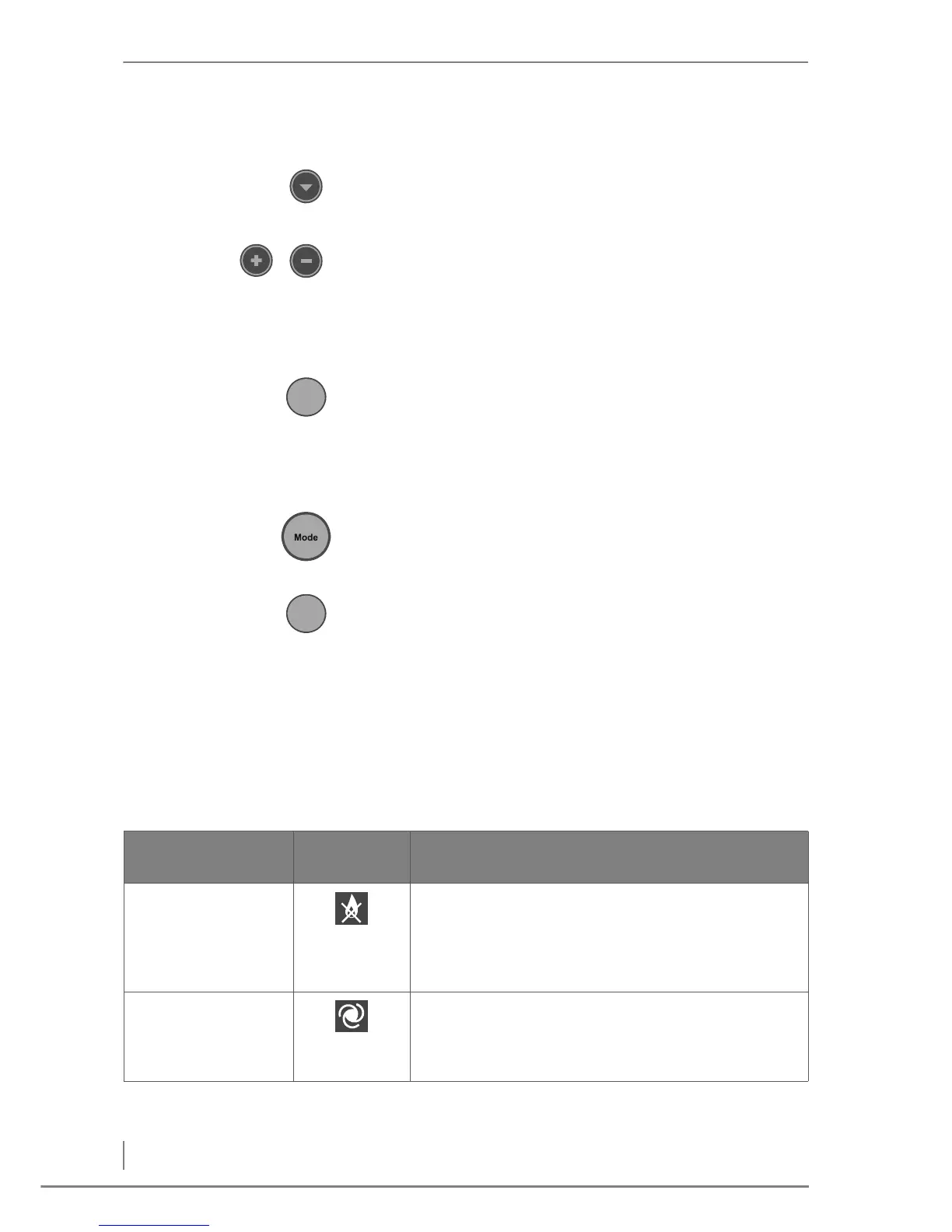
9. Press the Down button repeatedly until the cursor flashes under
the first time field ON 00:00.
✓ The cursor will flash underneath the first time field.
10.Press the Plus or Minus button.
✓ The value of the parameter is increased or decreased in
increments of 15 minutes.
11.Configure the heating time as described under step 8.
✓ The heating times have been set.
12.Press the Enter button.
✓ The set heating times have been confirmed.
6.6 Changing operating mode
With the Mode button you can change the operating mode.
1. Press the Mode button repeatedly until the symbol for the desired
operating mode flashes.
✓ The desired operating mode has been preselected.
2. Press the Enter button.
✓ The selected operating mode has been confirmed.
✓ The symbol for the selected operating mode lights up.
✓ The heating system switches to the selected operating mode.
6.7 Operational statuses
The heating system goes through the following states during
operation:
Operating status
Operating
mode
Description
OFF • The mains switch is turned on.
• Frost protection and the protective programmes are
active.
• This operating status is maintained until a change is
made to a different status.
No demand • The current boiler temperature is higher than the
preset boiler temperature.
• This operating status is maintained until a request for a
higher boiler temperature is made.
Table 6/1 - Operational statuses



 To Next Page