46
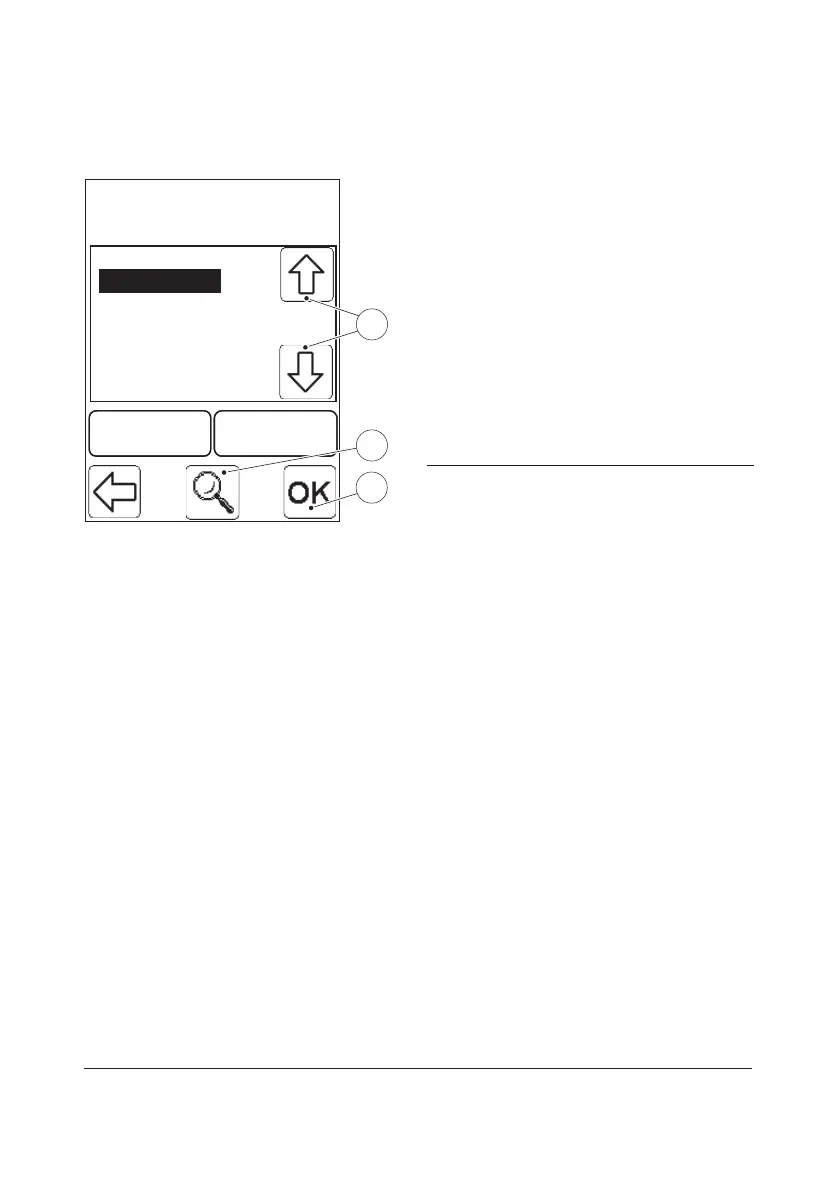
View/Change Liquid Control specification
L2 123456789
L2 123456789
L3 123456789
L1 123456789
DeleteDelete AddAdd
2
1
3
FIGURE 3-14
a) To choose the Liquid Control
specification that is to be viewed/
changed, highlight the Liquid Control
specification by pressing the Scroll bar
arrows(1). Press the View button(2). By
pressing repeatedly on the confirm
button, FIGURE 3-8 to FIGURE 3-12 will
be displayed. Press the Save button to
store any changes made and return to
the Liquid Controls List.
b) Press the Confirm button(3) to return to
the Define Lists menu (see FIGURE 3-5).
1 Scroll bar arrows
2 View button
3 Confirm button


 To Next Page
 Loading...









