July 2017 PLT-01067, Version: A.7
Work Instruction Wizard Page 6-15
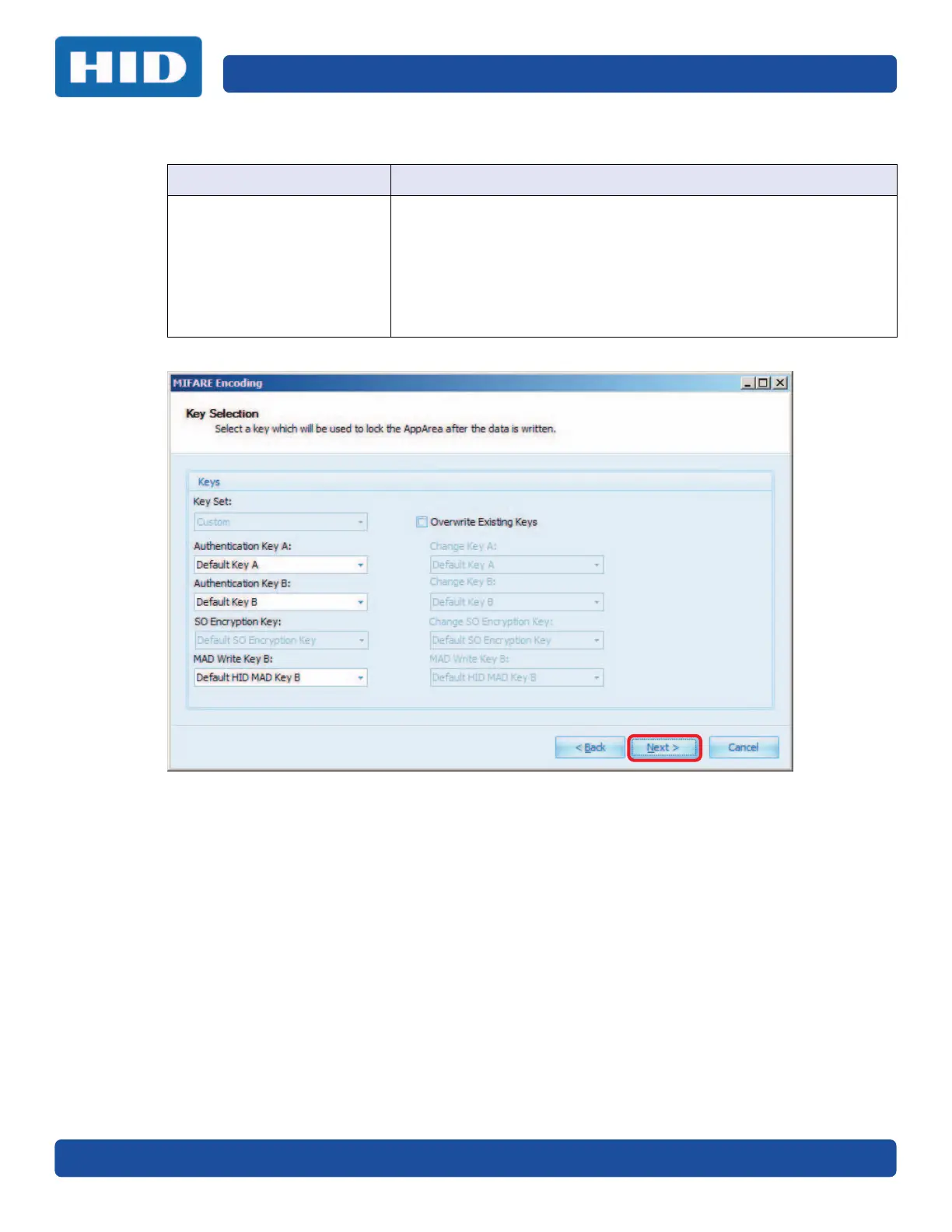
5. Key Selection: Select a key to lock the AppArea after the data is written. Click Next.
6. The wizard is complete. Click Finish.
7. Return to Section 5.5: Create a Work Order, step 5 to save the Work Order.
Field Description
Keys Key Set: Not an option.
Authentication Keys are the keys currently used to protect the Sector.
Select Default if working with a blank card or Sector.
Authentication Key A: Select an option from the drop-down menu.
Authentication Key B: Select an option from the drop-down menu.
SO Encryption Key: Not available with the Custom option.
MAD Write Key B: Select an option from the drop-down menu.


 To Next Page