INTRODUCTION
Version 4.2.7.2, 05/2014. Copyright 2012 Hitron Technologies
19
Version 4.2.7.2, 05/2014. Copyright 2014 Hitron Technologies
19
Hitron CGNV User’s Guide
1.3 LEDs
This section describes the CGNV’s LEDs (lights).
LAN1 Use these ports to connect your computers and other
network devices, using Category 5 or 6 Ethernet cables
with RJ45 connectors.
LAN2
LAN3
LAN4
LINE 1 Use these ports to connect your analog phones for VoIP
services, using cables with RJ11 connectors.
LINE 2
CABLE Use this to connect to the Internet via an F-type RF
cable.
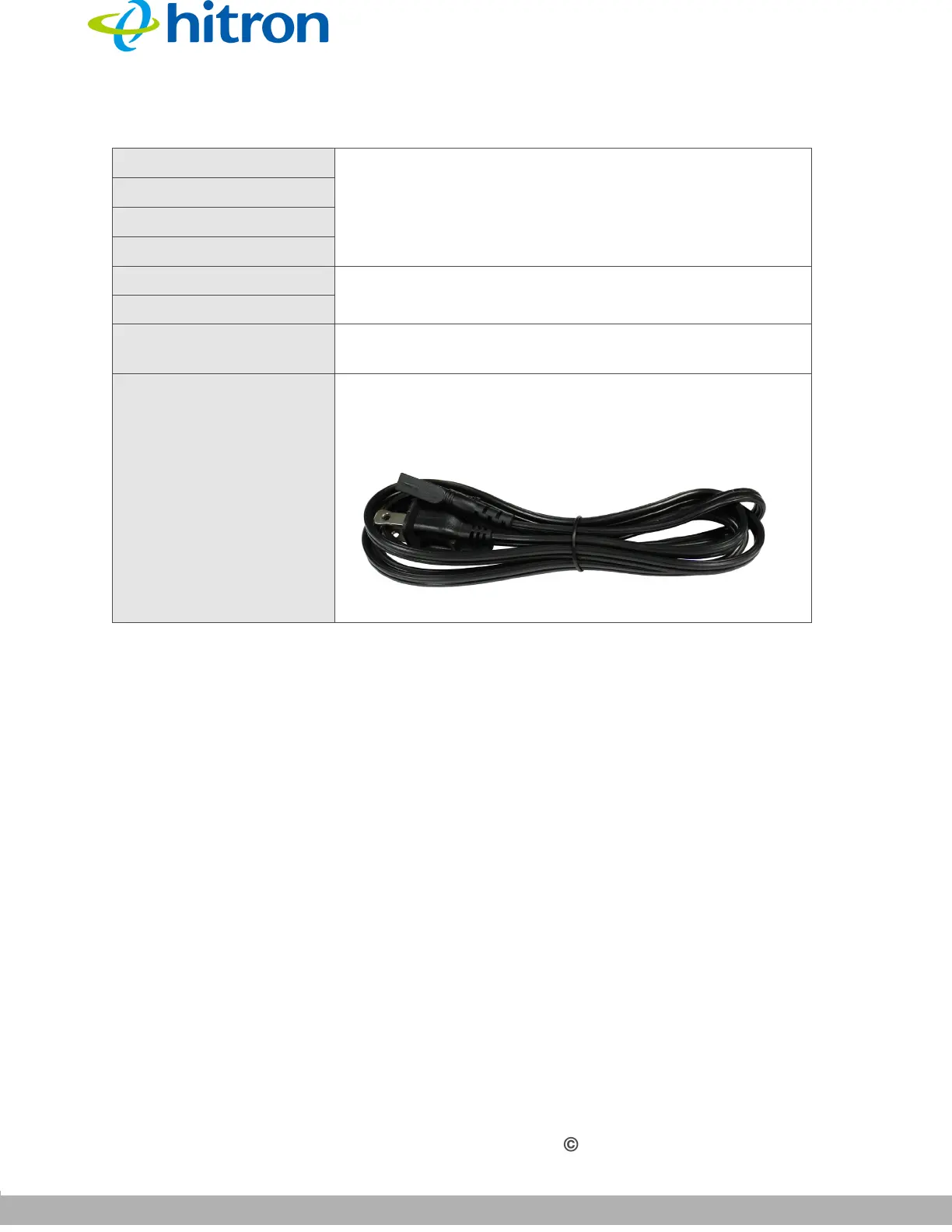
POWER Use this to connect AC 110V power with your CGNV.
Figure 3: Power Cord
Table 2: Hardware Connections



 To Next Page