BASIC
Version 4.2.7.2, 05/2014. Copyright 2012 Hitron Technologies
55
Version 4.2.7.2, 05/2014. Copyright 2014 Hitron Technologies
55
Hitron CGNV User’s Guide
4.3 The WAN Setup Screen
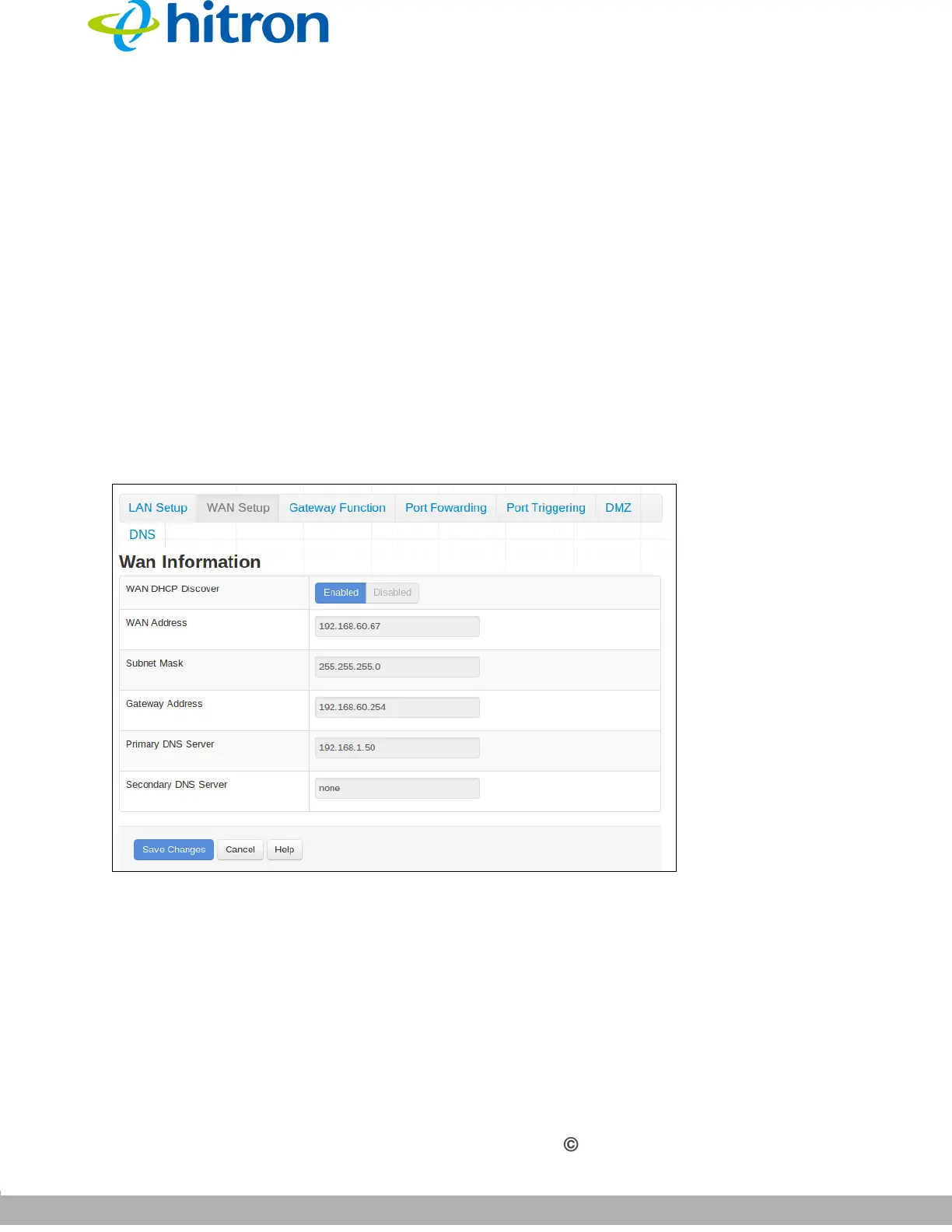
Use this screen to:
View information about the CGNV’s connection to the WAN
Configure the CGNV’s WAN IP address, subnet mask and domain suffix
Configure the CGNV’s internal DHCP server
Define how the CGNV assigns IP addresses on the WAN
See information about the network devices connected to the CGNV on the WAN.
Click Basic > WAN Setup. The following screen displays.
Figure 18: The Basic: WAN Setup Screen



 To Next Page