INTRODUCTION
Version 4.2.7.2, 05/2014. Copyright 2012 Hitron Technologies
25
Version 4.2.7.2, 05/2014. Copyright 2014 Hitron Technologies
25
Hitron CGNV User’s Guide
5
Click Login. The System Information screen displays (see The System
Information Screen on page 40).
1.6 GUI Overview
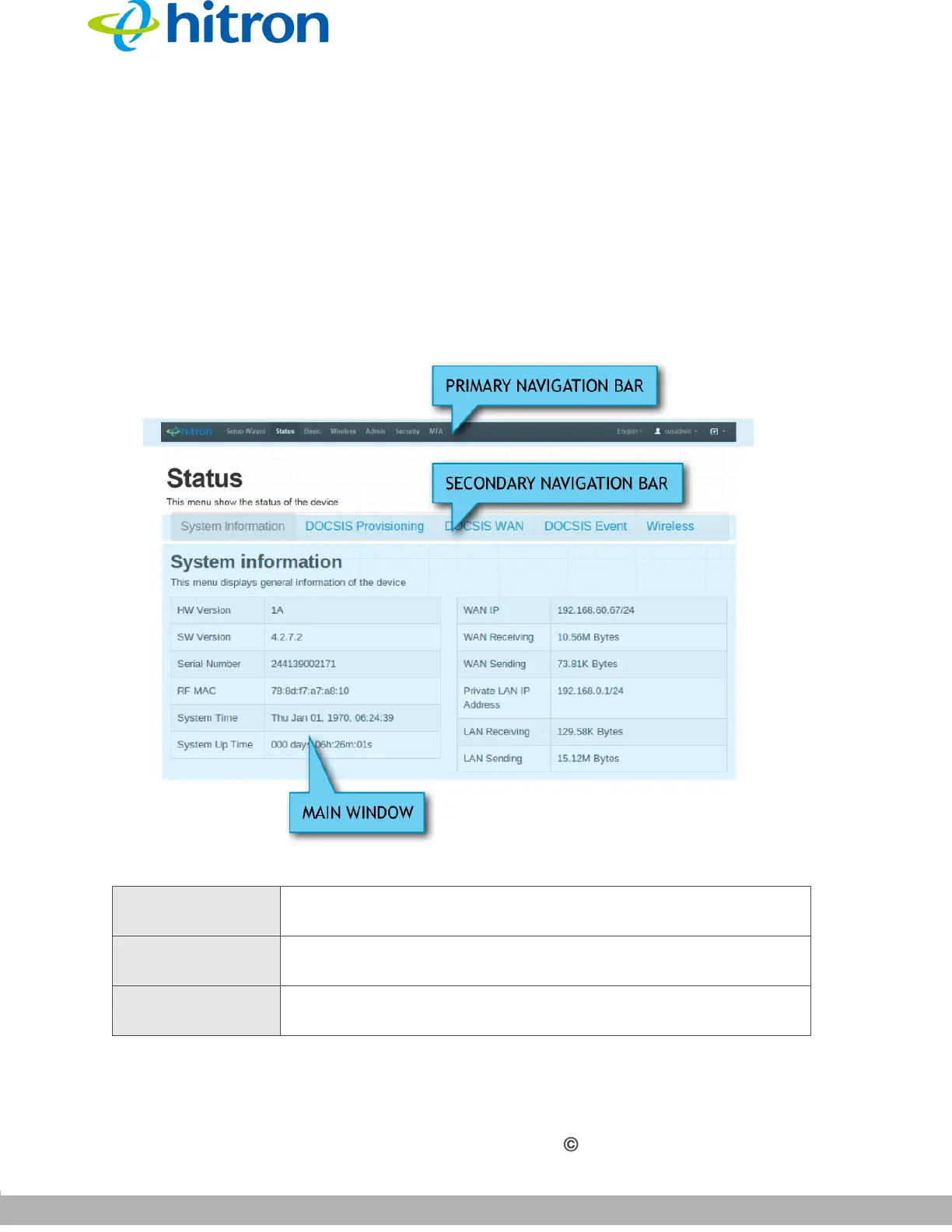
This section describes the CGNV’s GUI.
Figure 6: GUI Overview
Table 4: GUI Overview
Primary
Navigation Bar
Use this section to move from one part of the GUI to another.
Secondary
Navigation Bar
Use this section to move from one related screen to another.
Main Window Use this section to read information about your CGNV’s
configuration, and make configuration changes.



 To Next Page