BASIC
Version 4.2.7.2, 05/2014. Copyright 2012 Hitron Technologies
67
Version 4.2.7.2, 05/2014. Copyright 2014 Hitron Technologies
67
Hitron CGNV User’s Guide
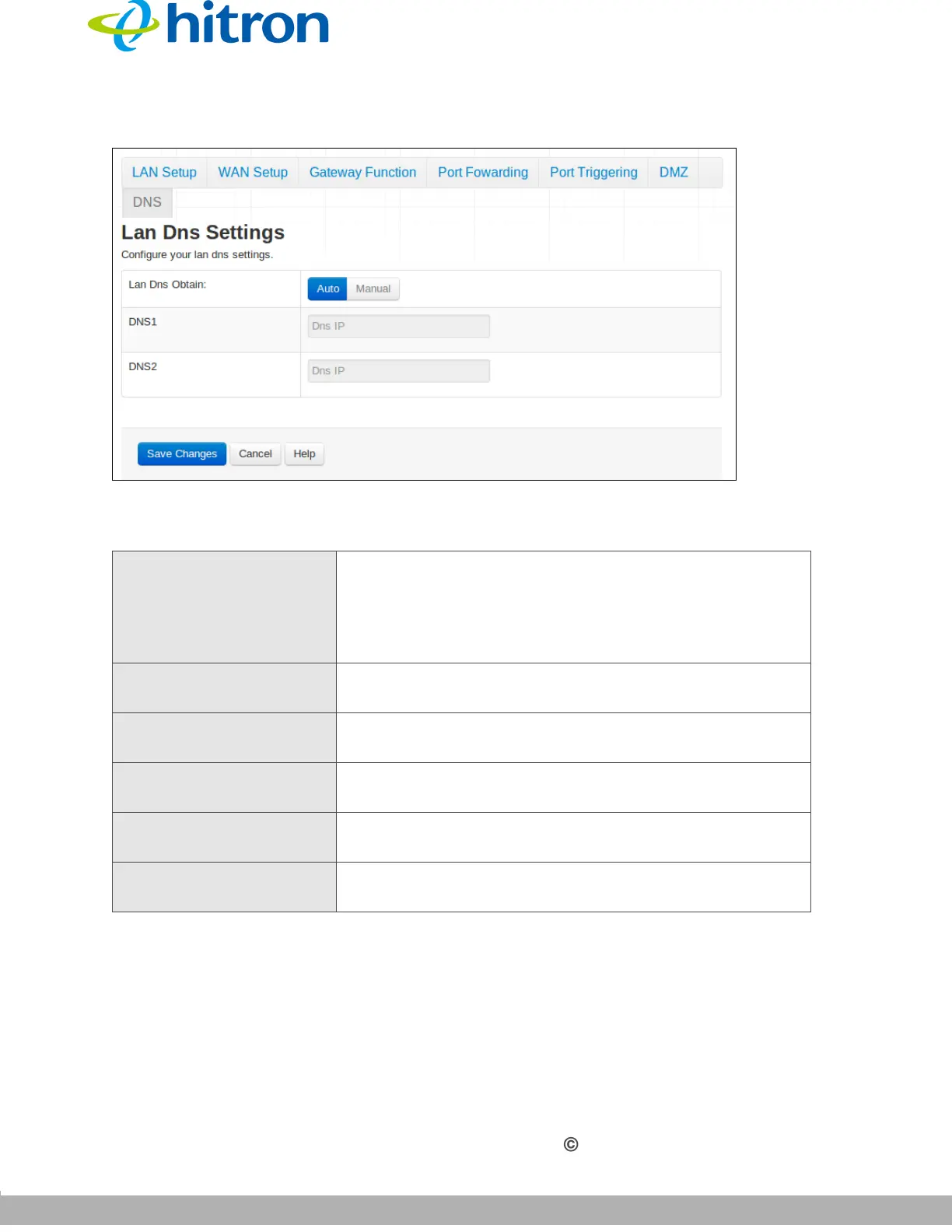
Figure 25: The Basic: DNS Screen
The following table describes the labels in this screen.
Table 23: The Basic: DNS Screen
LAN DNS Obtain Use this field to obtain the DNS automatically or
manually.
Select Auto to obtain the DNS automatically.
Select Manual to obtain the DNS manually.
DNS1 Enter the IP address of the computer that you want to add
to the DNS manually.
DNS2 Enter the IP address of the computer that you want to add
to the DNS manually.
Save Changes Click this to save your changes to the fields in this
screen.
Cancel Click this to return the fields in this screen to their last-
saved values without saving your changes.
Help Click this to see information about the fields in this
screen.



 To Next Page