SETUP WIZARD
Version 4.2.7.2, 05/2014. Copyright 2012 Hitron Technologies
28
Version 4.2.7.2, 05/2014. Copyright 2014 Hitron Technologies
28
Hitron CGNV User’s Guide
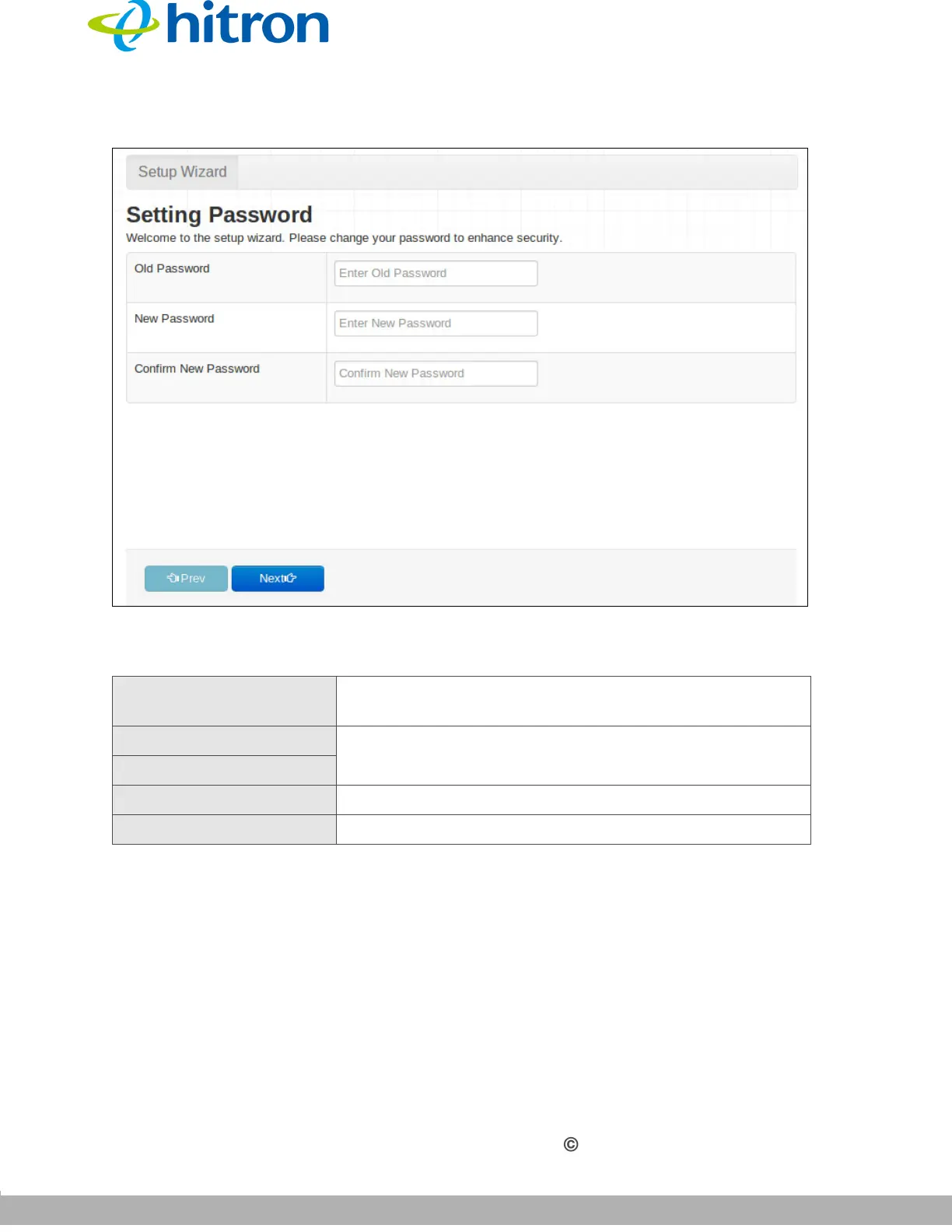
Figure 7: Setting Password Screen
The following table describes the labels in this screen.
2.3 LAN Settings
Use this screen to set up your CGNV’s Local Area Network settings, including its IP
address, subnet mask and DHCP status.
NOTE: If unsure about how to configure the fields in this screen, leave them at their
defaults.
Table 5: Setting Password Screen
Old Password Enter the password with which you currently login to the
CGNV for this account.
New Password Enter and re-enter the password you want to use to
login to the CGNV for this account.
Confirm New Password
Prev Click this to return to the previous screen.
Next Click this to continue to the next screen.



 To Next Page