INTRODUCTION
Version 4.2.7.2, 05/2014. Copyright 2012 Hitron Technologies
21
Version 4.2.7.2, 05/2014. Copyright 2014 Hitron Technologies
21
Hitron CGNV User’s Guide
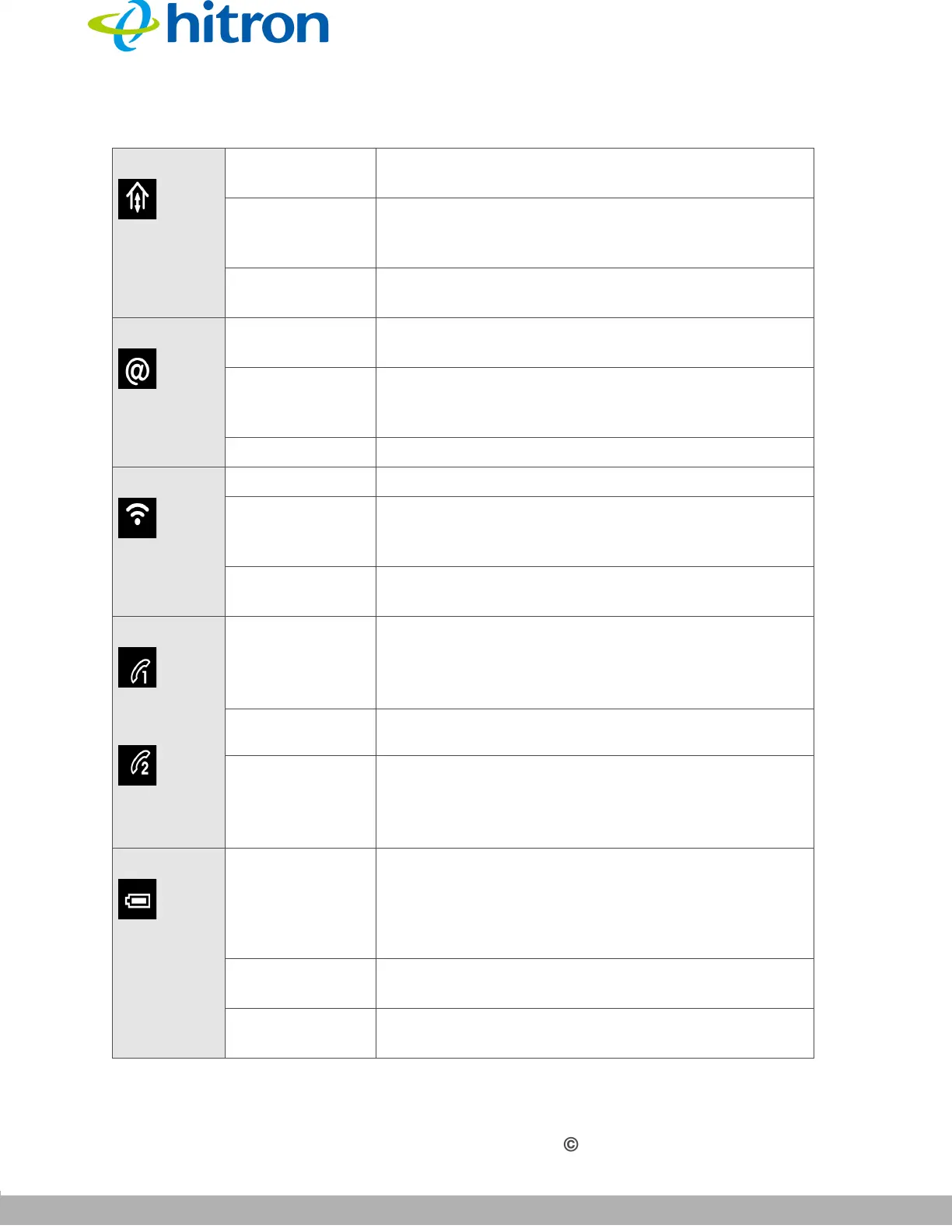
US/DS Blinking The CGNV is searching for an upstream/
downstream frequency on the CABLE connection.
On The CGNV has successfully located and locked
onto an upstream/downstream frequency on the
CABLE connection.
Off There is no upstream/downstream activity on the
CABLE connection.
Online Blinking The CGNV’s cable modem is registering with the
service provider’s CMTS.
On The CGNV’s cable modem has successfully
registered with the service provider and is ready for
data transfer.
Off No device is connected to one of the LAN ports.
WIFI Off The wireless network is not enabled.
On The wireless network is enabled, and no data is
being transmitted or received over the wireless
network.
Blinking The wireless network is enabled, and data is being
transmitted or received over the wireless network.
LINE 1
LINE 2
Off
Your service plan does not include voice service.
NOTE: The number of LINE LEDs that light up
depends on your voice service plan.
Blinking
A telephone is connected to the relevant Line port,
and is off-hook.
On
Your service plan includes voice service.
NOTE: The number of LINE LEDs that light up
depends on your voice service plan.
BATTERY
Off
(a) If Battery LED is off and Power LED is blinking,
then device is in battery backup mode. (b) If Battery
LED is off and Power LED is solid, this indicates
there is no battery or battery is not properly
functioning. Solid Glow=battery is charging.
On CGNV is operating on AC power, battery is not
charging.
Blinking Battery power is low. Use AC power as soon as
possible.
Table 3: LEDs



 To Next Page