Table 7-1 Items on live view page
Item Description
Menu Bar Includes Live View, Playback, Log and Configuration.
Live View Parameters Configure the image size and stream type of the live video.
Live View Window Displays the live video of a specified camera.
Toolbar Allows users to control live view, capture images, and record
videos.
PTZ Control Allows users to control PTZ cameras: remote directional and
zoom control.
Preset Setting/Calling Set and call the preset for the camera (if supports PTZ function).
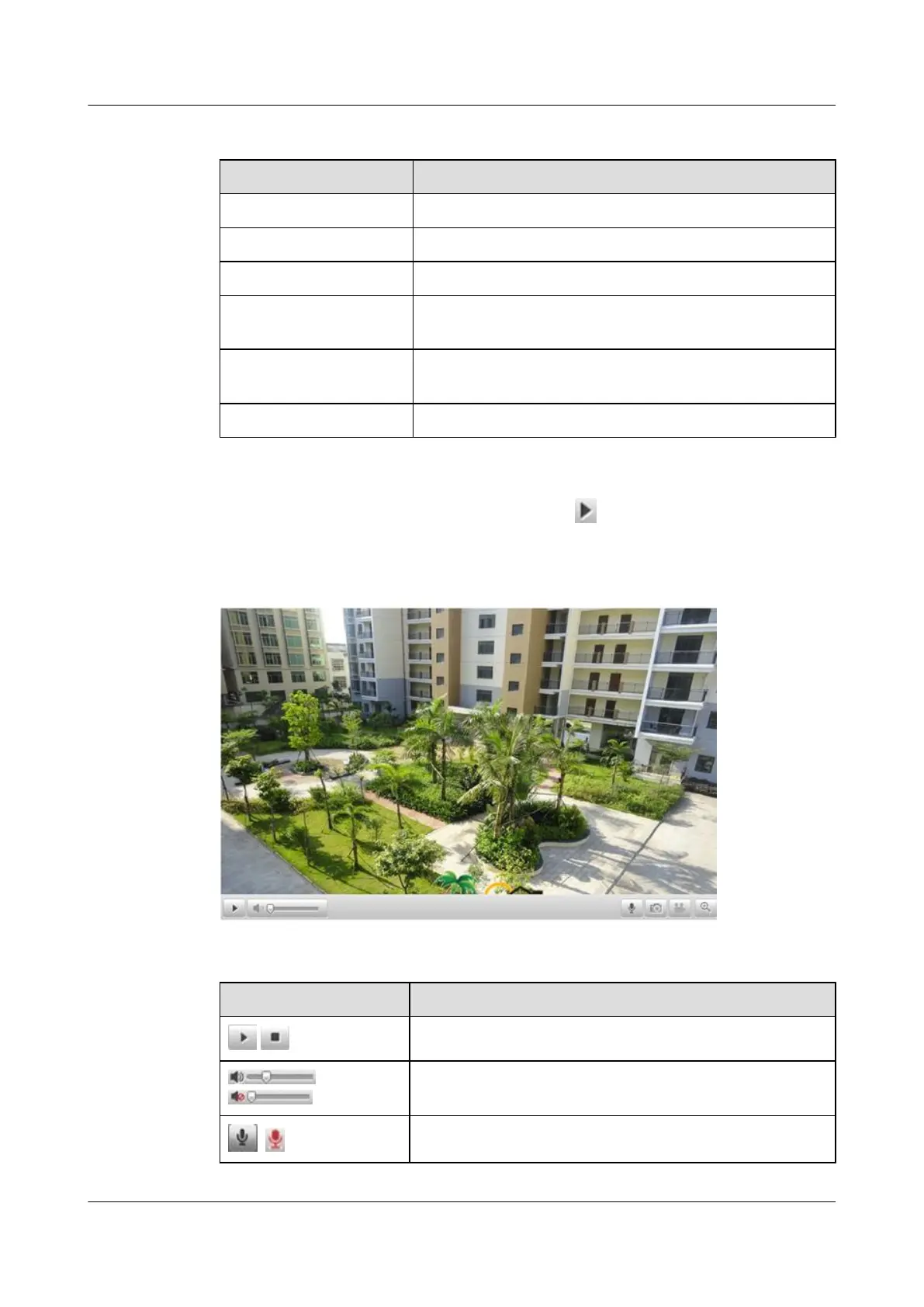
In the live view window as shown in Figure 7-2,click on the toolbar to get the live view
from a specified camera.
Figure 7-2 Live View
Table 7-2 Icons Description
Icon Description
/
Start or stop live view.
/
Control or mute the volume.
/
Enable or disable two-way audio.
IPC6131-WD-A&6123-WDL-A&6232-IR&6212-
IR&6231-WD-VRZ&6332-MIR&6311-IR&6331-IR
User Guide 7 Live View
Issue 02 (2014-12-25) Huawei Proprietary and Confidential
Copyright © Huawei Technologies Co., Ltd.
66



 To Next Page