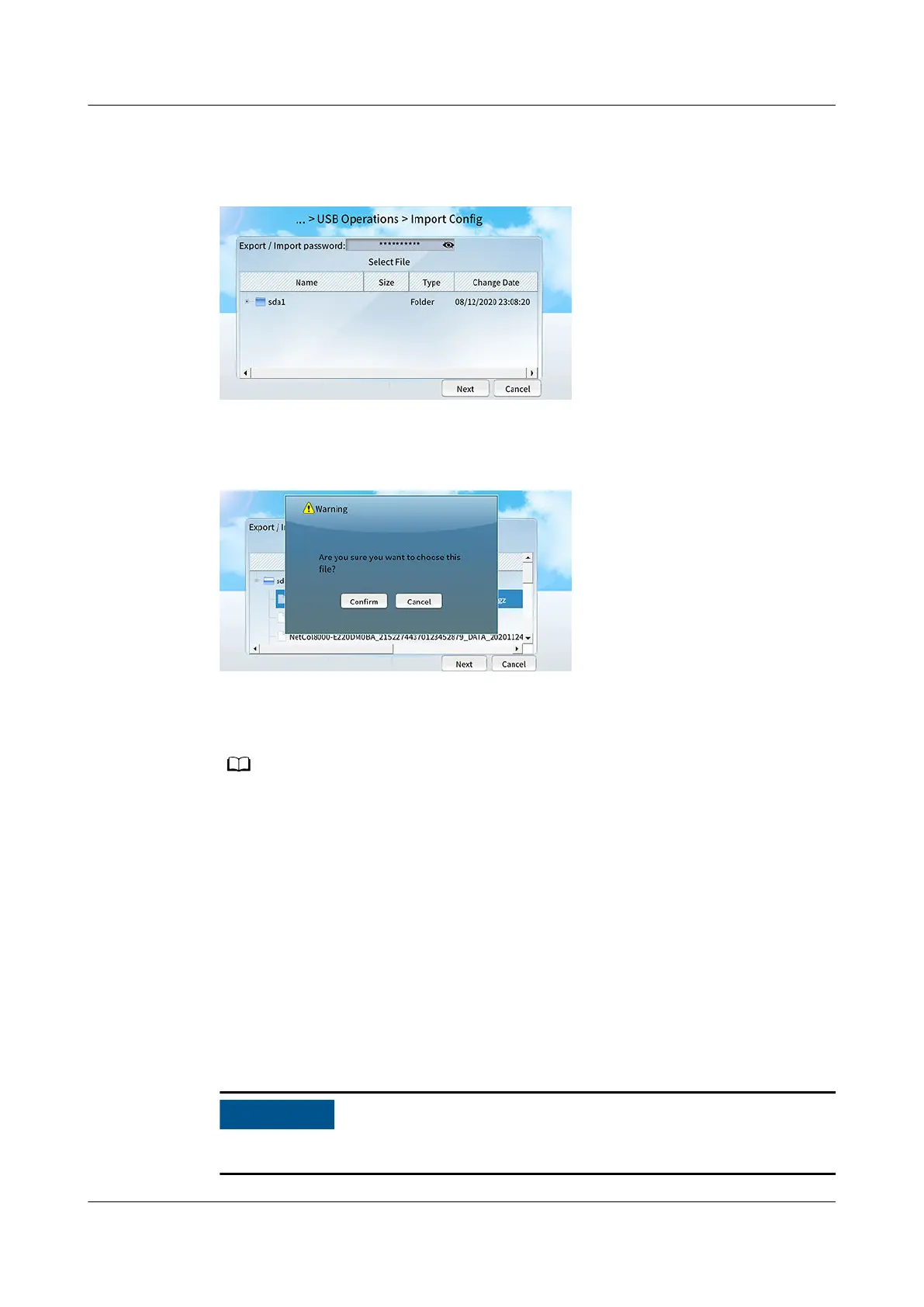
Step 5 On the home screen of unit 2, choose Maint > USB Operations > Import Cong.
Figure 12-10 Selecting a le
Step 6 Select the le package to be imported and tap Next.
Figure 12-11 Conrming the le
Step 7 Choose Conrm and tap Next.
Step 8 After the import is complete, tap Finish.
If the le fails to be imported, a failure message will be displayed.
Step 9 On the home screen, choose Maint > USB Operations > Remove USB to remove
the USB
ash drive in safe mode.
----End
12.3.3 How Do I Import a Certicate and Key?
Prerequisites
The CA
certicate le, local certicate le, and key le have been saved in a
USB ash drive.
Ensure that the key le has been encrypted using AES128.
NetCol5000-A050 In-row Air Cooled Smart Cooling
Product
User Manual 12 FAQ
Issue 08 (2021-09-17) Copyright © Huawei Technologies Co., Ltd. 297



 To Next Page