6.5.4.2 Setting Communications Parameters (Modbus TCP Protocol)
Connecting to the ECC800
Step 1 On the home screen, choose Settings > Comm Settings > IP Settings, make sure
the IP assigning mode is set to Auto (DHCP).
Figure 6-14 IP Settings
Step 2 On the home screen, choose Settings > Comm Settings > Modbus Settings. Set
Link mode to Server and client or Server, and set Server encryption to Enable.
Figure 6-15 Modbus Settings
----End
Connecting to the NMS
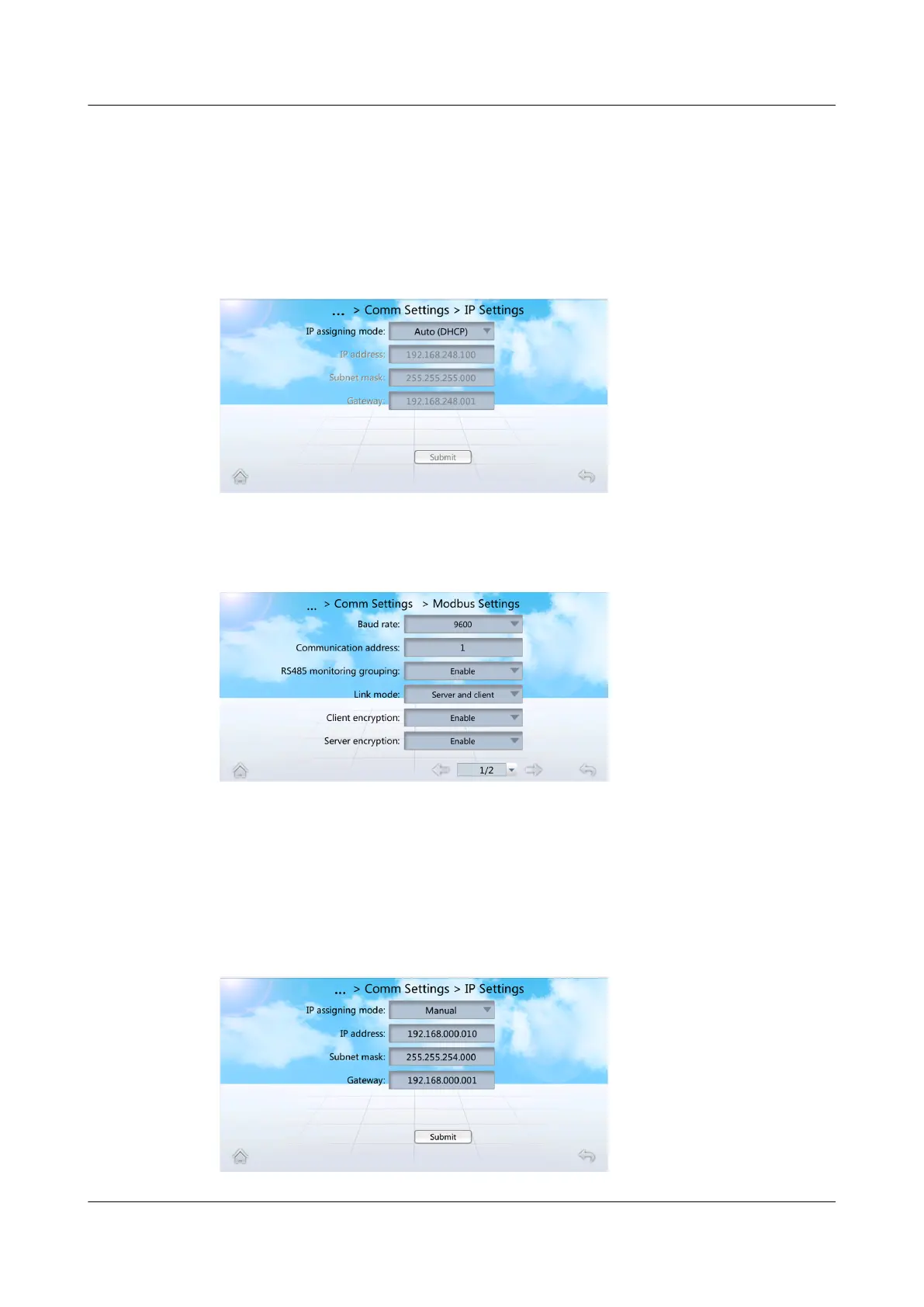
Step 1 On the home screen, choose Settings > Comm Settings > IP Settings. The IP
assigning mode is set to Manual. Set IP address, Subnet mask, Gateway
according to the actual plan.
Figure 6-16 IP Settings
NetCol5000-A050 In-row Air Cooled Smart Cooling
Product
User Manual 6 Power-On Commissioning
Issue 08 (2021-09-17) Copyright © Huawei Technologies Co., Ltd. 151



 To Next Page